Quick answer: What is a WhatsApp CRM, and what do you need in India?
A WhatsApp CRM is a system that turns WhatsApp conversations into customer records: every contact has an owner, a history, tags, a pipeline stage and a next action, not just a chat thread. It runs on the official WhatsApp Business Platform (Cloud API) through a Meta Business Partner, because the free WhatsApp Business app cannot give a team assignment, automation or reporting. For most Indian SMBs the practical stack is: official API number, a team inbox, a contact database with custom fields, automation or an AI agent for first response, and a clean sync to whatever system your sales team already trusts. If you want to see how Mark360's WhatsApp API fits that stack, start there, then compare against your current setup using the checklist below.
What a WhatsApp CRM actually is (and what it is not)
People use "WhatsApp CRM" for three different things, which is why comparison pages feel confusing. Separate them before you buy anything.
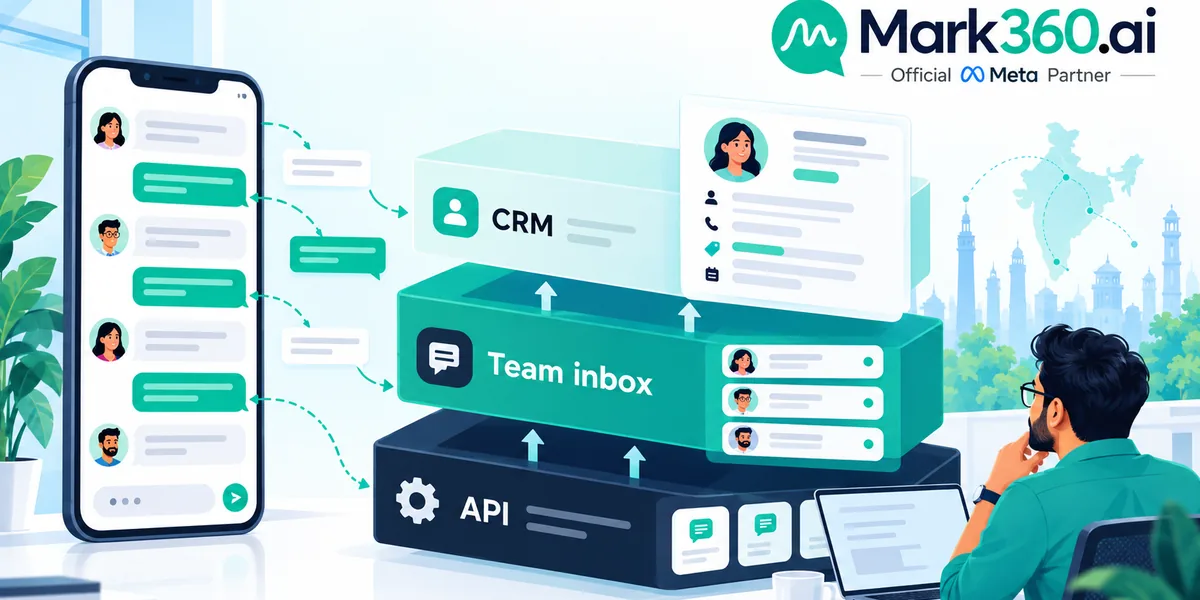
- The API layer. Meta's official connection that lets software send and receive messages on your business number. It has no screen for your team.
- The shared inbox. One conversation list several agents can work from, with assignment and labels. Useful, but a chat list is not a customer record.
- The CRM layer. Structured data on top of the conversation: who the person is, where they came from, what they asked, what they bought, who owns the follow-up and how it ended.
Many products bundle all three under one name. A good WhatsApp CRM is not "a chat window with tags"; it is the place where a message becomes a lead, a lead becomes an order or booking, and nobody has to remember what was promised on a phone screen.
Why Indian teams outgrow the WhatsApp Business app first
The free app works for a single owner answering a handful of chats. It breaks in predictable ways once a business has more than one person replying or more than a few dozen leads a day:
- Leads arrive from Instagram bios, Click-to-WhatsApp ads, QR codes on packaging, website buttons and walk-ins, but all look identical in the chat list.
- Nobody can tell whether a lead was already answered, by whom, or when a follow-up is due.
- Staff leave and take customer history on their personal phones.
- Campaign sends are manual, so segmentation and consent tracking live in spreadsheets.
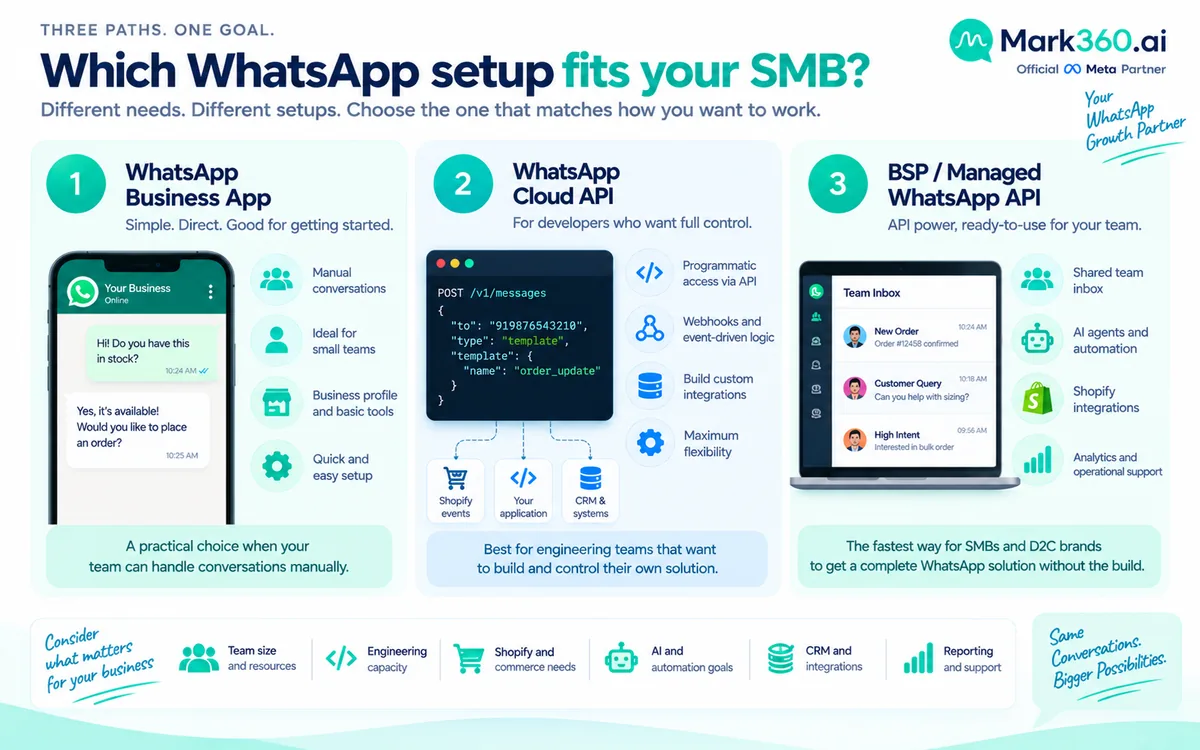
If that sounds familiar, the decision is not "app or CRM"; it is which official API route you take. Our guide on Cloud API vs Business App vs BSP in India covers that step in detail, so this article focuses on the CRM layer that sits on top.
The data model: what a WhatsApp CRM should store per contact
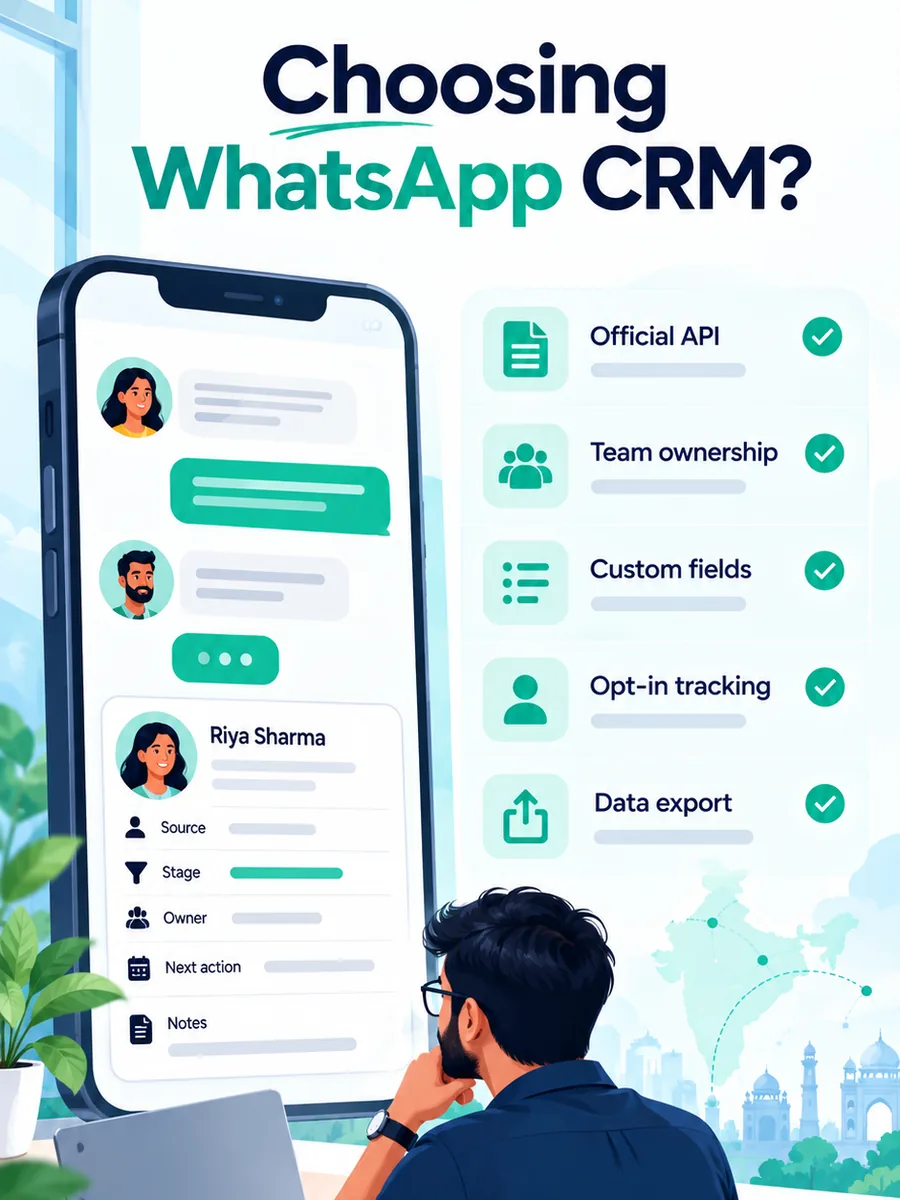
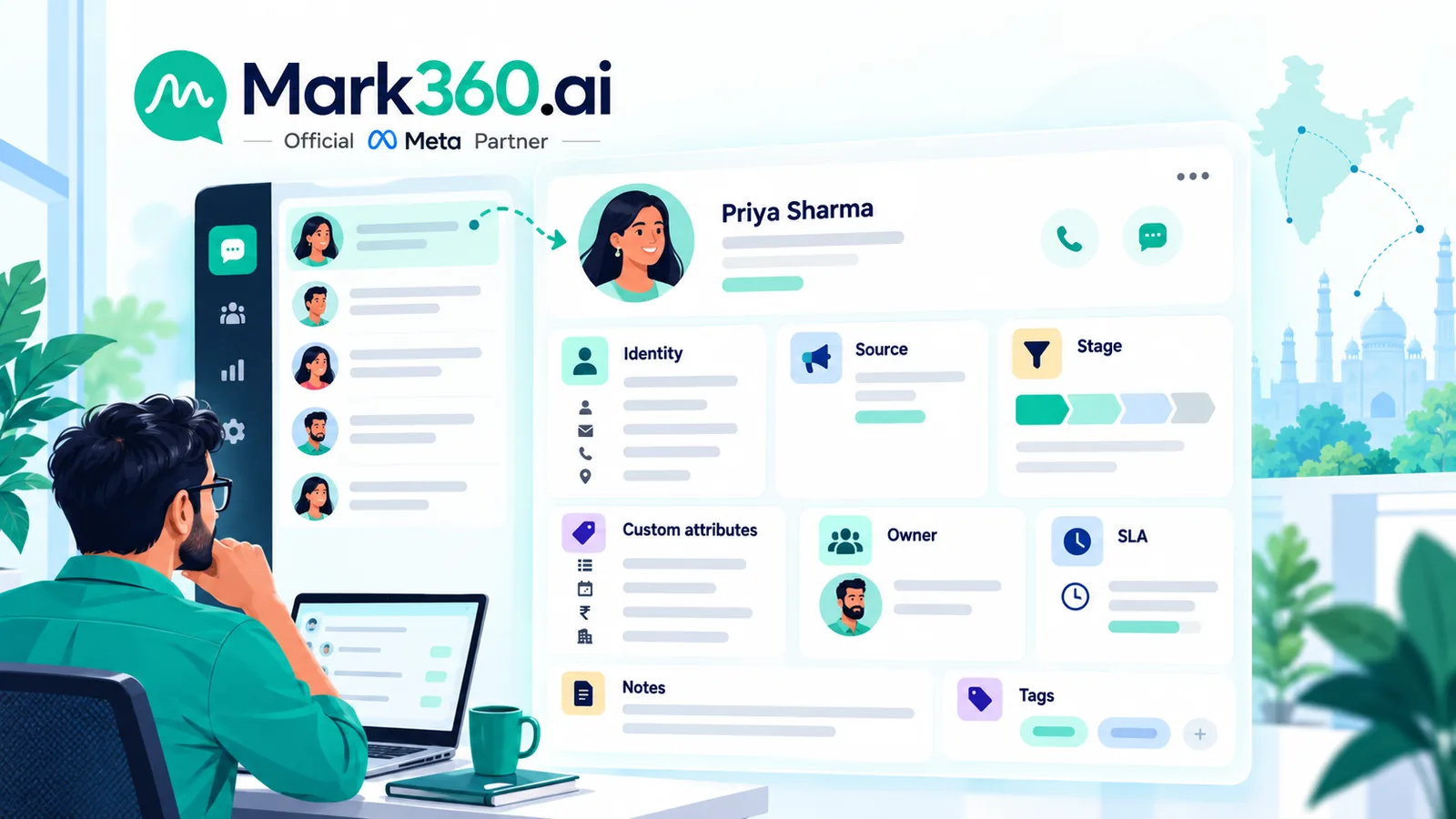
Before comparing tools, decide what a "contact" needs to carry. A useful minimum:
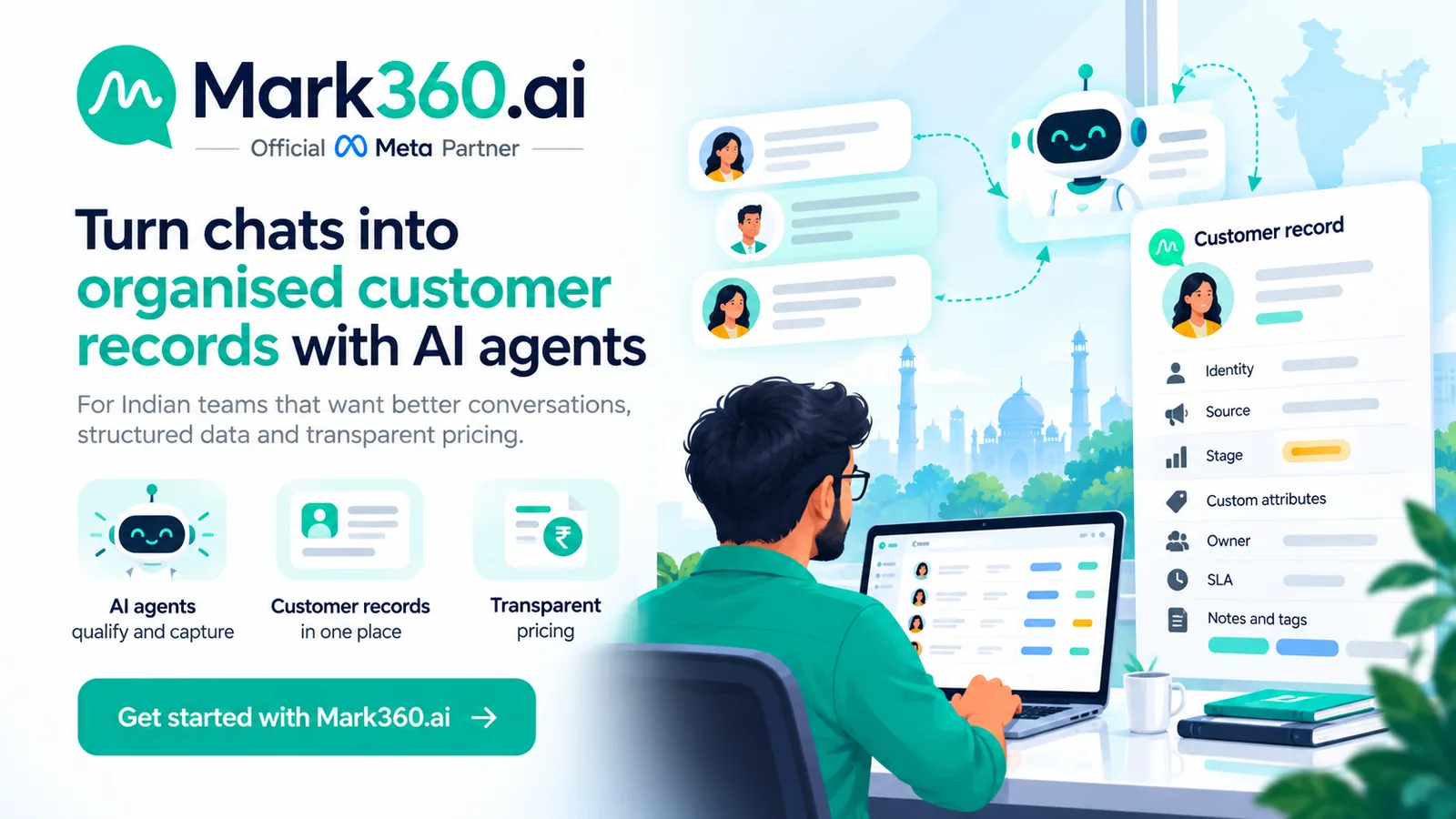
- Identity: name, phone number, and opt-in status with source and date. WhatsApp is moving toward usernames alongside phone numbers, so avoid designing everything around the phone number alone; see WhatsApp usernames and BSUID for CRM, Shopify and CTWA.
- Source and attribution: which ad, QR code, link or page started the conversation.
- Lifecycle stage: new lead, qualified, quote sent, won, lost, repeat customer.
- Custom attributes: city, product interest, budget band, preferred language, order or booking IDs.
- Owner and SLA: the assigned agent or team and the time by which the next reply is due.
- Conversation history and notes: including what the bot handled and what a human added.
- Tags and segments: used for campaigns, never as a replacement for stage.
Keep the list short. Teams that create forty custom fields in week one usually stop filling them in by week four.
Shared inbox vs built-in CRM vs your existing CRM
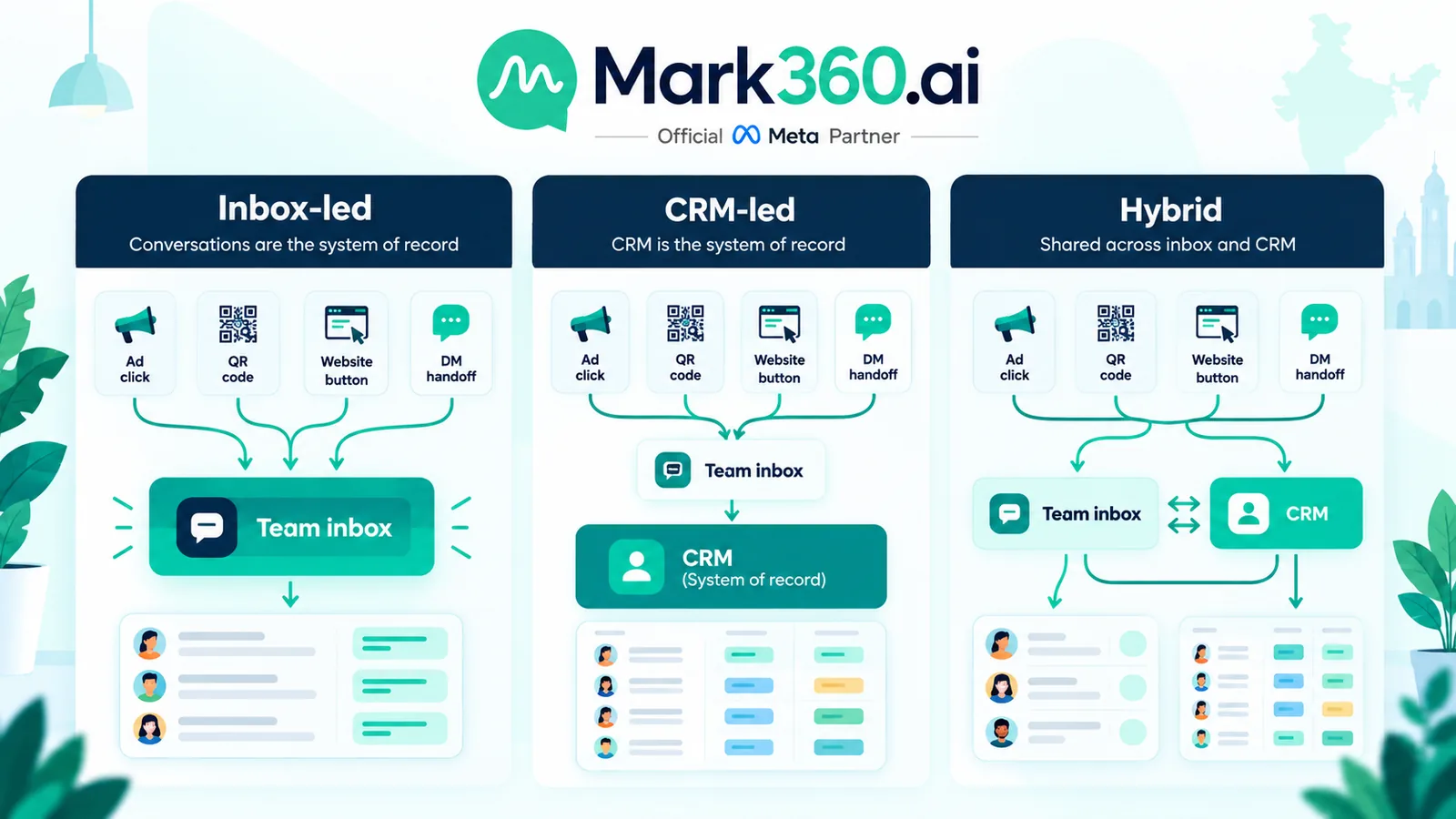
There are three common patterns. None is universally right.
1. Inbox-led (WhatsApp tool is the system of record)
Your BSP's contact database and pipeline are the main record. This is the fastest way to start and suits teams that sell mainly on WhatsApp and have no CRM yet. The risk is a second customer database that drifts from billing, ERP or support tools.
2. CRM-led (WhatsApp feeds an existing CRM)
Sales already live in a CRM your team knows, so WhatsApp events (new lead, reply received, template delivered, order confirmed) are pushed in through API or webhooks, and CRM changes trigger messages. This keeps one source of truth but needs integration work and clear rules about which system wins when fields conflict.
3. Hybrid
The WhatsApp platform owns live conversation state, SLA and automation, while the CRM owns accounts, deals and finance. This is common for growing Indian D2C brands and service businesses. Decide the field-level ownership up front: for example, conversation status lives in WhatsApp, deal value lives in the CRM.
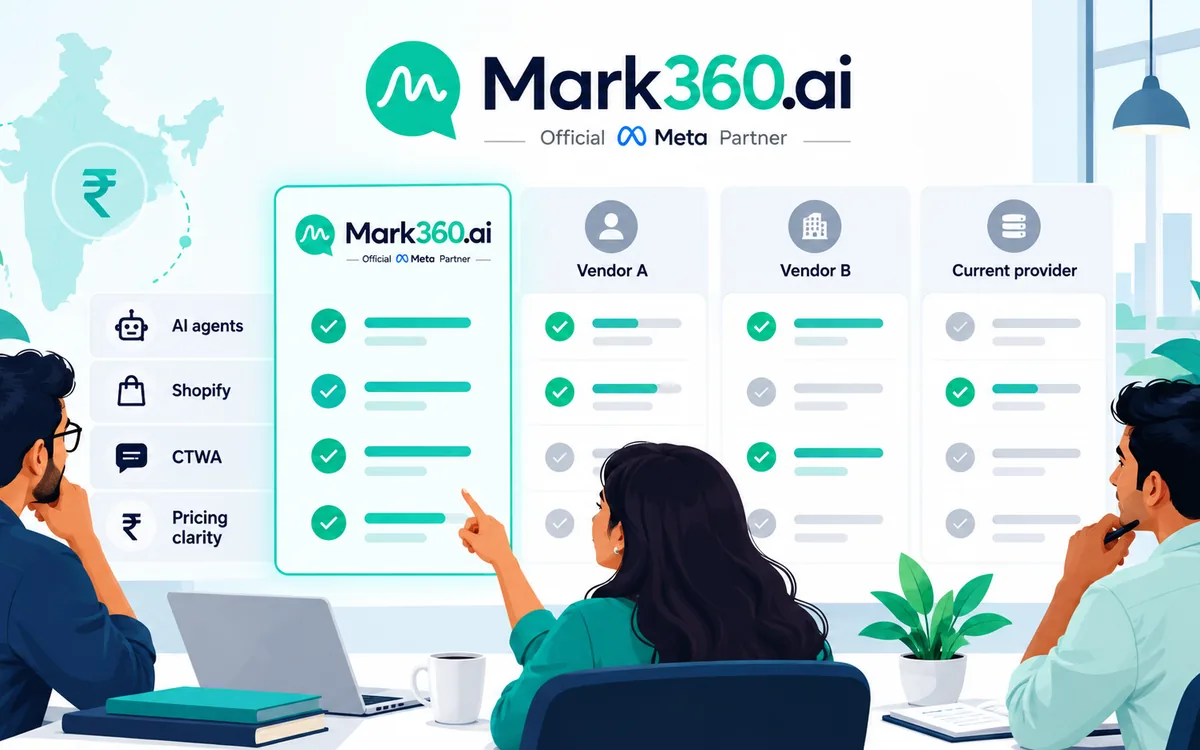
When you evaluate vendors, ask to see a lead travel the full path in a demo: ad click, first message, qualification, assignment, follow-up template, outcome and report. Feature lists hide gaps that a live path exposes.
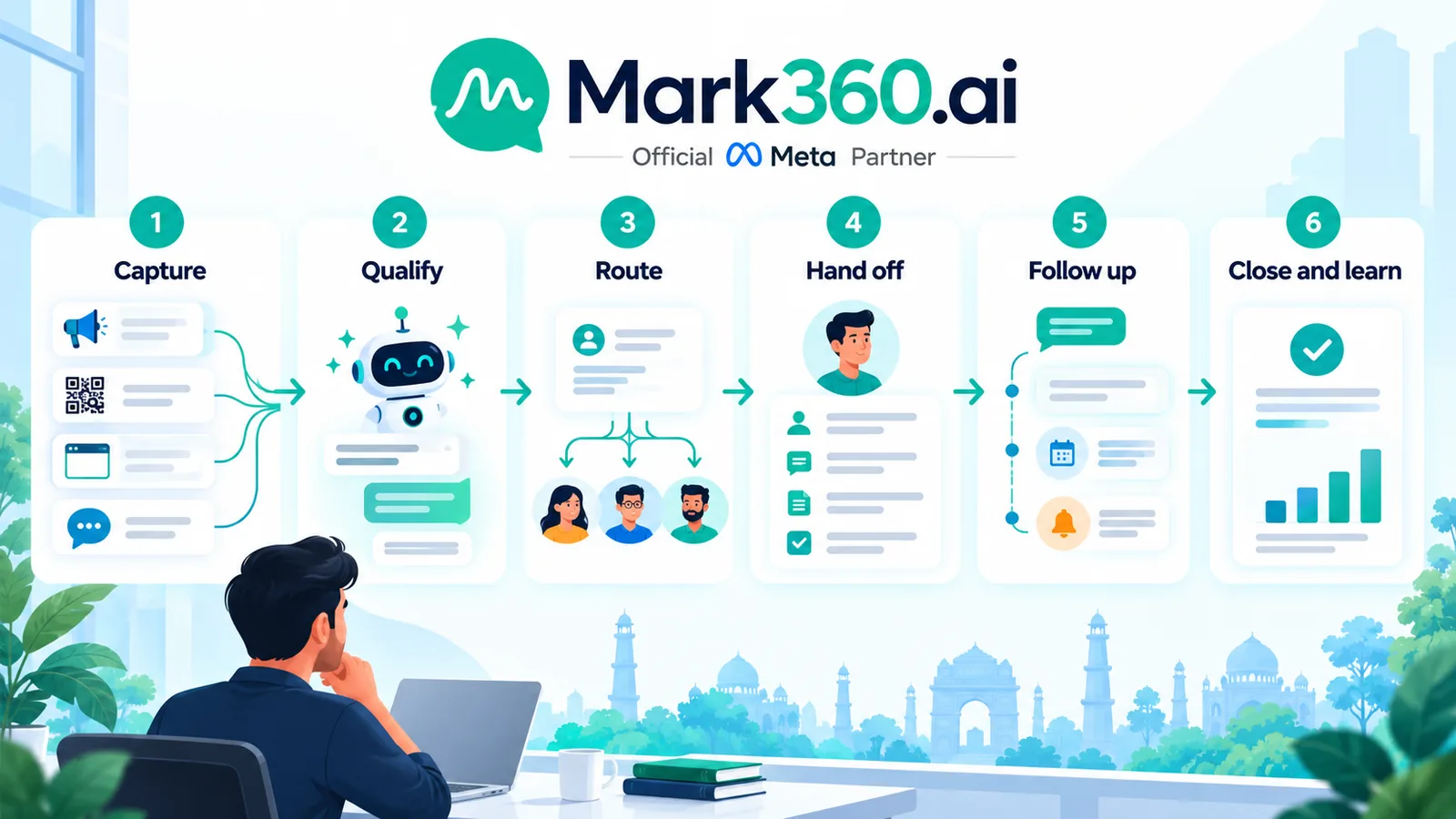
How a lead should move through your WhatsApp CRM
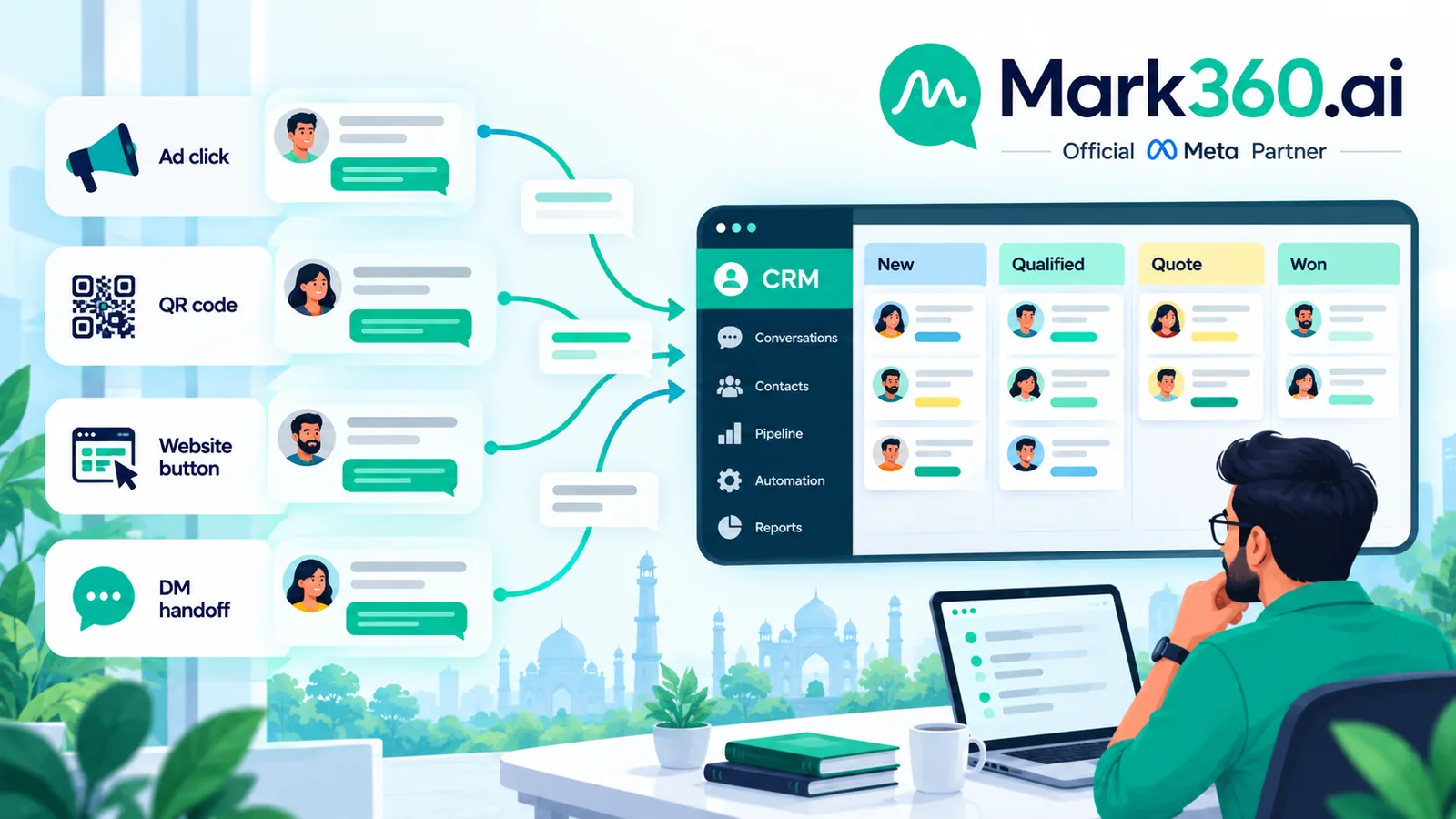
- Capture. Click-to-WhatsApp ads, website widgets, QR codes and Instagram handoffs open a chat with the source stored on the contact. See Click-to-WhatsApp ads in India for the acquisition side.
- Qualify. An automated flow or AI agent asks two or three questions (product, city, timeline) and writes the answers to custom fields instead of leaving them in chat text.
- Route. Rules assign the contact by language, product line or city, and set a reply deadline.
- Hand off. The agent sees the full transcript and the captured fields, so the customer never repeats themselves.
- Follow up. Approved templates re-open the conversation after the 24-hour window. Use Utility templates for transactional updates and Marketing templates only for opted-in promotions; see Utility vs Marketing templates.
- Close and learn. Mark won or lost with a reason, then feed that back into segments and campaigns.
The step most teams skip is writing qualification answers into structured fields. Without it, the CRM is just an expensive chat archive.
Where AI agents change the CRM workflow
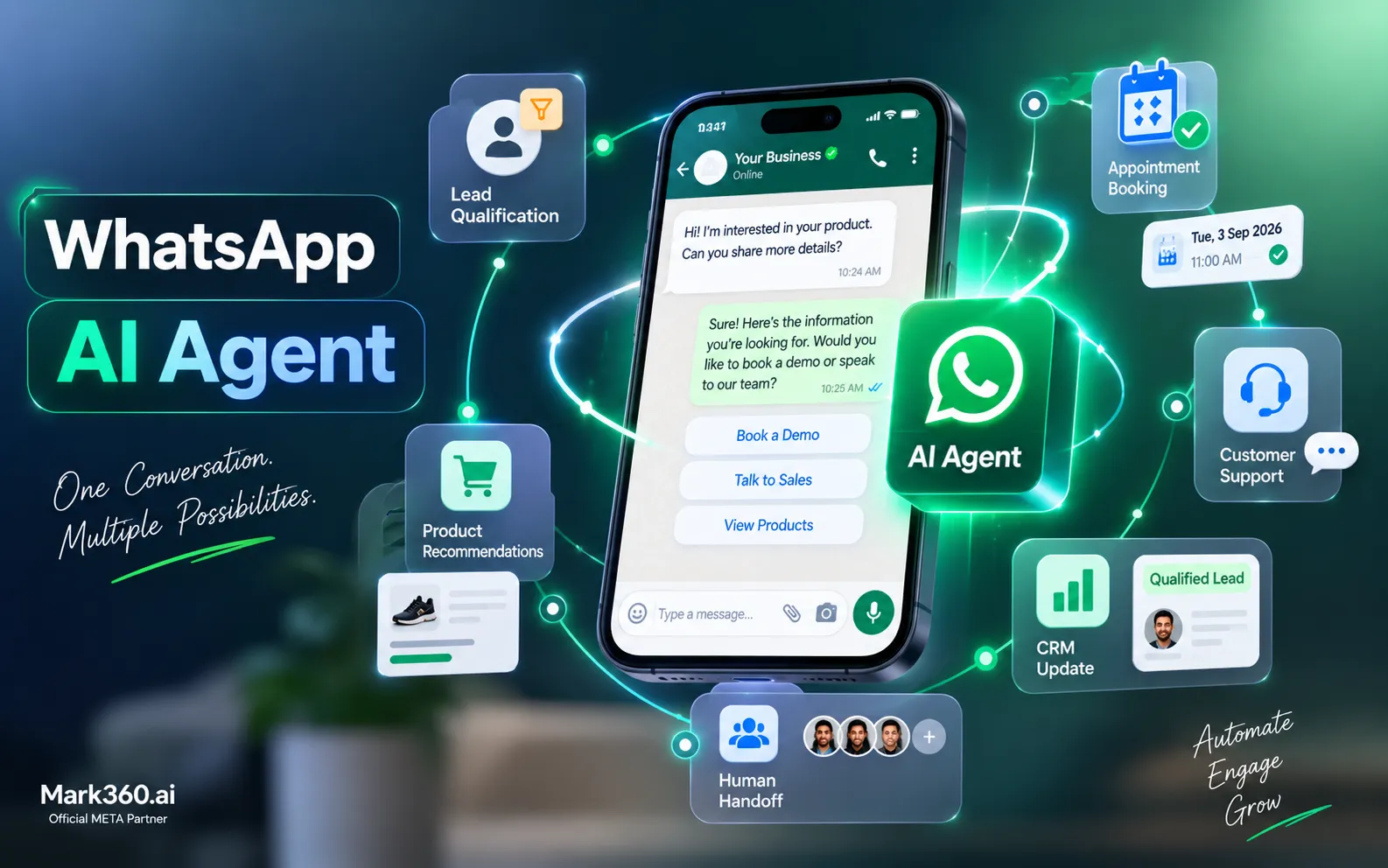
In a classic setup, a person reads every first message, copies details into a record and decides who should follow up. An AI agent can take over the repetitive first layer: answer product and policy questions from your approved knowledge, ask qualification questions, update contact fields, and hand the conversation to a human with context when intent is high or the customer asks for one. The CRM benefits because records are complete from the first minute rather than backfilled later.
Set clear boundaries: what the agent may answer, which topics always escalate, and which fields it may write. Review transcripts weekly in the first month. For a deeper explanation, read the WhatsApp AI agent guide.
Campaigns, segments and consent inside the CRM
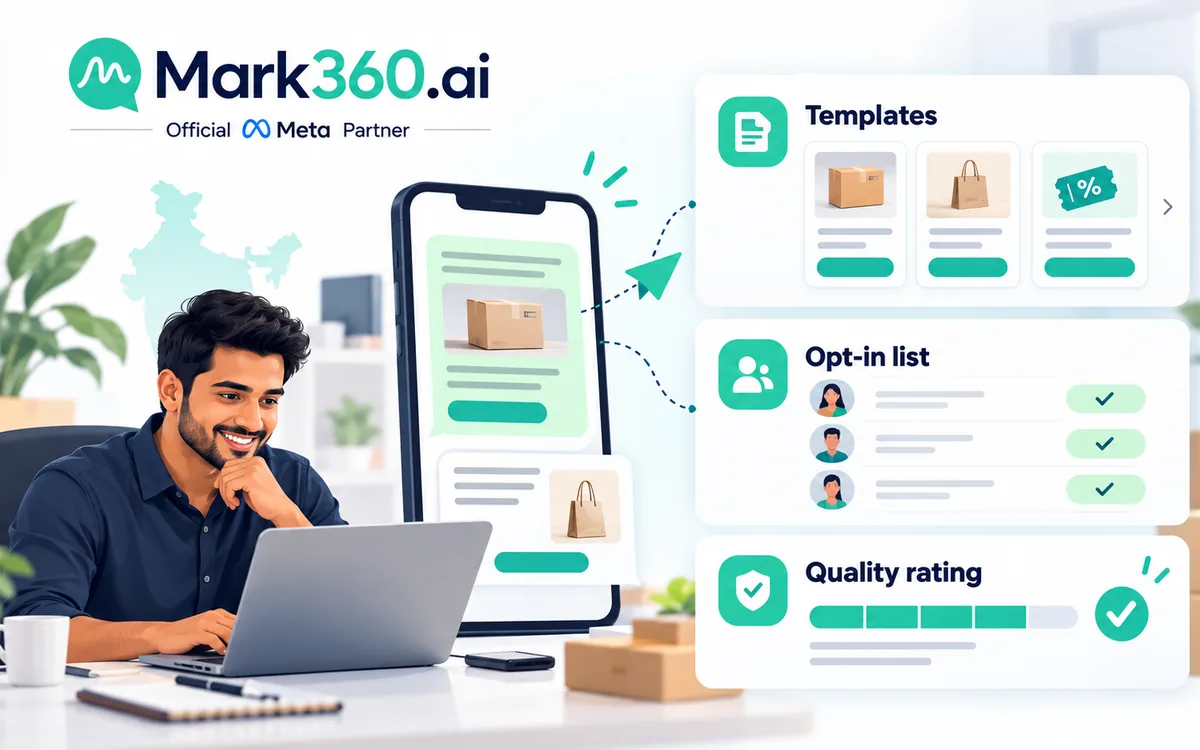
A CRM earns its keep when campaigns stop being "send to everyone". Segment on stage, source, product interest, last order date or last reply date, and always store opt-in evidence with the contact. Official sending also depends on Meta's template categories and your quality rating, so segment for relevance first; blasting a cold list damages the number you rely on for support.
For campaign design and drip logic, see WhatsApp marketing automation: segmentation and drips, and for the compliant way to send at volume, official bulk WhatsApp messaging in India.
Ecommerce and Shopify: CRM data you get for free
If you run a Shopify store, orders, carts and fulfilment events already describe the customer. A WhatsApp CRM that syncs them lets agents see order status before replying and lets automation trigger the right message at the right moment: abandoned cart, COD confirmation, delivery update, review request. Start with the integration walkthrough in connecting WhatsApp Business API to Shopify and the COD playbook COD confirmation to reduce RTO.
Service businesses: appointments, quotes and follow-ups
Clinics, salons, coaching institutes, gyms, real estate and travel teams use the CRM differently: the key object is an enquiry that becomes a booking, site visit or quote. Add stages that match your real sales motion and reminders for every promised callback. Vertical examples are in our guides for real estate, education and coaching, clinics and salons and spas.
Cost: what to price before you commit
CRM pricing on WhatsApp has two separate parts, and mixing them is how budgets go wrong:
- Message charges that come from Meta's per-message rate card, plus your provider's margin if any.
- Platform charges for seats, features, automation and AI, which differ by vendor and plan.
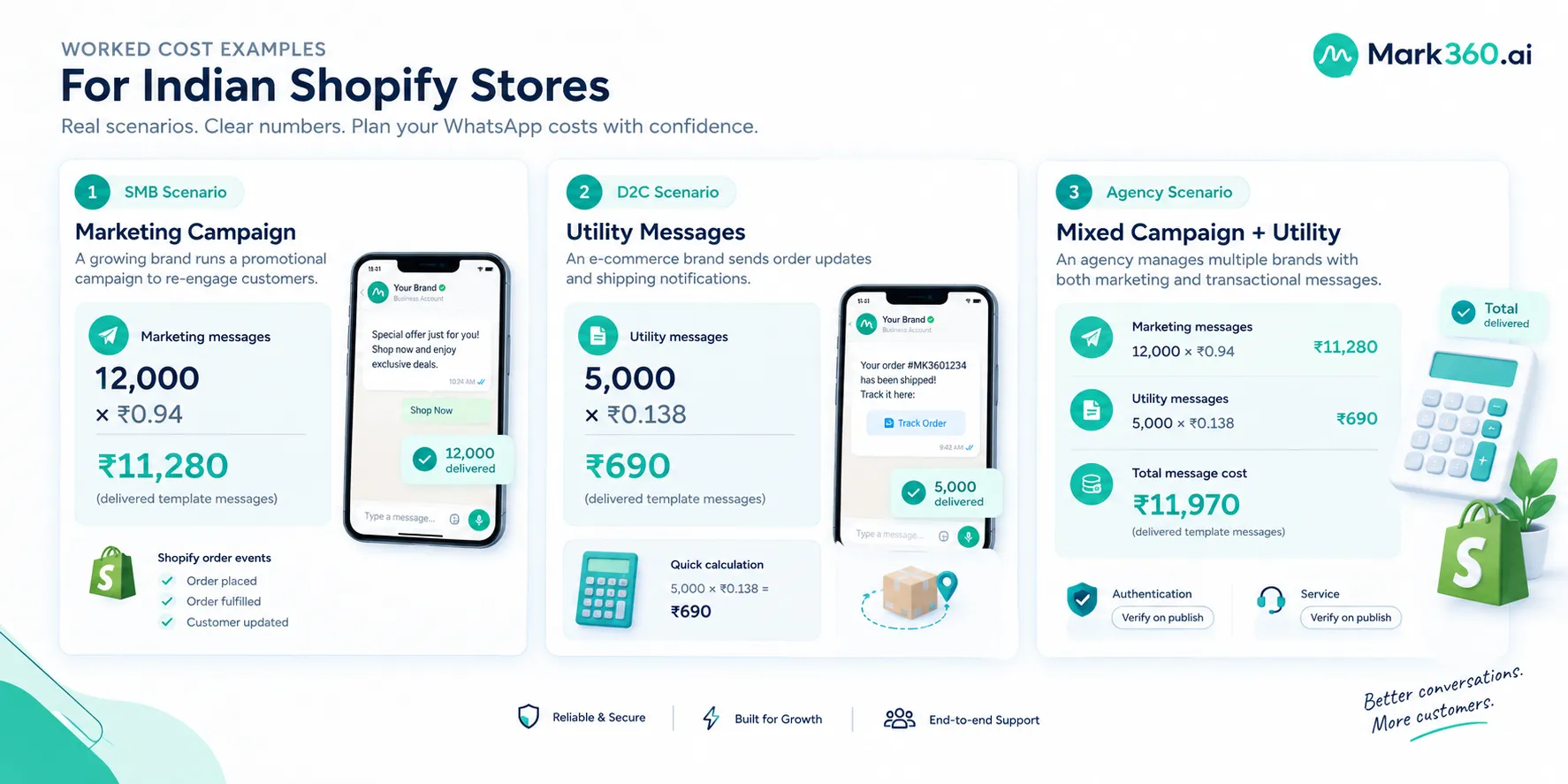
With Mark360, per-message pricing in India is the Meta rate plus 10%, which works out to roughly ₹0.94 per Marketing message and roughly ₹0.138 per Utility message; outside India the uplift is 20%. Meta can revise rates, so confirm on the pricing page and model your own volumes in the pricing calculator. For the wider India picture, see WhatsApp Business API pricing in India. When you compare vendors, ask each one to quote message charges and platform charges as separate line items on the same monthly volume.
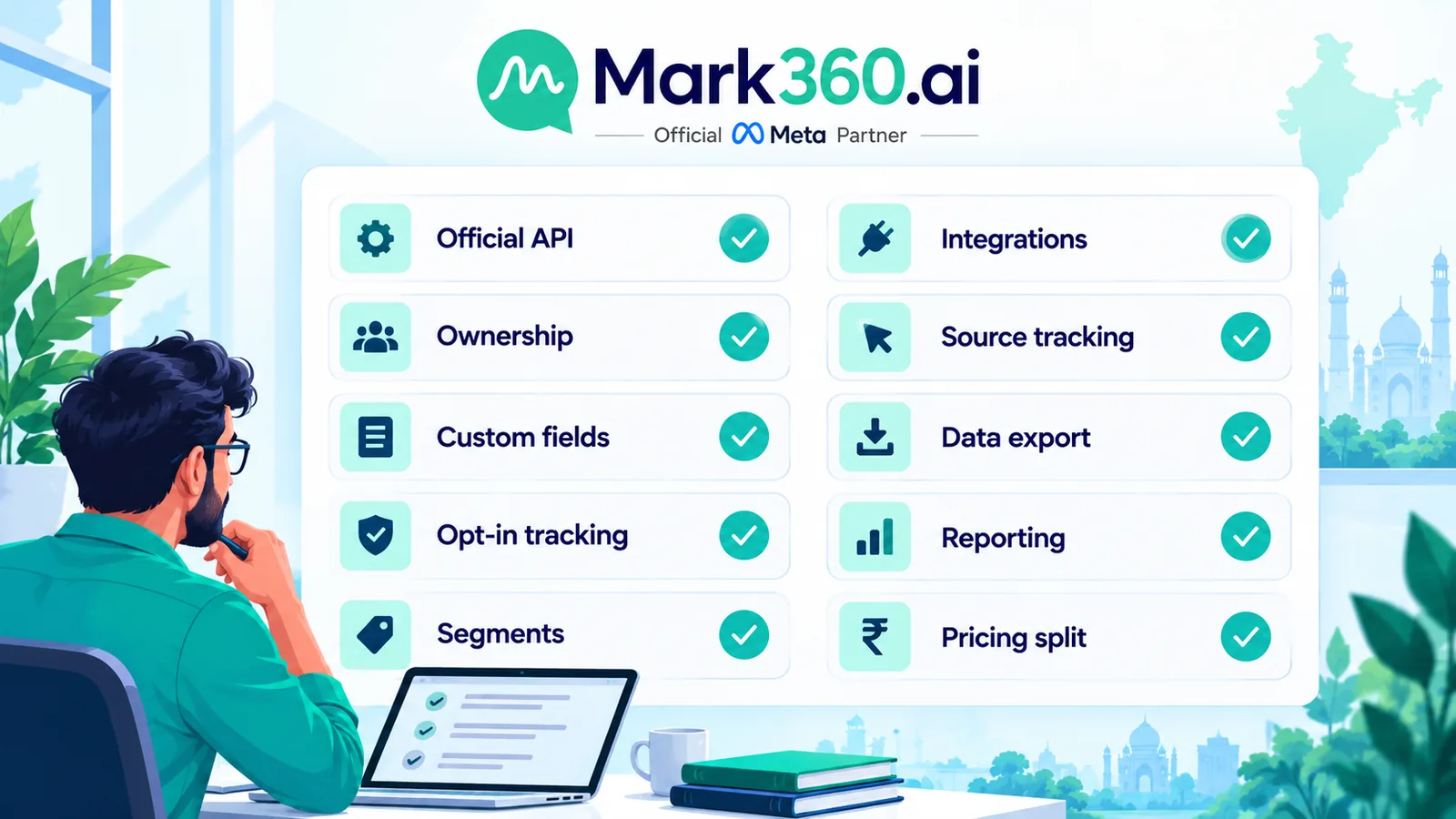
A 10-point checklist for choosing WhatsApp CRM software
- Is it built on the official WhatsApp Business Platform through a verified Meta Business Partner?
- Can multiple agents work one number with assignment, notes and visible ownership?
- Can you define custom fields and write to them from automation or AI?
- Does it store opt-in source and date, and respect opt-outs?
- Can you segment on stage, source and activity for template campaigns?
- Are API and webhook options available for your existing CRM, billing or ERP?
- Does it support Click-to-WhatsApp and Instagram handoffs with source tracking?
- Can you export your contacts and conversations if you leave?
- Are reporting views useful: first-response time, owner workload, stage conversion?
- Is pricing split clearly between Meta message charges and platform fees?
If a vendor cannot show items 3, 4 and 8 in a live demo, treat it as an inbox with a CRM label.
Common mistakes to avoid
- Using tags as stages. Tags pile up; stages tell you where revenue is stuck.
- Two systems of record. Pick which tool owns each field before syncing.
- No SLA. If nobody owns the reply deadline, the CRM only documents slow responses.
- Bot with no exit. Always offer a path to a human, and pass context along.
- Importing unconsented lists. Imported contacts without opt-in put your quality rating and number at risk; read why WhatsApp Business accounts get banned.
How Mark360 approaches the WhatsApp CRM layer
Mark360 is a Meta Business Partner that combines the official WhatsApp API, a team inbox, broadcasts and drips, ecommerce and ad integrations, and AI agents that qualify and answer on your behalf. The aim is simple: every conversation arrives with its source, gets answered fast, and leaves behind a record your team can act on. If you are weighing platforms, our comparisons Wati alternatives in India and Meta Business Agent vs Mark360 AI agents show how we frame the trade-offs.
Next steps
Write down your last ten leads and trace each from first message to outcome. Wherever you cannot answer "who owned it and what happened", that is the gap your WhatsApp CRM needs to close. Then:
- Explore Mark360 WhatsApp API
- See Mark360 pricing · Pricing calculator
- Talk to the Mark360 team about volume, integrations or AI agents
Start with one journey, such as new-lead qualification, prove it for two weeks, and only then add campaigns and integrations.