Quick answer: How do you send bulk WhatsApp messages legally in India?
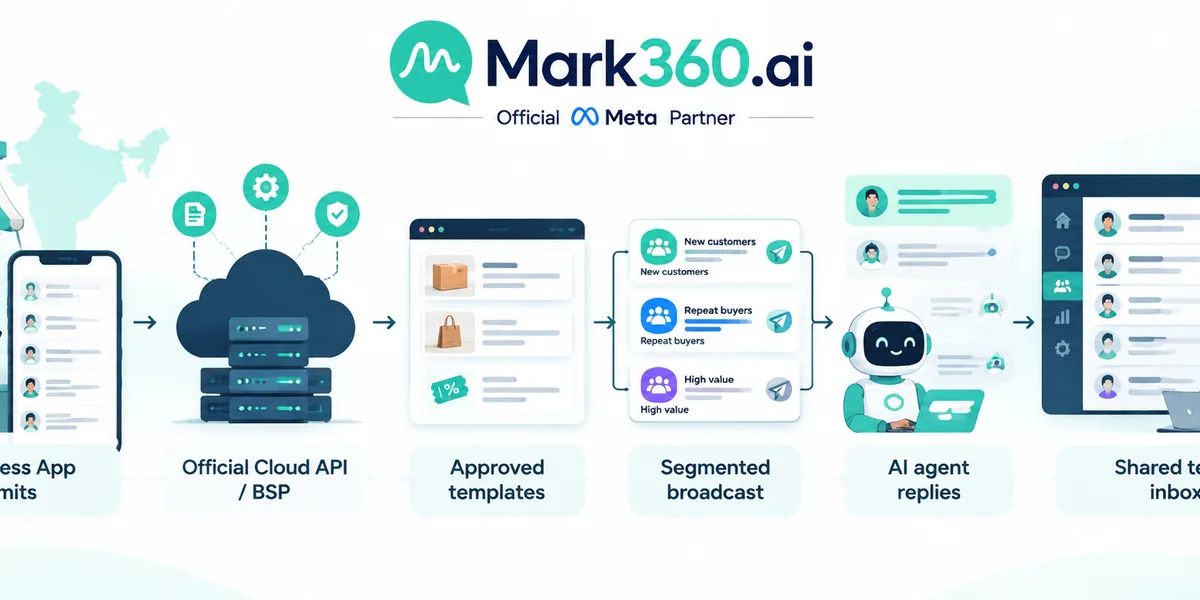
Use the official WhatsApp Business Platform (Cloud API or a Meta Business Solution Provider such as Mark360), approved message templates, and documented customer opt-in — not grey “WA sender” desktop tools that scrape contacts or automate the consumer WhatsApp app. Those unofficial bulk senders risk number bans, account quality drops, and customer distrust. Official bulk messaging means template broadcasts (usually Marketing or Utility categories), rate limits tied to your quality rating, and Meta’s commerce/messaging policies — not unlimited free blasts.
- Bulk on WhatsApp = template-based outbound at scale, not free-form spam to cold lists.
- Opt-in proof matters as much as the message text.
- Business App alone is not a bulk engine; Cloud API / BSP is the compliant path.
- Cost is category-based (see our India pricing guide) — do not budget from grey-tool “unlimited” claims.
Why bulk WhatsApp searches are risky in India
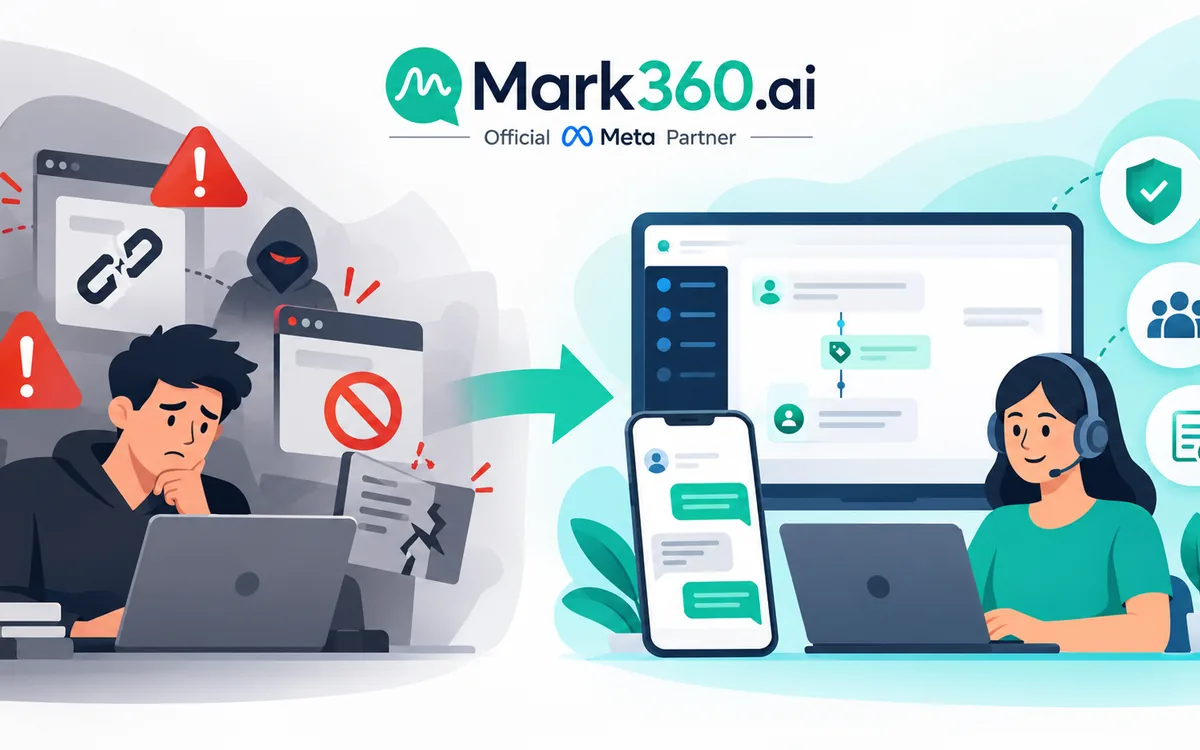
Indian marketers searching for “bulk WhatsApp messages” or “WhatsApp bulk message sender” often land on tools that promise unlimited blasts from a personal or Business App number. That SERP is noisy because grey automation is easy to sell and hard for buyers to evaluate. The risk is structural: WhatsApp’s terms prohibit unofficial multi-device automation, contact scraping, and unsolicited commercial messaging. When quality signals fall, Meta can restrict messaging, freeze the display name, or ban the number.
For D2C brands, educators, travel agents, and local services, a banned primary number is an operational crisis — not a marketing inconvenience. The safer commercial question is not “which sender is cheapest?” but “which official path lets us broadcast to opted-in customers without gambling the brand number?”
Official WhatsApp Business Platform vs unofficial senders
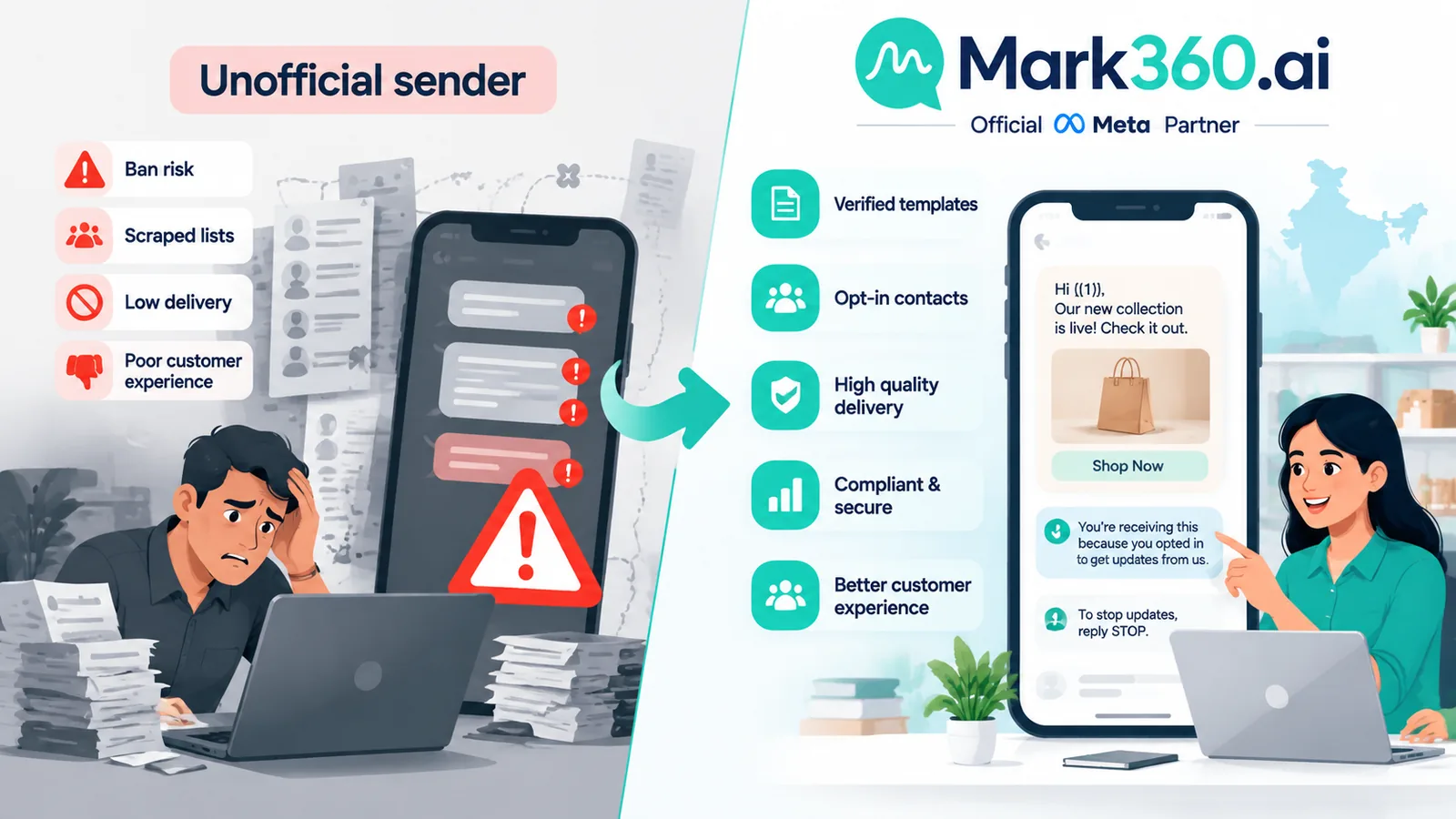
| Dimension | Official API / BSP | Unofficial bulk sender |
|---|---|---|
| Access | Cloud API or Meta Partner BSP (e.g. Mark360) | Chrome extensions, desktop WA blasters, multi-login hacks |
| Outbound format | Approved templates + free-form inside 24h window | Often free-form spam mimicking consumer chat |
| Opt-in | Expected and auditable | Frequently ignored |
| Ban risk | Managed via quality rating; recoverable with process | High; sudden bans common |
| Features | Shared inbox, AI agents, Shopify/CRM, analytics | Send-only vanity metrics |
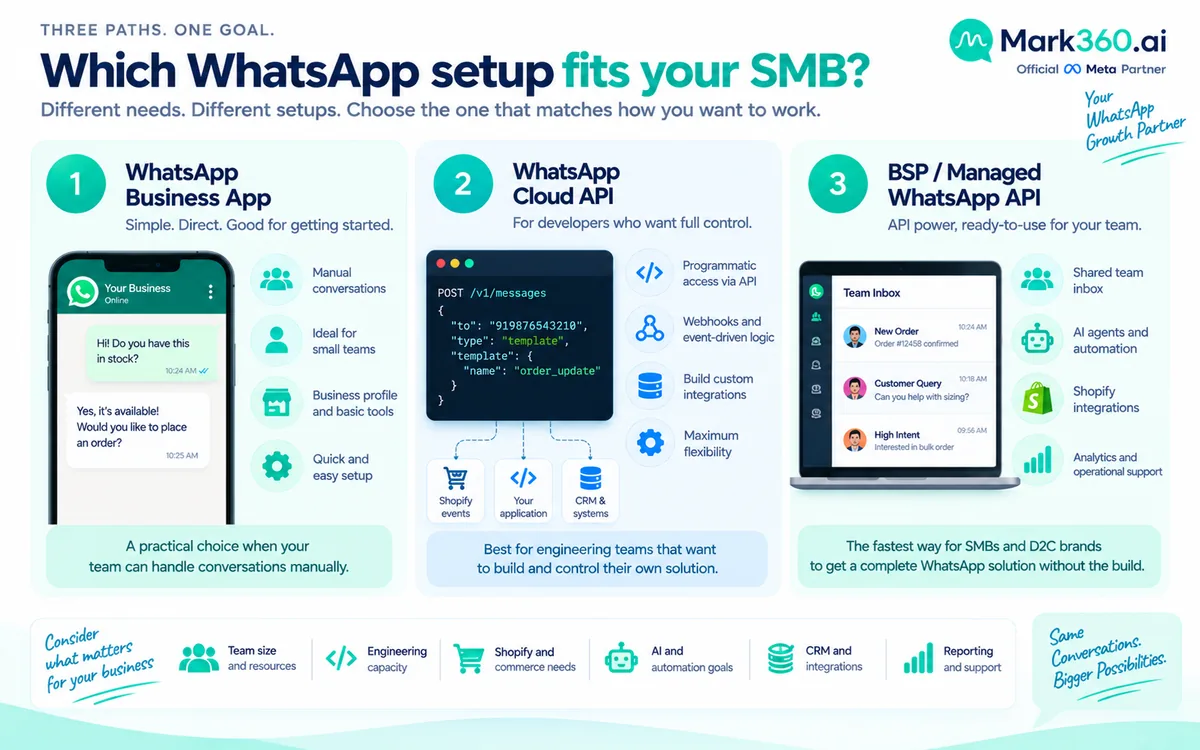
Mark360 is a Meta Business Partner path: you get official Business API access plus broadcast, drip, and AI tooling — without pretending grey senders are “just cheaper Meta.” For how App vs Cloud API vs BSP differ, read Cloud API vs Business App vs BSP in India.
What bulk means: templates, categories, opt-in
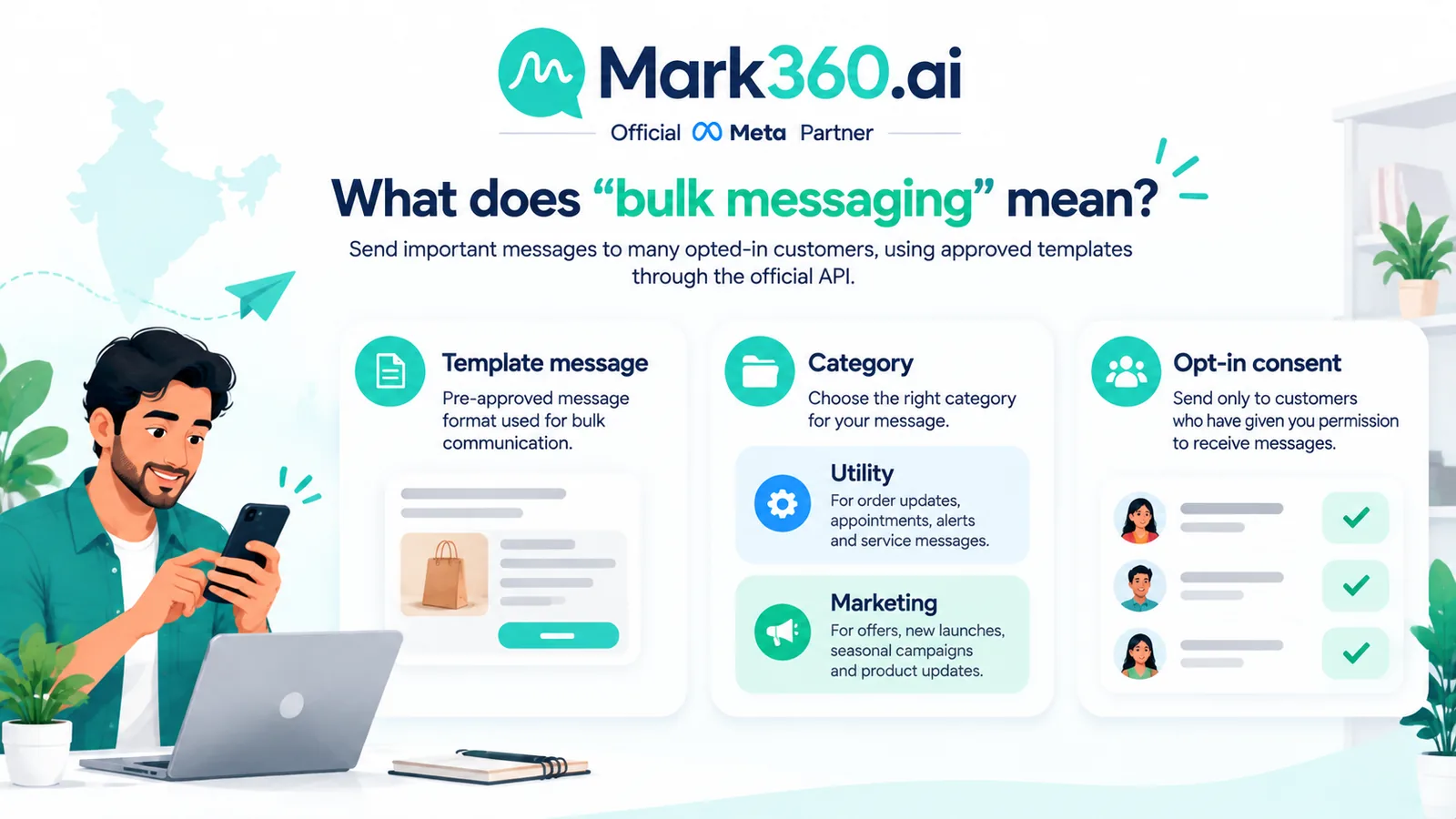
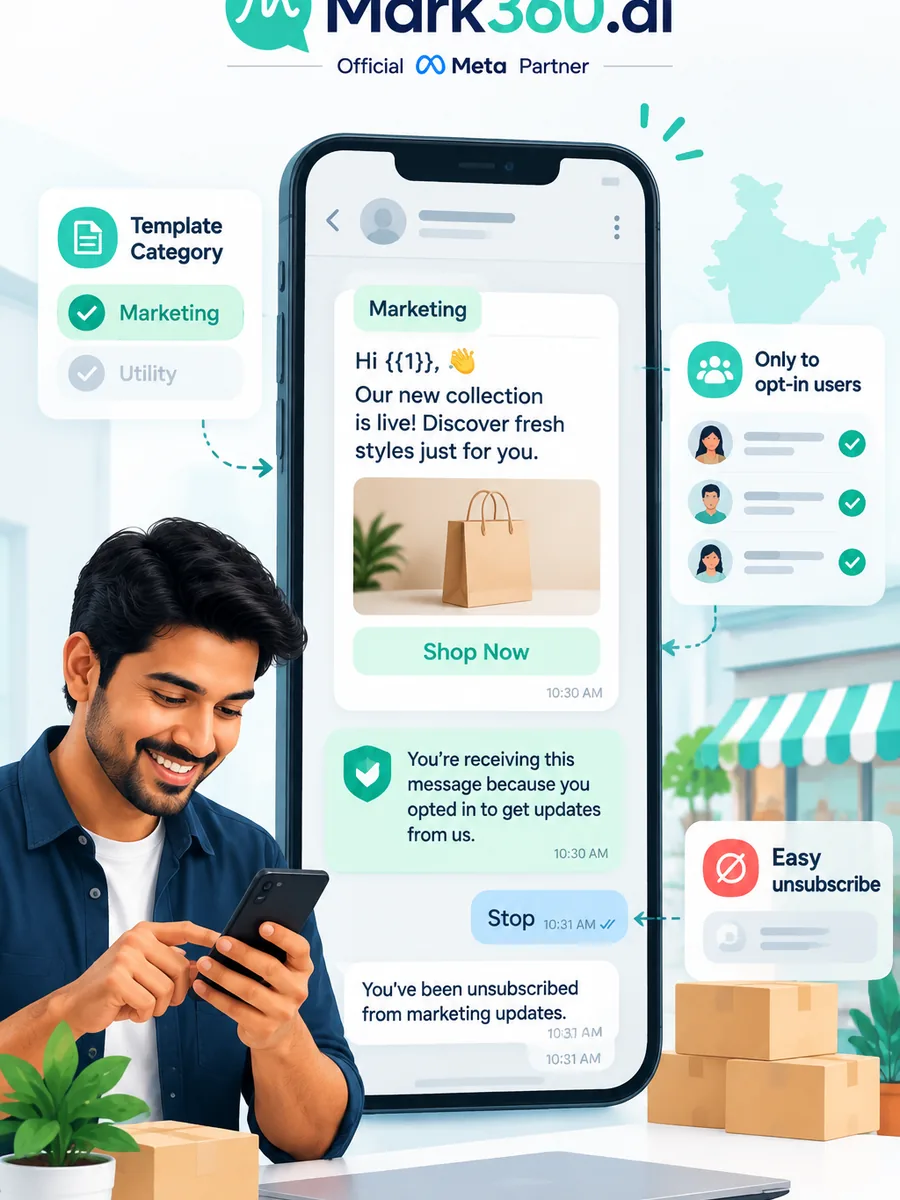
On the WhatsApp Business Platform, large outbound sends are almost always template messages. Templates must be approved in categories such as Marketing, Utility, or Authentication. Marketing templates are the usual vehicle for offers, launches, and re-engagement. Utility templates cover order updates, appointment reminders, and other transactional journeys. Authentication covers OTPs.
Opt-in is not optional theatre. Keep records of how each user consented (checkout checkbox, Click-to-WhatsApp ad, web form, QR, or inbound “Hi”). Offer a clear STOP / unsubscribe path and honour it. Cold lists bought from brokers are a quality and policy risk even if a grey tool will “send anyway.”
Setup path: Business App limits to Cloud API / BSP
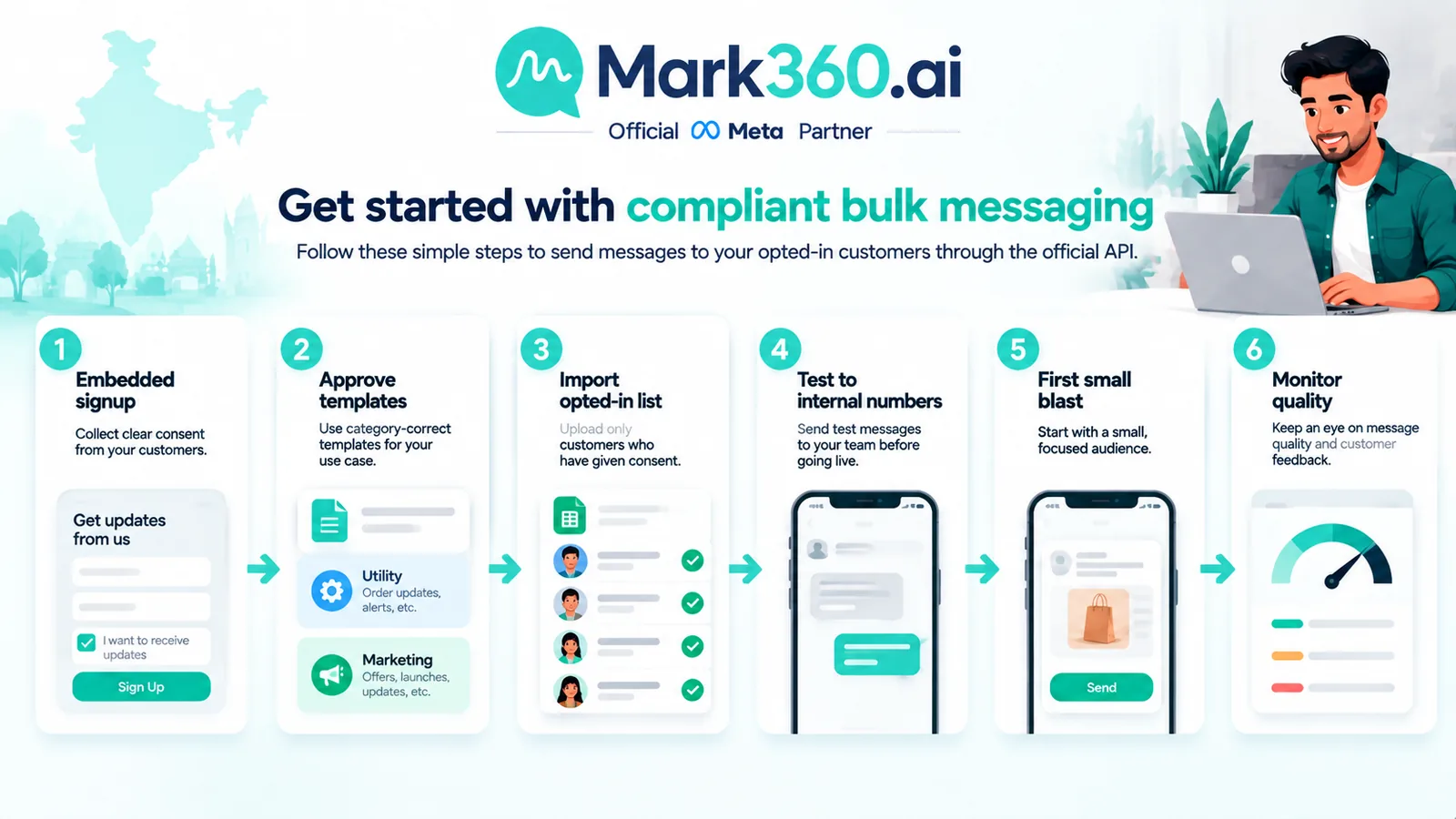
The WhatsApp Business App is excellent for a tiny team chatting manually. It is not designed for segmented broadcasts, multi-agent routing, or Shopify-triggered journeys at scale. When you need true bulk:
- Create or connect a Meta Business Manager and verify the business as required.
- Onboard a phone number via Embedded Signup through a BSP such as Mark360 (or direct Cloud API if you have engineering capacity).
- Submit and approve templates before the first campaign.
- Import opted-in audiences with tags/segments — never raw cold CSVs as a default.
- Run a small pilot, watch quality rating and block rates, then scale.
Coexistence and migration details vary; talk through number move vs new number with your provider before you cut over a live customer line.
Campaign types that work (utility vs marketing)
- Marketing broadcasts: festival offers, new collections, webinar invites — only to opted-in segments, with honest creative and a single clear CTA.
- Utility journeys: order shipped, booking confirmed, document ready — high open rates when the content is genuinely useful.
- Drips: abandoned cart, enquiry nurture, post-purchase education — better than one giant blast for many Indian SMBs.
- Re-entry via CTWA: ads that open chat, then nurture inside policy windows — see our CTWA India guide.
Mixing categories incorrectly (stuffing a marketing pitch into a utility template) invites rejection or future policy pain. Keep copy category-true.
Quality rating, blocks and ban patterns
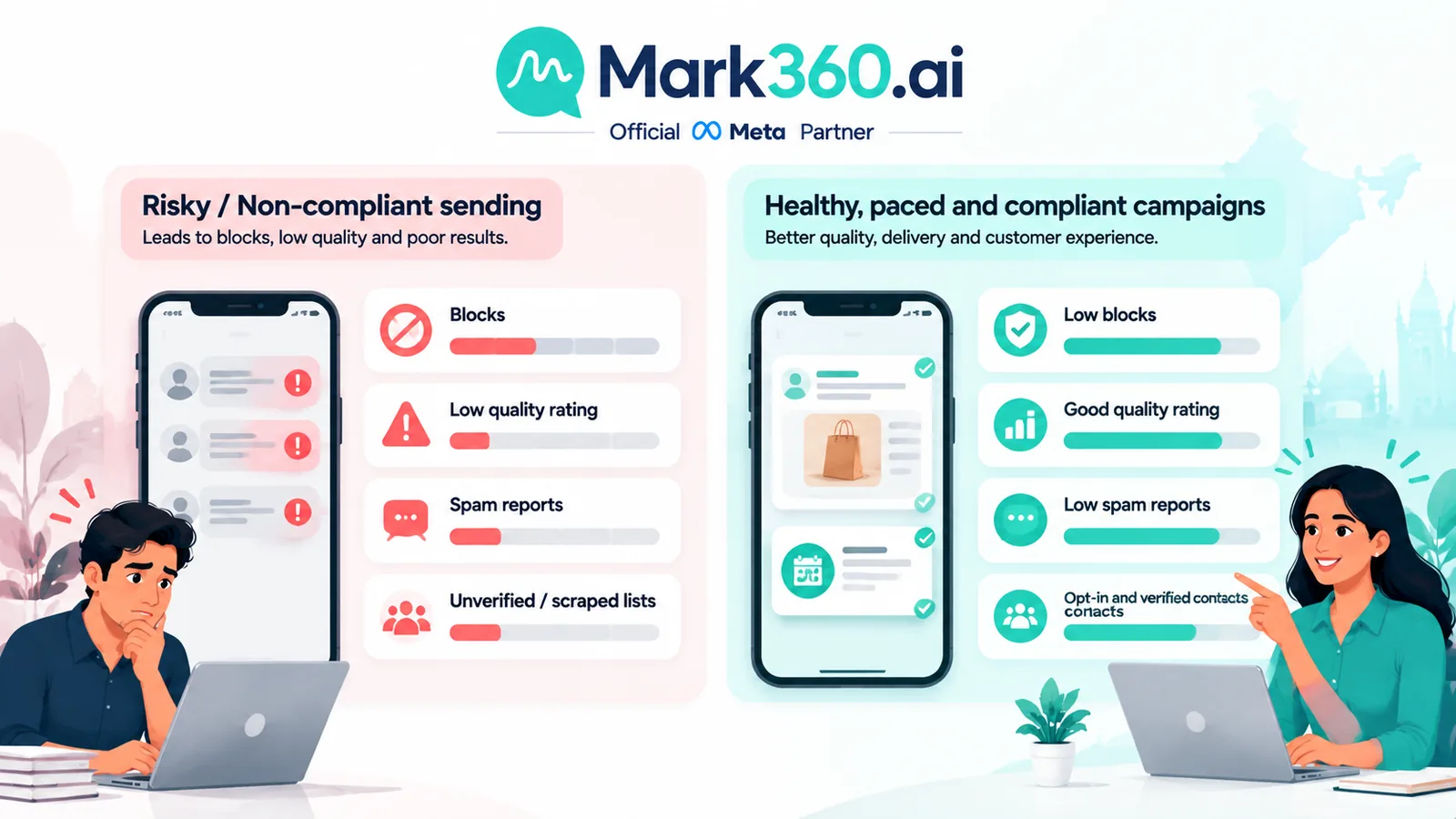
Meta monitors user feedback: blocks, reports, and engagement quality. Aggressive frequency, irrelevant offers, and weak opt-in drive ratings down and can throttle how many marketing messages you may send. Unofficial tools often hide these signals until the number is already restricted.
Healthy bulk practice: cap frequency per segment, suppress recent purchasers from “blast everyone” lists, fix broken variables before send, and pause when block rates spike. For recovery patterns after restrictions, see WhatsApp Business banned: causes and solutions.
Cost framing (link pricing India post)
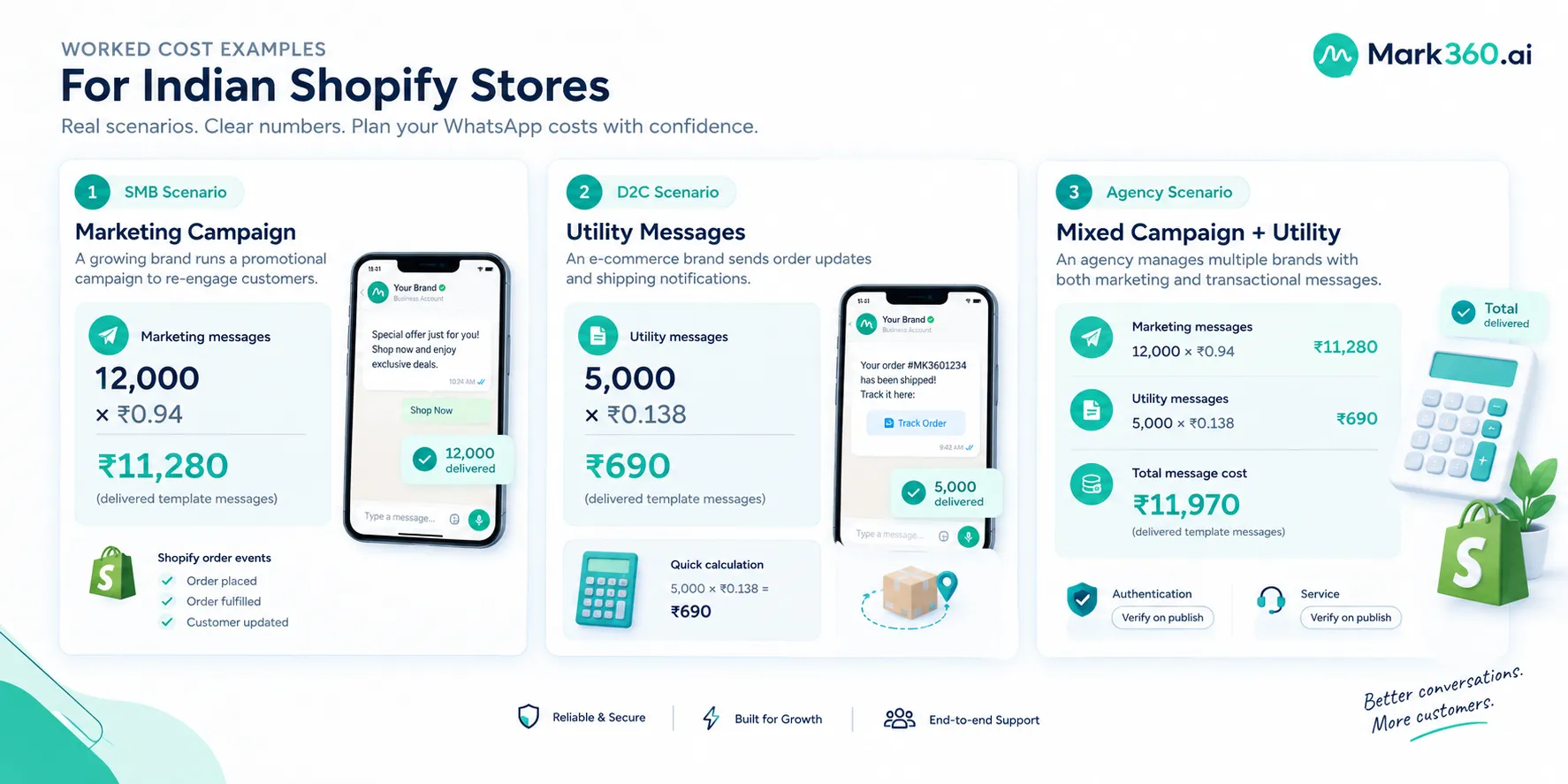
Official bulk is not free. You pay Meta’s conversation/message category rates (plus your BSP markup) on delivered template messages. Mark360’s published India planning figures for common categories:
- Marketing: Meta ~₹0.87 → Mark360 ~₹0.94 per delivered message
- Utility: Meta ~₹0.115 → Mark360 ~₹0.138 per delivered message
We do not invent Service invoice rates here. For full India breakdown and how to budget by category, use WhatsApp Business API pricing in India, then confirm live Meta cards and your invoice. Grey “unlimited WhatsApp” pricing is usually a ban subsidy, not a bargain.
Mark360 broadcast and AI agent workflow
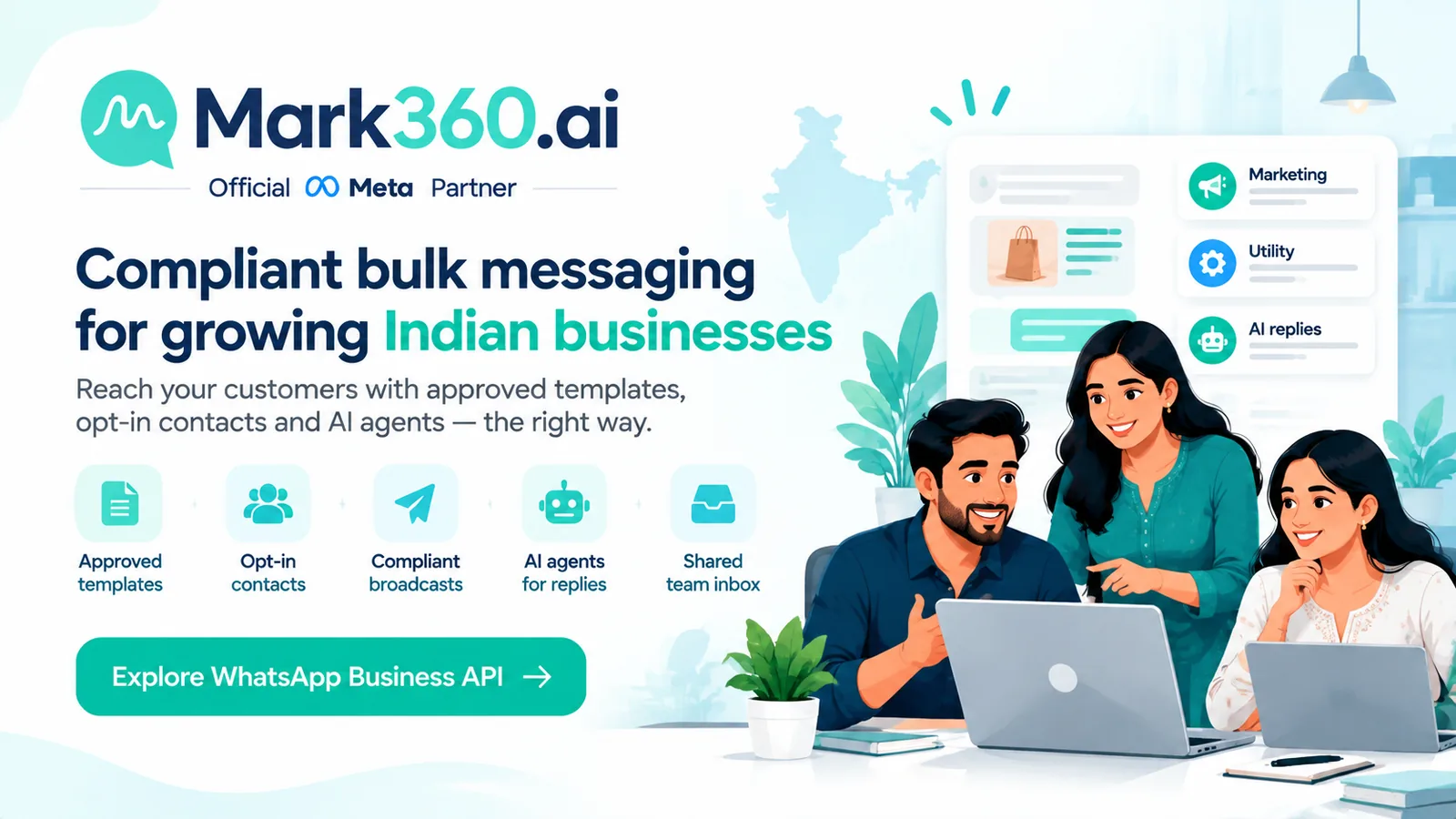
On Mark360 you can:
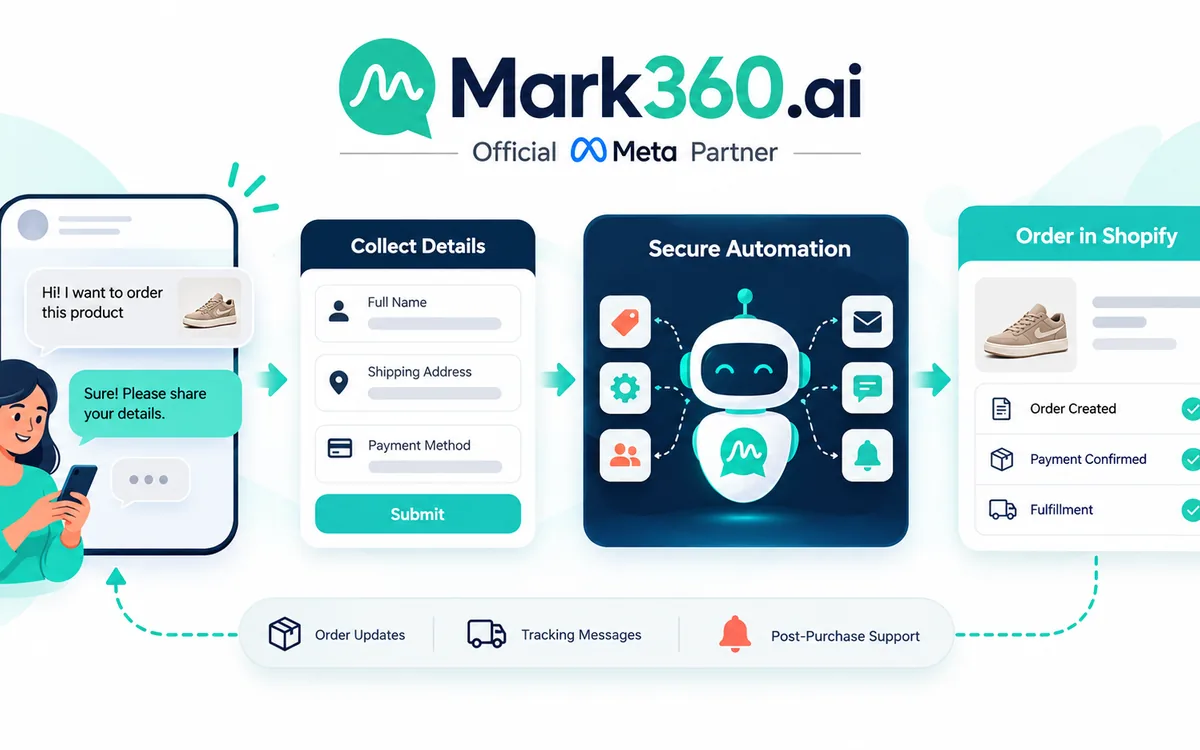
- Build segments from tags, Shopify events, or CRM fields.
- Launch template broadcasts with preview and variable checks.
- Attach drip journeys so “bulk” becomes sequenced nurture, not one noisy ping.
- Use AI agents for FAQ deflection after a campaign drives replies — protecting human time and (after Oct 2026 service charging) reply budget.
- Hand off to agents with full context when a lead is ready to buy.
That combination — compliant send + smart reply handling — is what separates a Meta Partner platform from a send-only grey tool.
Compliance checklist before first blast
- Business verification and display name set correctly.
- Templates approved in the right category.
- Opt-in source documented for the audience.
- Unsubscribe / STOP handling tested.
- Pilot ≤ a few hundred contacts; review blocks/reports.
- Creative matches claim (no fake urgency or prohibited categories).
- Team briefed: replies may spike — staff or bot coverage ready.
- Budget estimated with Marketing/Utility India rates, not “unlimited” myths.
India-specific opt-in patterns that hold up
Indian buyers often collect WhatsApp numbers at trade shows, kirana distributor meets, coaching counselling desks, and Instagram DMs. That informal culture is fine for relationship selling — it is dangerous if you treat every scraped number as a Marketing blast audience. Convert informal consent into auditable opt-in:
- Web or Shopify checkbox with plain-language WhatsApp marketing consent.
- Keyword opt-in (“JOIN” / “OFFERS”) replied to an official API number.
- Click-to-WhatsApp ad clicks as a conversation starter, then preference capture.
- Paper forms at events with a digitised consent flag in your CRM before first Marketing template.
If you cannot explain when and how a contact opted in, do not include them in the first official blast. Build a nurture Utility path for customers with open orders instead.
Operational playbook for the first 30 days
Week 1: finish Embedded Signup, display name, and two templates (one Marketing, one Utility). Week 2: import a clean opted-in segment under 500 contacts; send a low-risk Utility update if possible, or a soft Marketing welcome. Week 3: add a drip (e.g. abandoned enquiry) and AI FAQ for the top ten replies you received. Week 4: review quality rating, block rate, and revenue attribution before raising volume. This cadence beats “upload 50,000 and hope” every time.
Assign an owner for template rejections and an owner for reply coverage. Bulk without reply staffing creates the exact block/report pattern Meta’s quality systems punish. Mark360’s shared inbox and AI handoff exist so marketing can scale sends while support still answers humans.
Example bulk journeys Indian brands actually run
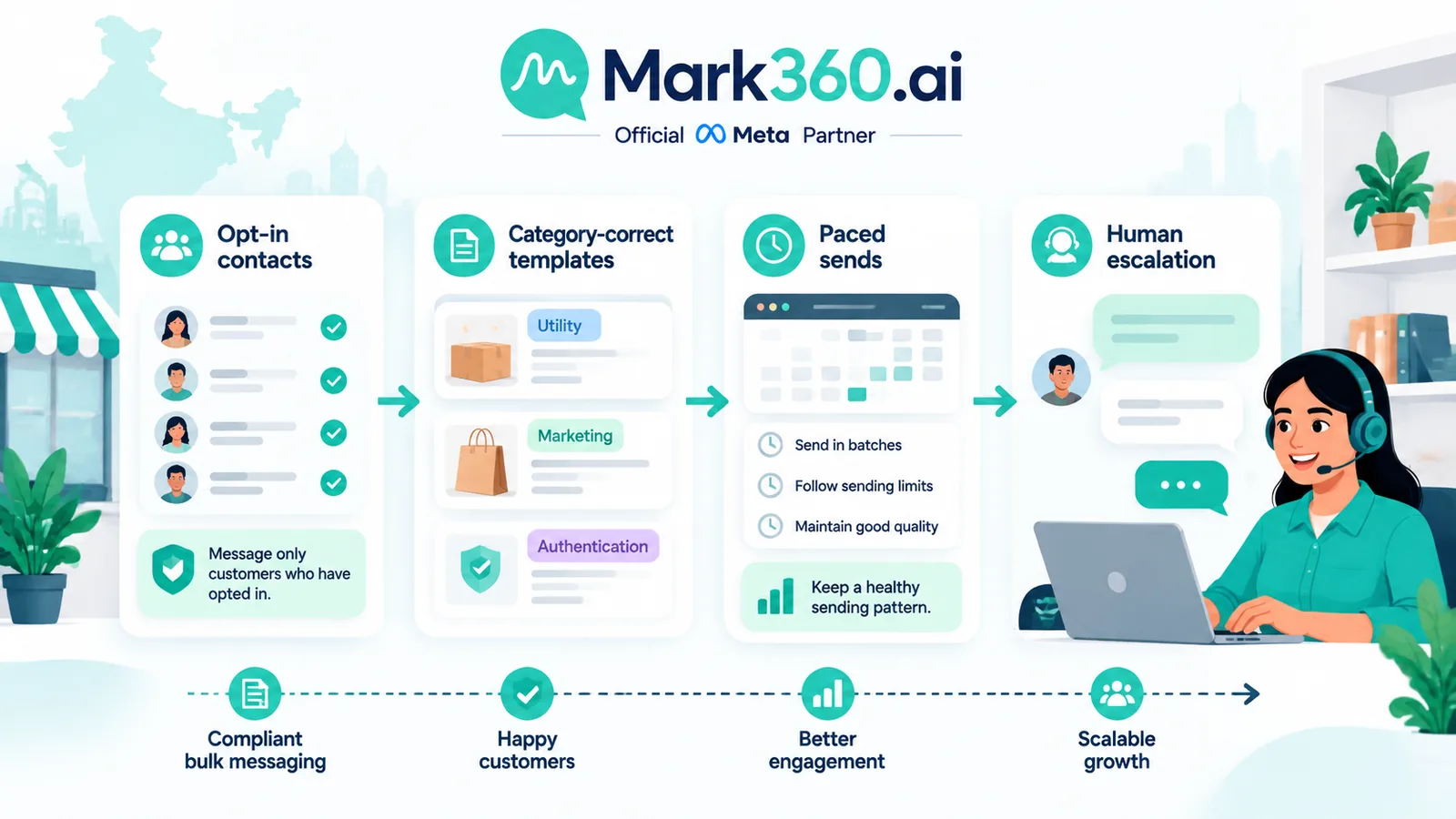
Compliant bulk is clearer with concrete journeys. A D2C apparel brand might send a Marketing template for a new drop to purchasers from the last 90 days who opted in at checkout, then suppress anyone who ordered in the last seven days. A coaching institute might Utility-message fee reminders to enrolled students while Marketing-message a webinar invite only to leads who replied “INTERESTED” on WhatsApp. A local clinic might Utility-confirm tomorrow’s appointments and Marketing-invite lapsed patients to a seasonal checkup — never the entire phone contacts dump from a receptionist handset.
Each journey shares three traits: known opt-in, category-correct templates, and a plan for the replies the blast will generate. If your team cannot staff or bot those replies, shrink the audience before you shrink the ethics.
Next steps
If you have been relying on unofficial bulk WhatsApp senders, treat a number migration plan as risk management, not optional polish. Map one opted-in segment, approve one honest Marketing template and one Utility journey, and send a pilot on the official API.
- Explore Mark360 WhatsApp API for broadcasts, drips, and AI agents.
- See Mark360 pricing · Pricing calculator for volume planning.
Related reading: WhatsApp Business API pricing India · Cloud API vs Business App vs BSP · Banned causes and solutions.