
Free tool
Free WhatsApp link generator (wa.me)
Build a click-to-chat link with a pre-filled message, and a QR code of that same link, without creating an account.
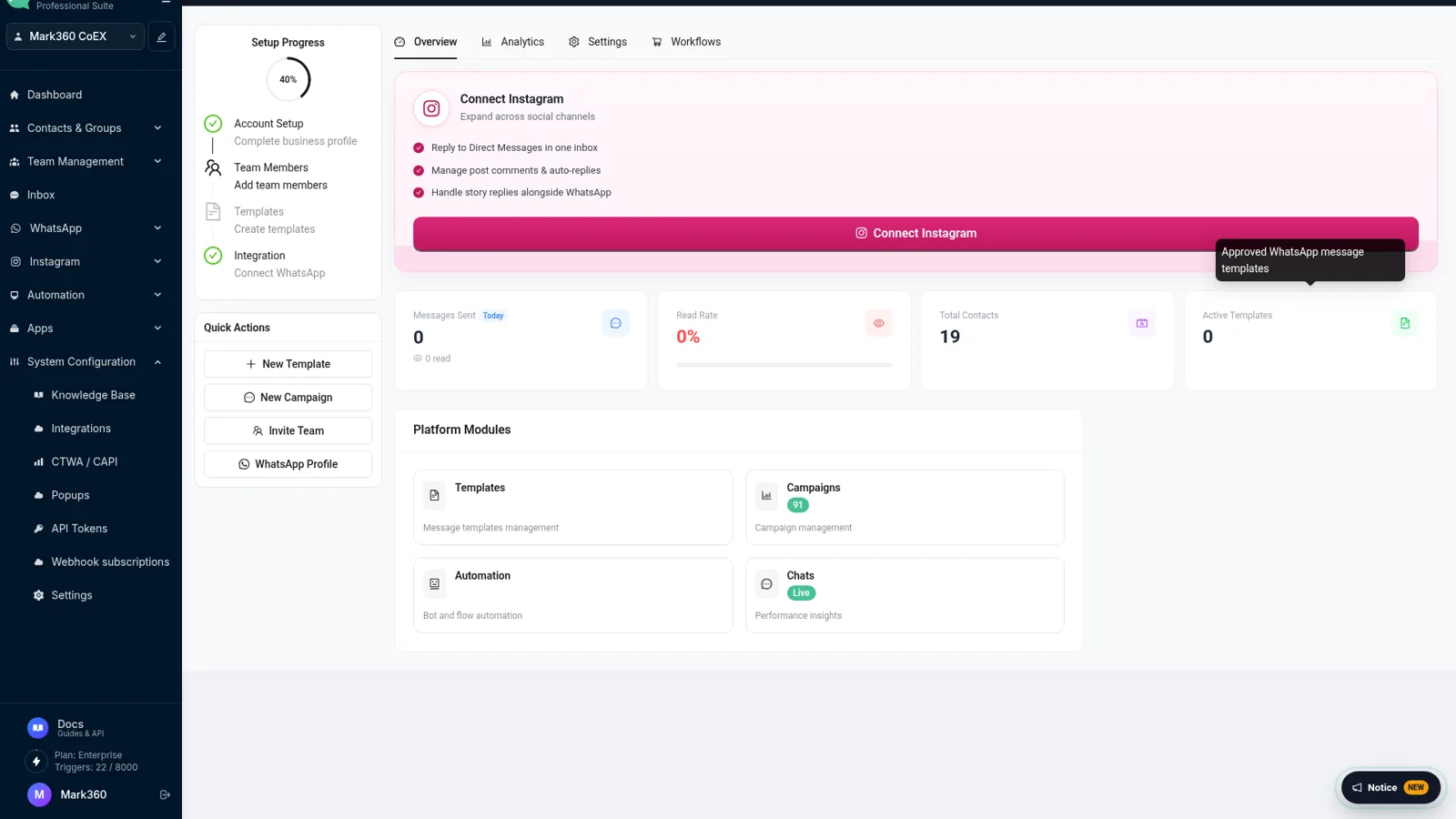
Enter a valid number to generate the QR code.
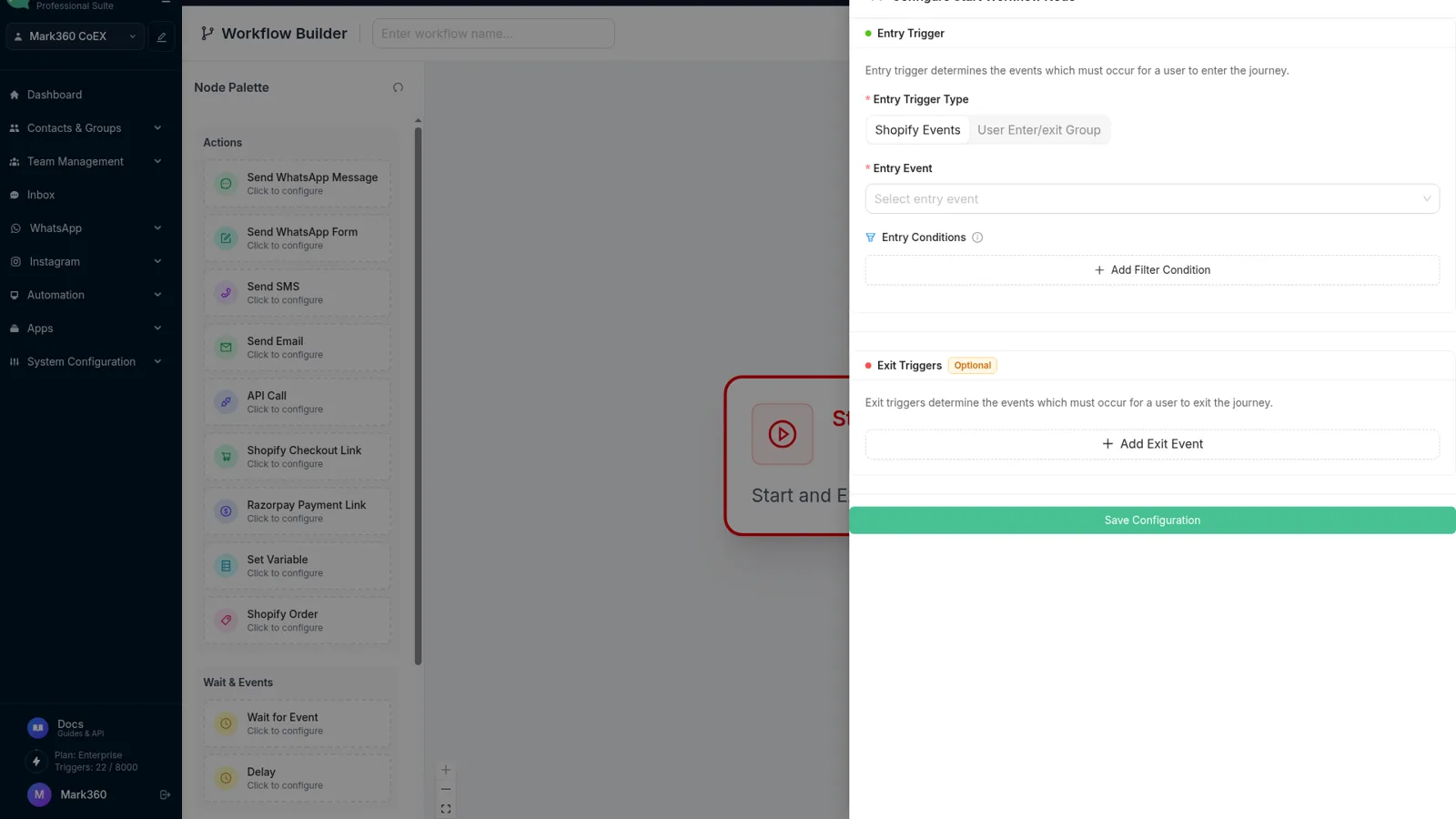
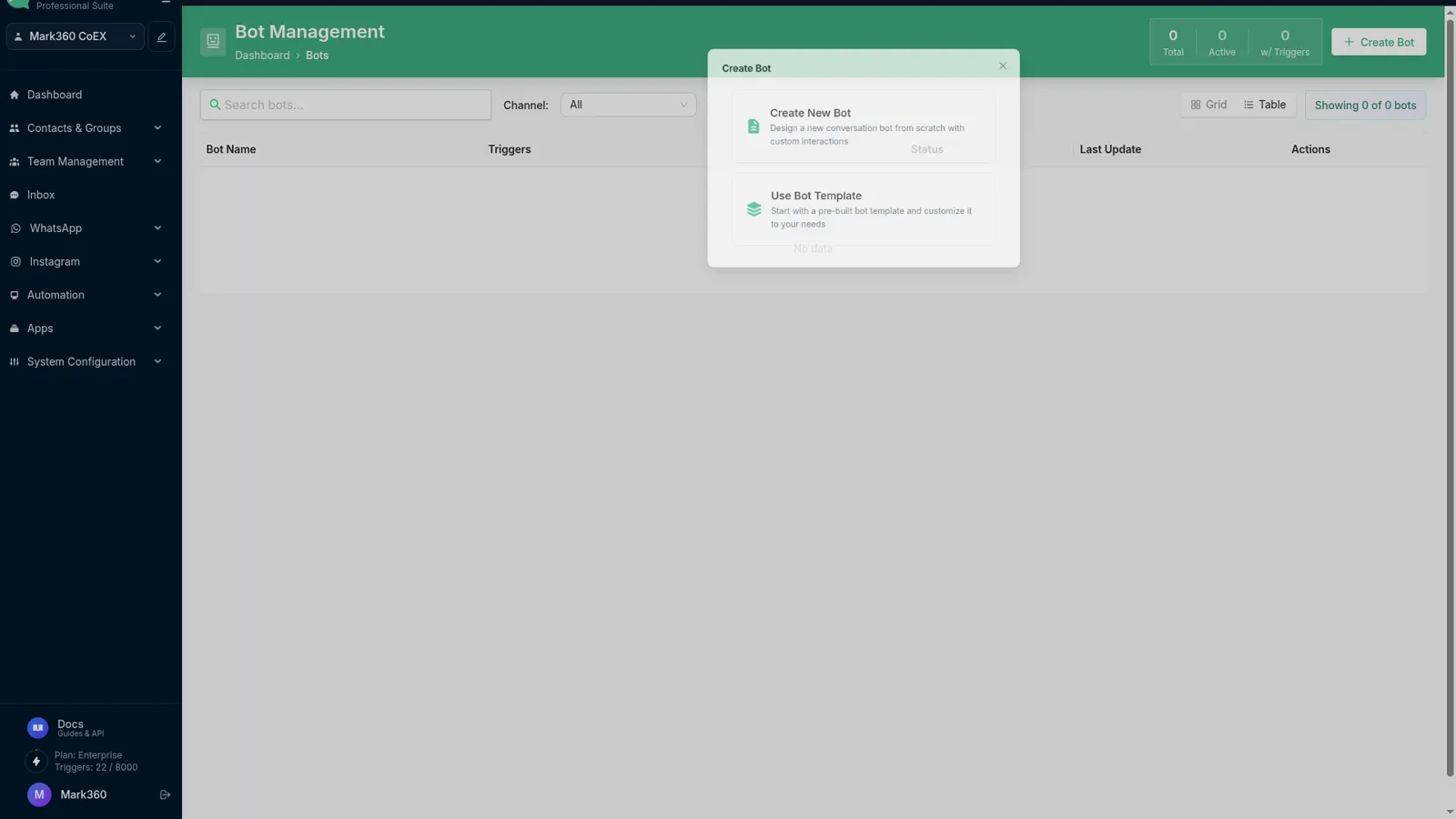
Where the chat goes next
Screens from app.mark360.ai.
How to use it
01
Enter the number
Type the WhatsApp number with its country code and no spaces, plus signs, or leading zero.
02
Add a message
Optional. The text is URL-encoded and opens already typed in the chat box.
03
Copy or scan
Copy the wa.me link, or turn on the QR code and download the PNG for print.
What the link actually does
WhatsApp publishes one URL format for click-to-chat: https://wa.me/<number>. The number is digits only, country code first. A second parameter, text, is optional and must be percent-encoded so spaces and punctuation survive the click. This page builds that URL and, if you ask for it, a QR code of the same URL.
People tap the link from Instagram bios, Google Business profiles, email signatures, invoices, and packaging. On a phone it opens the WhatsApp app. On a desktop it opens WhatsApp Web or the desktop app, as long as the visitor is logged in.
When to add a pre-filled message
A pre-filled message is useful when every visitor should start the same way: a product name, a store location, or a campaign code. Keep it short. The visitor can edit it before sending, and a long paragraph often gets deleted.
Do not put passwords, payment links, or personal data in the URL. The full link is visible in the browser and in the QR code. Anyone who can see the code can read the message.
QR codes for counters and print
Turn on the QR option when the number will be scanned rather than tapped. Download the PNG and place it on a table tent, a delivery sticker, or a poster. Leave quiet space around the code and test a scan from an arm's length before you print a run.
If you also need a branded code for a campaign landing page, the dedicated QR code generator covers layout. This page is the faster path when the link and the code should match exactly.
From one link to a team inbox
A wa.me link rings one phone. That is fine for a founder. It breaks when two people need to answer, or when you want the chat to survive a phone change. The WhatsApp Business API keeps the same customer-facing number and routes chats into a shared inbox.
Mark360 connects that API, plus Instagram DMs, for teams that have outgrown a personal phone. Generate the link here for today. Move the number onto the API when the chat volume justifies it. Pricing is a free plan plus Meta's per-message rates.
Frequently asked questions
What is a wa.me link?
wa.me is WhatsApp's official click-to-chat URL. https://wa.me/15551234567 opens a chat with that number on the app or on WhatsApp Web. Adding ?text= pre-fills a message the visitor can send.
Why does my link open the wrong country?
The number must include the country code and must not include a trunk prefix. 09876543210 is not valid. For India use 91 followed by the 10-digit mobile number.
Does the QR code expire?
No. The QR encodes the same wa.me URL. It keeps working until you change the number or the message and generate a new code.
Can I track clicks on a free wa.me link?
A plain wa.me link does not report clicks. To see who started a chat and reply as a team, connect the number to Mark360 and use the shared inbox.
Is this the same as the WhatsApp Business API?
No. A wa.me link uses the regular WhatsApp app on the destination phone. The Business API is for multiple agents, templates, and automation. Mark360 provides that API as a Meta Business Partner.