
API
Mark360.ai API
Create a token in the product, limit it to the permissions you need, and subscribe to webhooks when a message or a template changes. This page describes those controls. It does not invent request paths.
- send_messages
- send_templates
- Message and template webhooks
Free plan, no credit card required. Built on the official WhatsApp Cloud API.
Unassigned
Mine
Resolved
- CCustomerWhere is my order?Unassigned
- LLeadCan we talk on Thursday?Mine
- GGuestWhat time is pickup?Resolved
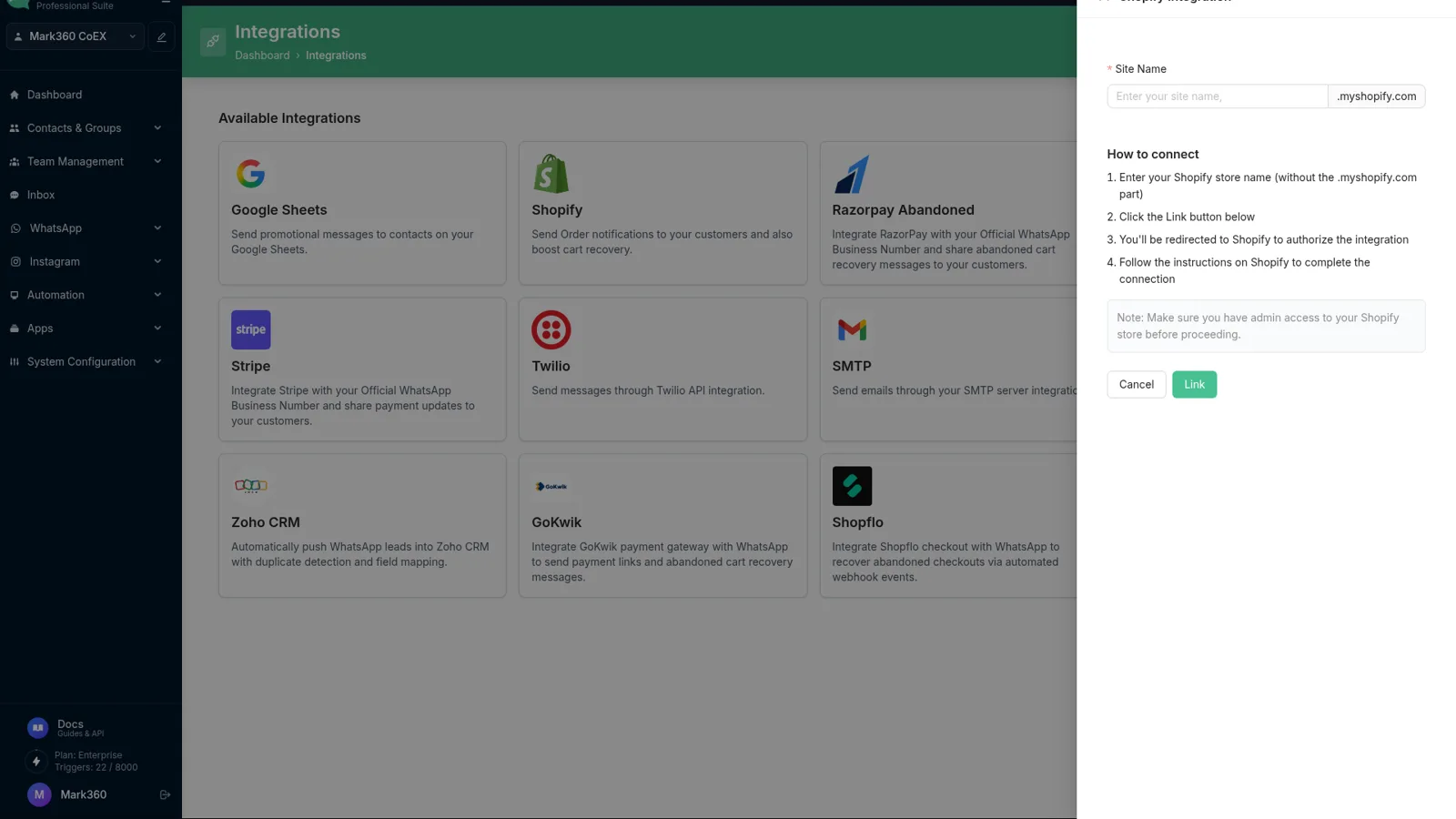
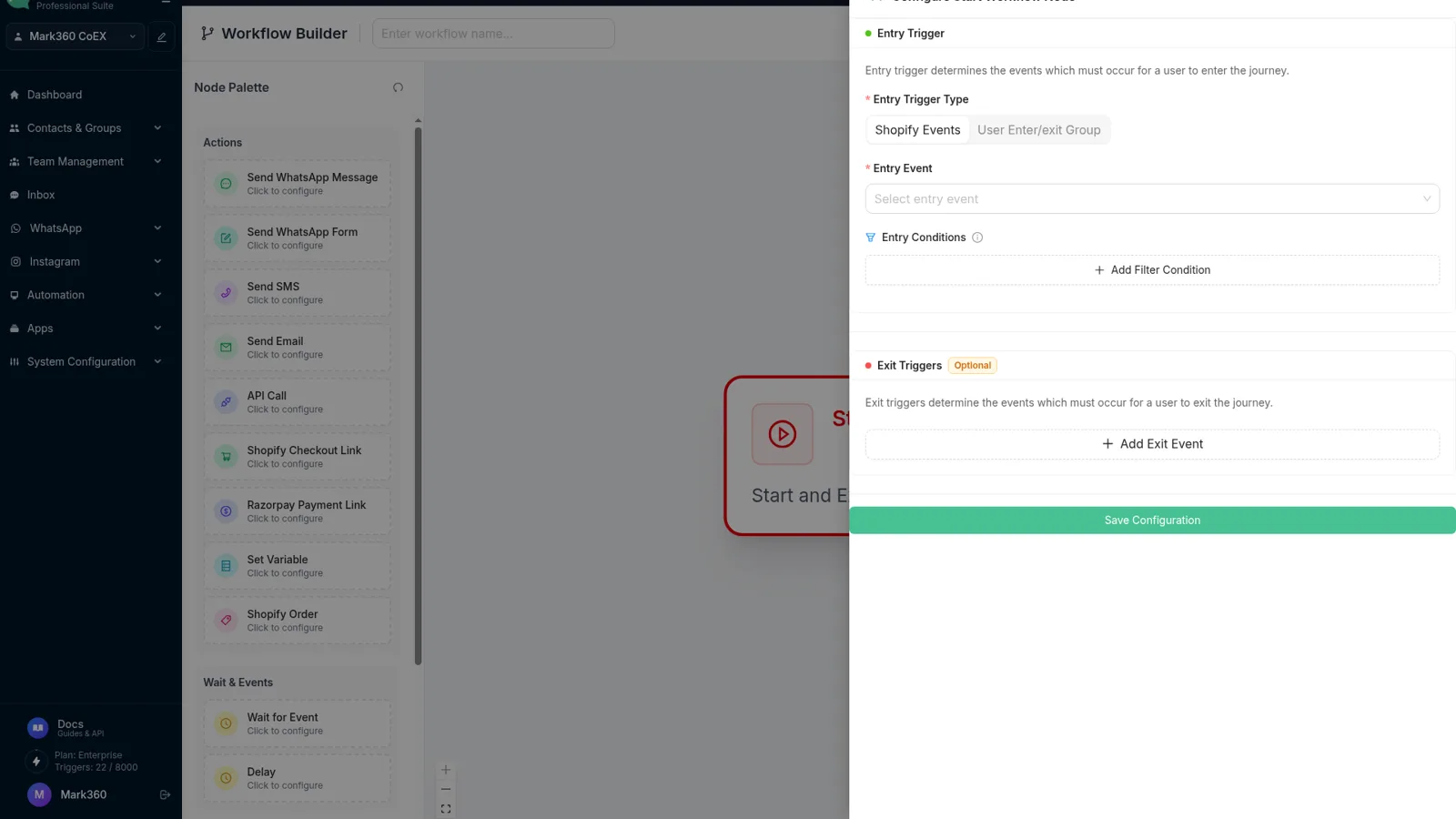
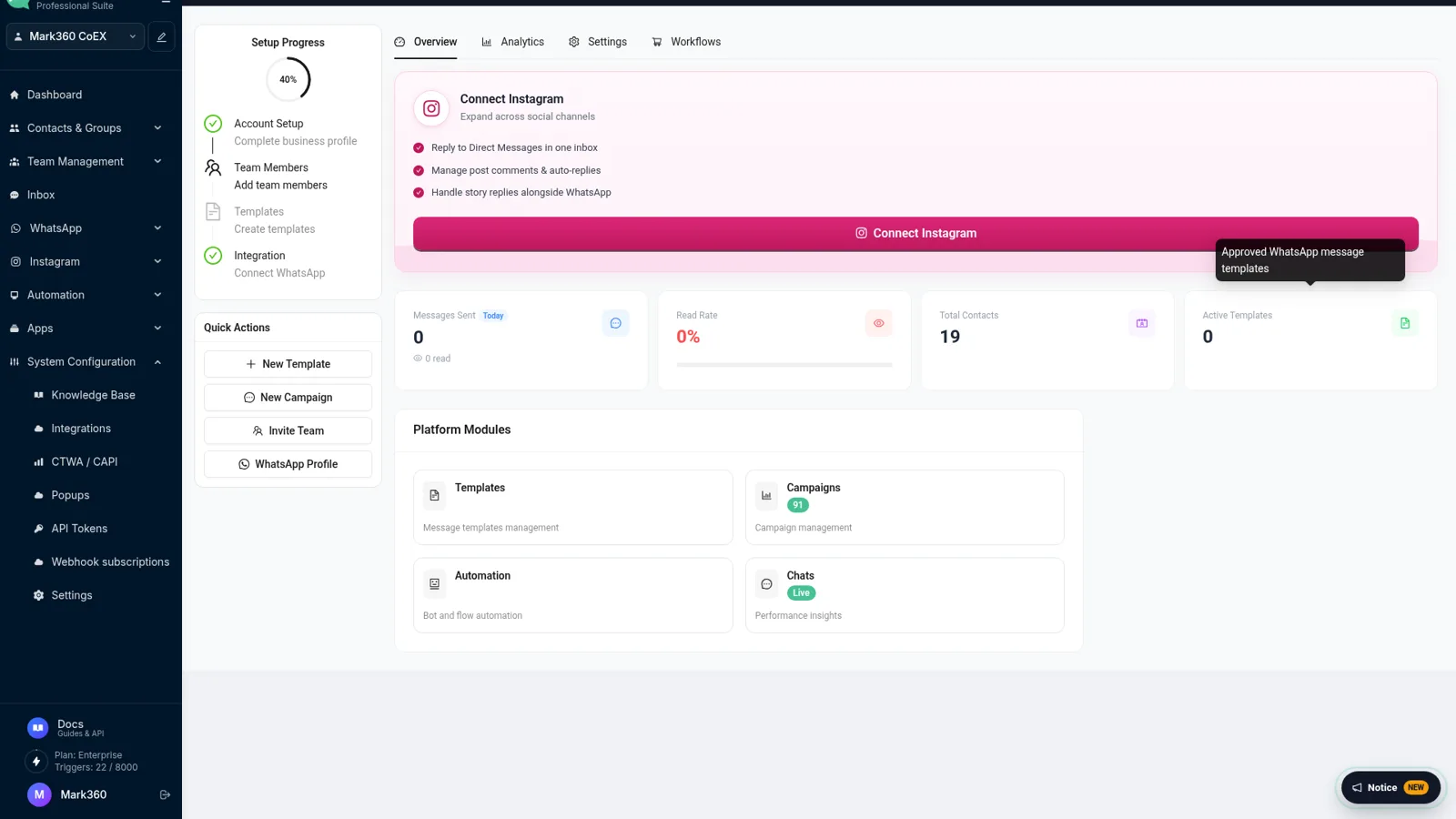
Screens from the product
Screens from app.mark360.ai.
Tokens
Generate an API token from the workspace and grant only the scopes that job needs. The scopes in the product are send_messages and send_templates. A token that can send a template cannot be assumed to do anything else.
Treat the token like a password. Store it on a server, not in a website snippet. If it leaks, revoke it in the workspace and issue another.
What each scope is for
send_messages is for a WhatsApp message you are allowed to send in that conversation, such as a reply inside the customer-care window. send_templates is for an approved template, which is how you start a conversation or send a utility or marketing message under Meta's rules.
Templates themselves are created and submitted in Mark360.ai. The docs list authentication, basic, carousel, coupon, limited-time, order-details and product templates. The API sends a template that is already approved. It does not bypass Meta's review.
Webhooks
Subscribe to message events and template events. Use them to update your own system when a customer replies or when a template's status changes. Verify the subscription the way the workspace shows it, and answer quickly so events are not dropped.
A public, versioned request reference is not duplicated on this marketing page, because a guessed path would be worse than none. Product guides for connecting WhatsApp, building bots and launching campaigns are at docs.mark360.ai. For a token walkthrough, email [email protected].
When you do not need the API
The inbox, the campaign wizard, drips, Flows, the bot canvas and the integration catalog cover the same jobs without code. The catalog today is Google Sheets, Shopify, Razorpay, FlexyPe, Stripe, Twilio, SMTP, Shiprocket, Zoho CRM, GoKwik, Shopflo, Super Money. Use the API when a system you own has to send or listen.
A safe first call
01
Create the workspace
Start on the free plan and connect a WhatsApp number.
02
Approve one template
Send that template to yourself from the campaign wizard so you know it works.
03
Issue a token
Grant send_templates only, if that is all the job needs.
04
Subscribe
Add a message webhook and confirm you receive your own reply.
Yes. You can create tokens scoped to send_messages and send_templates, and you can subscribe to message and template webhooks.
They are issued with the product, not copied onto this page. Start at docs.mark360.ai for the user guides, and email [email protected] if you need the current request reference.
Surat, India. The company was founded in 2024 and is operated by iCanstudioZ App Solutions LLP.
Yes. Mark360.ai has a Free plan at $0/month with no credit card required. Paid plans start with Scale at $19/month billed quarterly (list price $35/month). Scale+ is $99/month. WhatsApp messages are billed per message on top of the plan. Annual billing is 10% off.
Start free on Mark360.ai
Connect your WhatsApp number on the free plan and set up the first automation. Move to Scale at $19/month billed quarterly when you need more triggers, seats or campaigns.
Trusted by 100+ businesses. Free plan, no credit card.