
Zoho CRM integration
Connect Zoho CRM to WhatsApp
A WhatsApp lead can land in Zoho CRM with duplicate detection and field mapping. The conversation stays in the Mark360.ai inbox. Zoho gets the lead record.
- WhatsApp leads into Zoho CRM
- Duplicate detection
- Field mapping
Trusted by 100+ businesses. Official Meta Business Partner.
A lead record, not the whole chat log
The catalog describes three behaviours. This page does not add Zoho Books, invoices, or deal stages.
| Piece | What it does |
|---|---|
| WhatsApp leads | A person who messages, or who a workflow qualifies, can be created as a Zoho CRM lead |
| Duplicate detection | A repeat phone number should not become a second lead |
| Field mapping | You choose which Mark360.ai contact fields fill which Zoho fields |
What the handoff looks like
The shared inbox still holds the thread: Unassigned, Mine, Pinned, Resolved. Agents reply in Mark360.ai. The record below uses placeholders only.
Example lead
A pricing question becomes a Zoho lead after you choose to create one. Duplicate check runs on the number you mapped. No real name or phone is shown here.
Mark360
Example lead
CustomerI want pricing for a team of ten.
Mark360.aiI have that. I am sending your details to the sales team.
Mark360.aiA lead was created in Zoho CRM. Duplicate check: none.
Zoho CRM · example lead
- Lead
- Example lead
- Phone
- On the contact record, not on this page
- Source
- Duplicate
- None
Connect Zoho CRM
Field mapping only works for data the chat actually captured.
1
Open Integrations
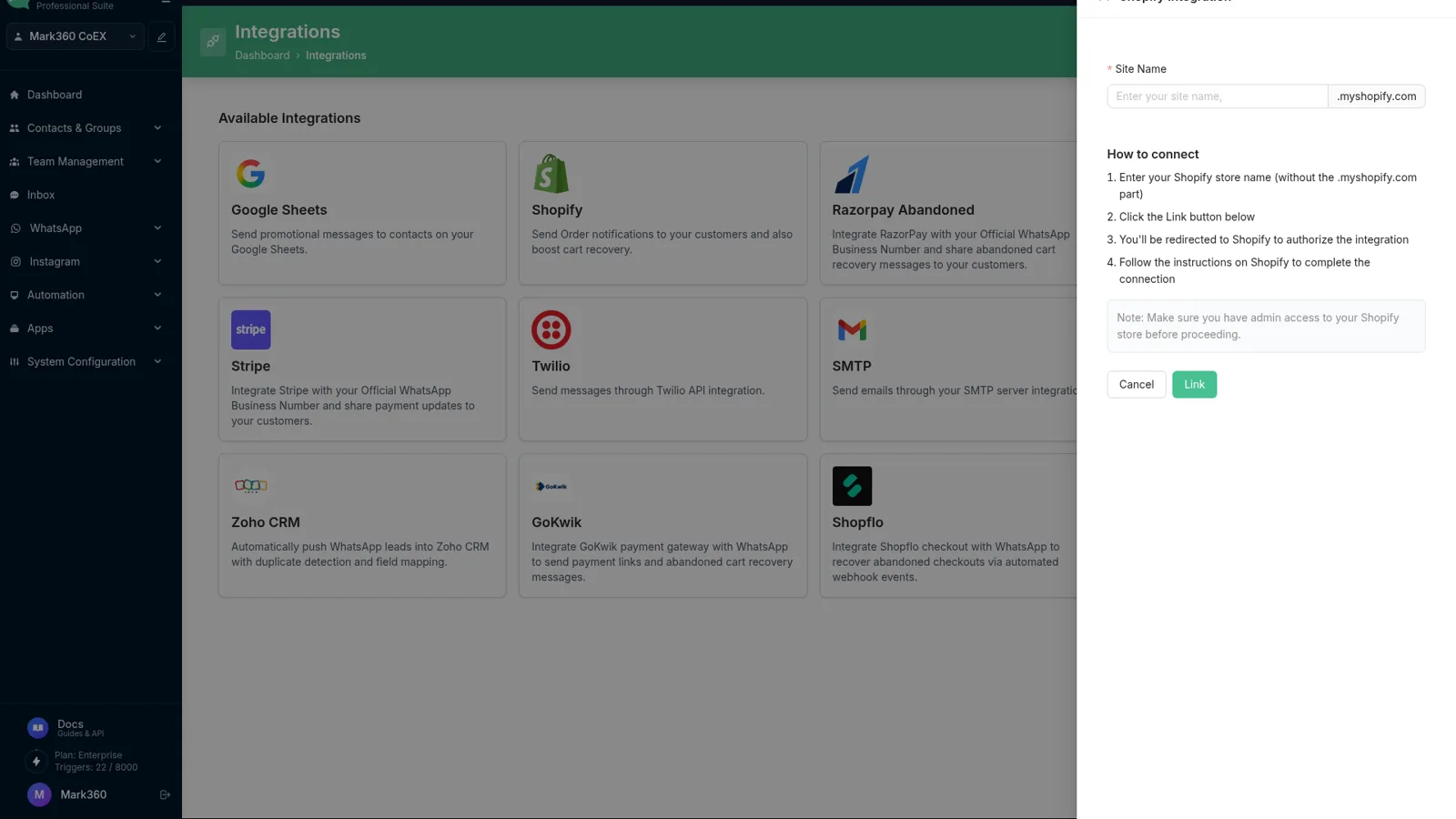
Choose Zoho CRM on the same screen as Shopify and Google Sheets.
2
Authorise Zoho
Finish the connect dialog with the Zoho account that should own the leads.
3
Map fields
Match phone, name, and source. Leave a Zoho field empty if you do not collect it.
4
Create one test lead
Check Zoho for the record, and check that a second message from the same number does not create a duplicate.
What to collect before you map fields
A WhatsApp Flow or a bot question can ask for a name and what the person wants. Custom fields in Mark360.ai, text or number, are the values you can map. Source can be the fixed value WhatsApp so the lead shows where it came from.
Google Sheets is the alternative when the team does not use Zoho: sync customer data to a sheet instead. Shopify orders are not Zoho deals.
Open Integrations, choose Zoho CRM, and finish the connect dialog. Then map fields.
Send WhatsApp leads to Zoho CRM, with duplicate detection and field mapping. Reply to the chat in the Mark360.ai inbox.
No. The catalog card is Zoho CRM leads. Invoices and payment links are a Razorpay workflow, not this integration.
No. You send leads you choose to create. Duplicate detection is there so the same person is not added twice.
No. API tokens exist for other jobs. This connection is the catalog card.
Yes. Free is $0/month, no card. Scale is $19/month billed quarterly. Scale+ is $99/month. WhatsApp messages are extra. In India, marketing is ₹0.94 and utility is ₹0.138 per message.
Put the next WhatsApp lead in Zoho
Connect Zoho CRM on the free plan, map the phone field, and create one test lead.
Trusted by 100+ businesses. Free plan, no credit card.