
WhatsApp payments
Get paid inside the WhatsApp chat
Send a Razorpay payment link from a workflow or from the inbox, and track what is paid, pending or failed. Catalog orders stay in their own list.
- Razorpay payment links
- Catalog orders
- Stripe is in the catalog
Free plan, no credit card required. Built on the official WhatsApp Cloud API.
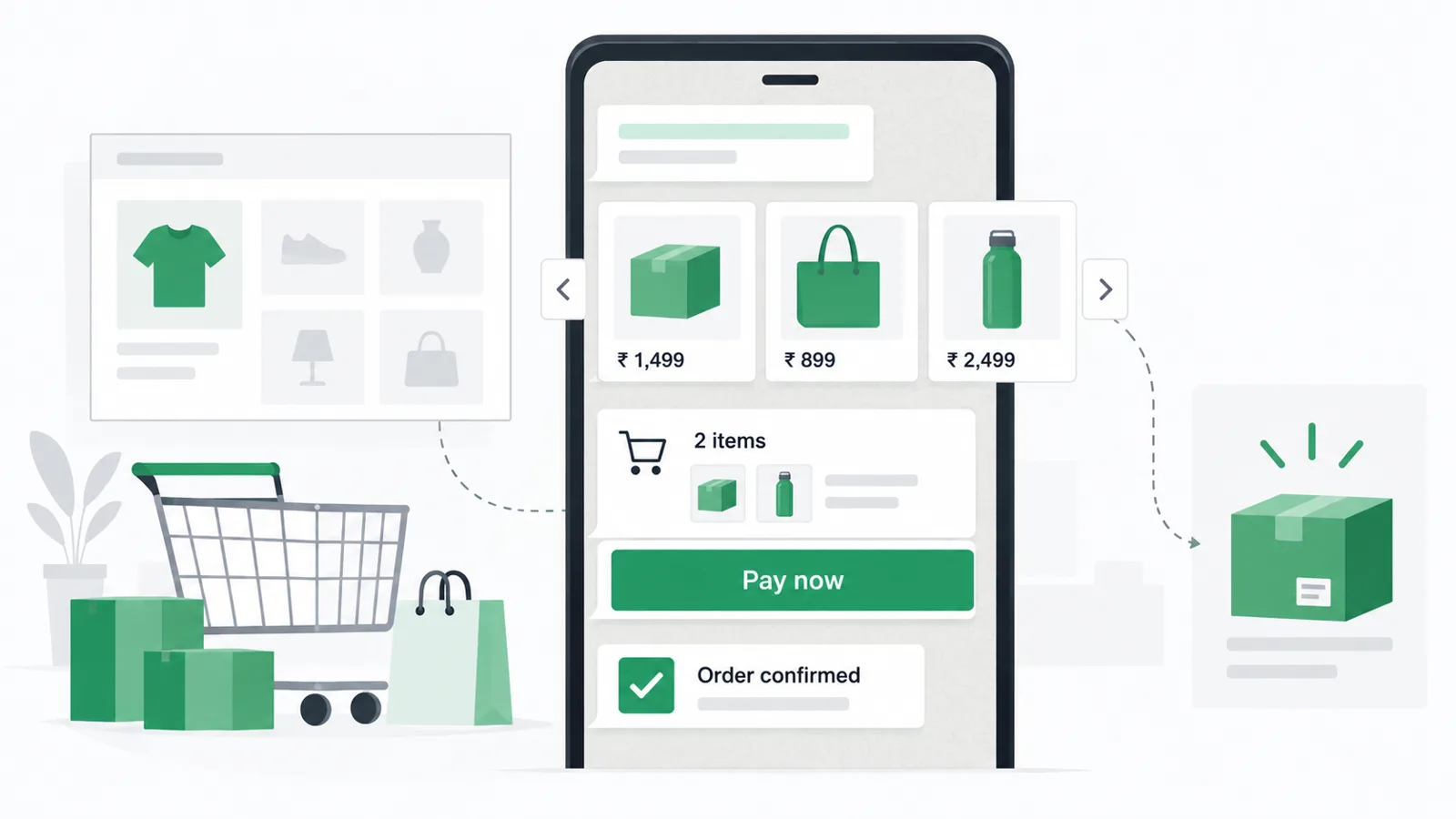
Example chat
Mark360.aiYour invoice is ready. Pay with the link.
CustomerPaid.
Two ways a payment leaves the chat
From the inbox, open the contact, choose Send payment request, pick the provider, enter the amount and the reason, and send. The customer pays by the methods that provider supports, such as UPI, card or net banking on Razorpay.
From a workflow, drop in the Razorpay payment link node next to a WhatsApp message. The same canvas can wait for the payment event, then send a receipt or hand the chat to a person. Stripe is also in the integrations catalog.
From a connected Razorpay account to a paid chat
01
Connect Razorpay
Integrations, then Razorpay. Abandoned-checkout events are available once it is connected.
02
Add the link
Use the payment node in a workflow, or send a request from the inbox.
03
Send it on WhatsApp
The customer pays without you pasting a fresh link by hand.
04
Track it
Payments are grouped so you can see successful and pending requests.
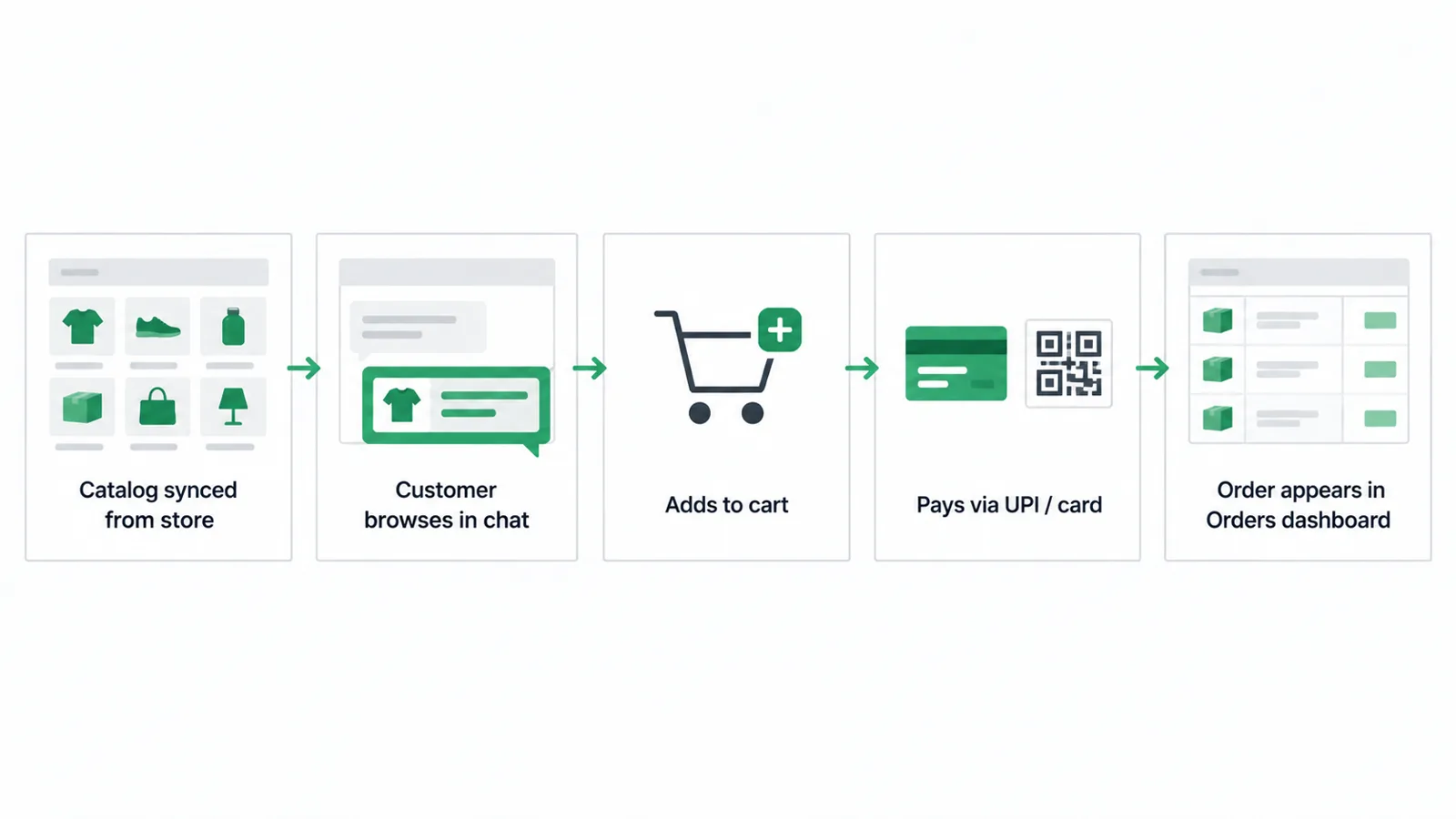
Orders and reminders next to the link
Workflow payment node
The workflow canvas includes WhatsApp message, WhatsApp form, SMS, email, API call, Shopify checkout link, Razorpay payment link, wait-for-event, delay and condition nodes.
Drip reminders
Sequence presets include a payment reminder, a welcome, a re-engagement, a review request, a birthday offer and an appointment reminder.
Catalog
Catalog orders
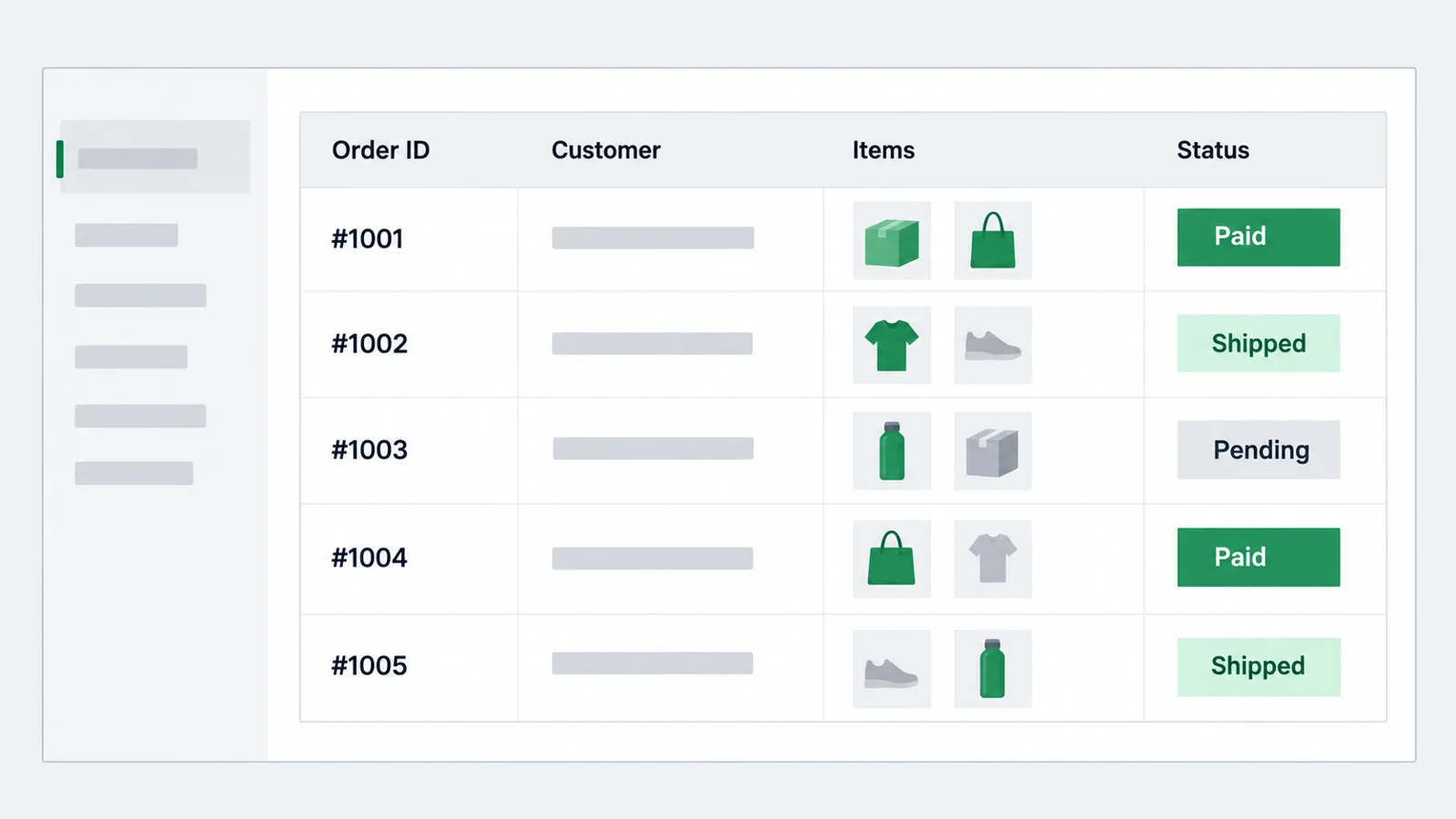
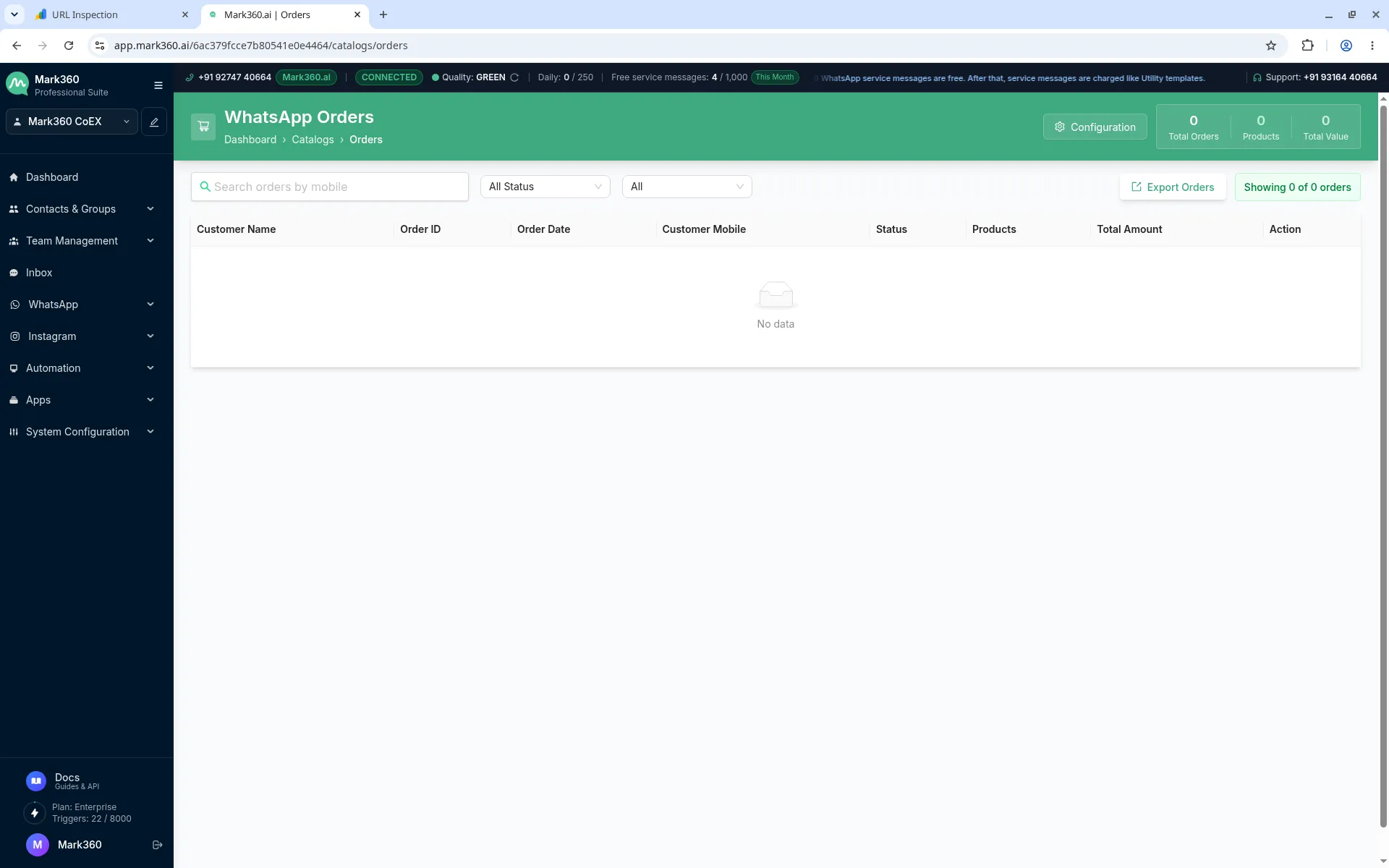
Connect a Facebook catalog, then review WhatsApp orders with the customer, order id, products, status and total, and export them.
Yes. Mark360.ai sends Razorpay payment links in WhatsApp. The customer pays by UPI, card or net banking on Razorpay's page.
Yes. A workflow can confirm a cash-on-delivery order and include a payment link before you dispatch.
Razorpay and Stripe. Razorpay also exposes abandoned-checkout events and a payment-link node.
Yes. Mark360.ai has a Free plan at $0/month with no credit card required. Paid plans start with Scale at $19/month billed quarterly (list price $35/month). Scale+ is $99/month. WhatsApp messages are billed per message on top of the plan. Annual billing is 10% off.
Start free on Mark360.ai
Connect your WhatsApp number on the free plan and set up the first automation. Move to Scale at $19/month billed quarterly when you need more triggers, seats or campaigns.
Trusted by 100+ businesses. Free plan, no credit card.