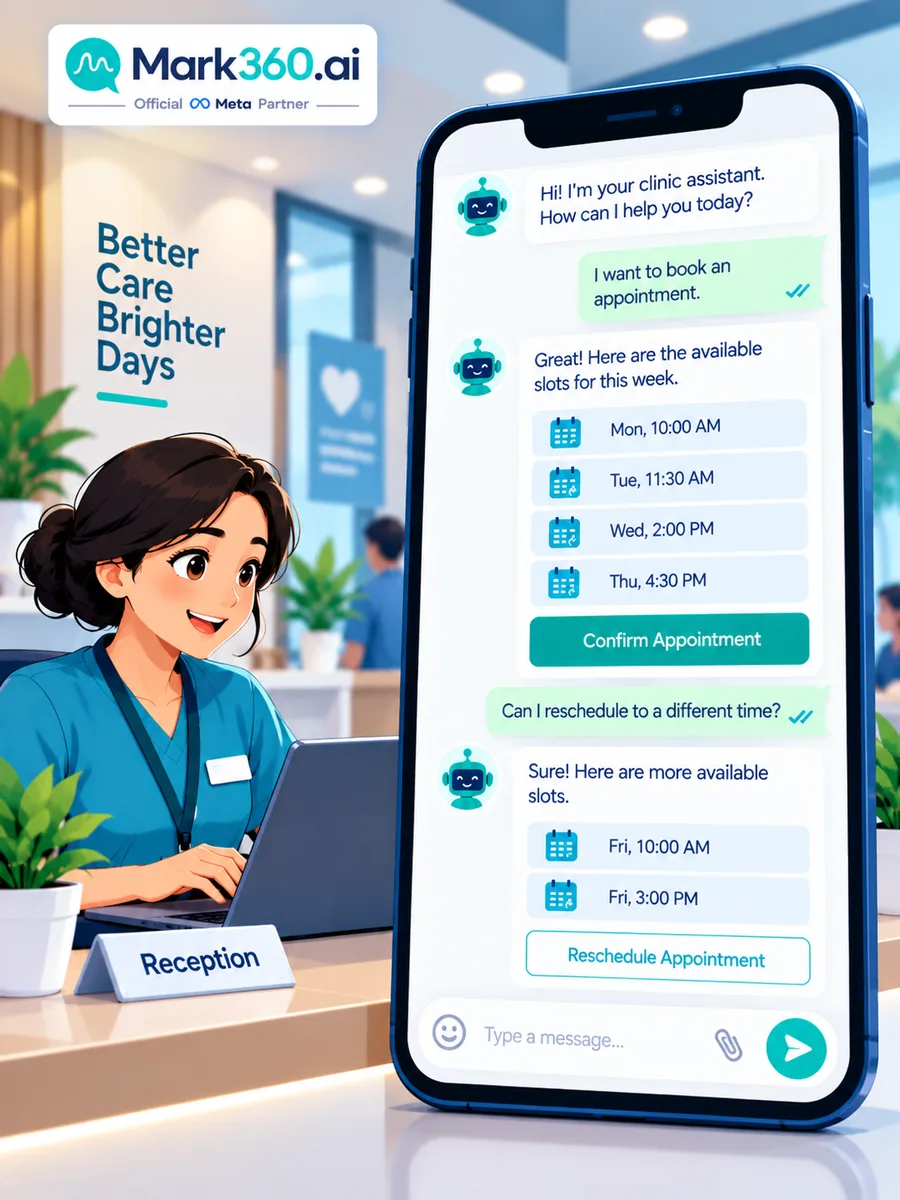
WhatsApp Appointment Booking for Clinics: Reminders, Care Drip & Healthcare Chatbots
Clinics, dental practices, diagnostics labs, and wellness centres lose revenue to no-shows and after-hours “are you open?” messages. WhatsApp appointment booking on the Business API fixes the operational loop—confirmations, 24h/2h reminders, post-visit care drips, and a chatbot that books or reschedules without pretending to be a doctor. Compliance note: this article covers operational messaging patterns only. Do not put protected health information (PHI) or detailed clinical notes in marketing templates; follow your local privacy and telehealth rules; escalate clinical questions to licensed staff.
Quick answer: How should clinics use WhatsApp Business API?
Use WhatsApp Business API for appointment booking/rescheduling bots, confirmation and reminder drips, limited opt-in health-camp broadcasts, and post-visit feedback—never for diagnosing patients in marketing messages. Track show rate, booking conversion from chat, and reminder acknowledge rate. Mark360 is an Official Meta Business Partner.
- Broadcast = opt-in camp/checkup invites with careful, non-clinical claims.
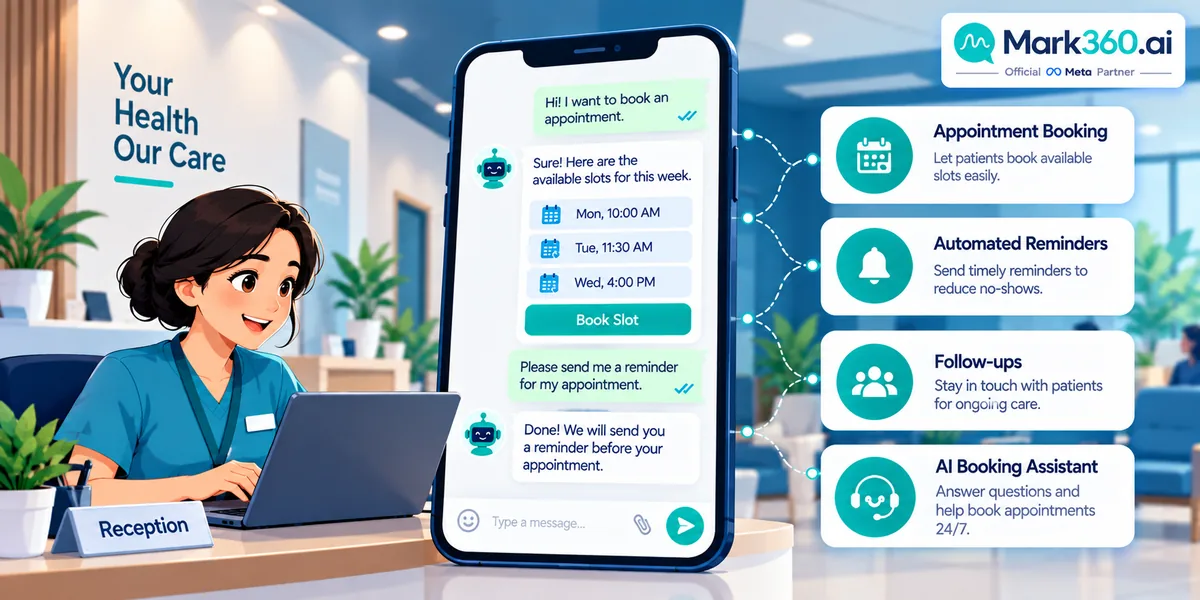
- Drip = confirm → T−24h → T−2h → post-visit care tips → feedback.
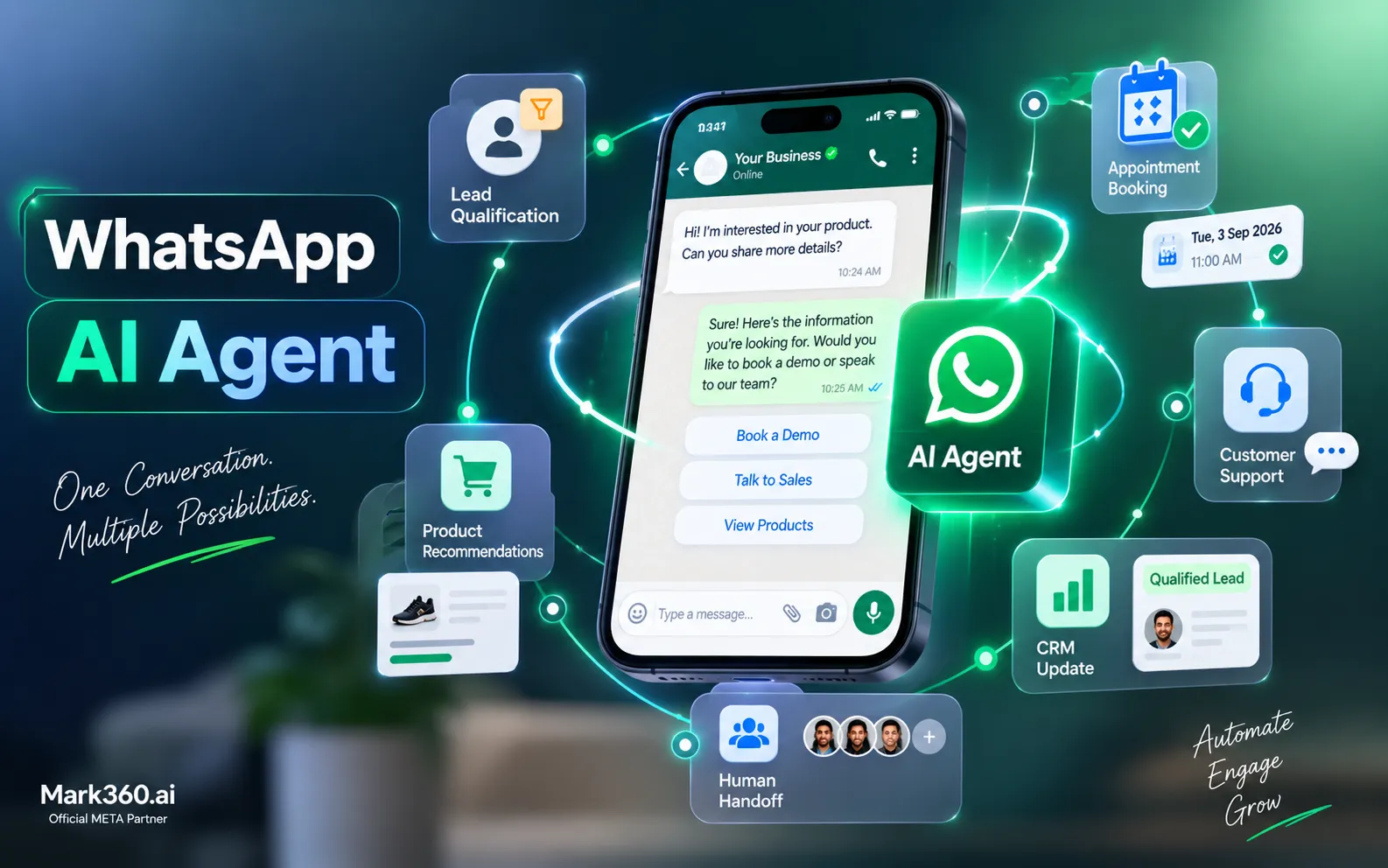
- Chatbot / AI agent = book/reschedule, hours/location, package info; escalate symptoms to humans.
- Filter SEO noise: this is clinic operations, not “free doctor on WhatsApp.”
- No PHI in broadcasts; prefer portals for reports when required.
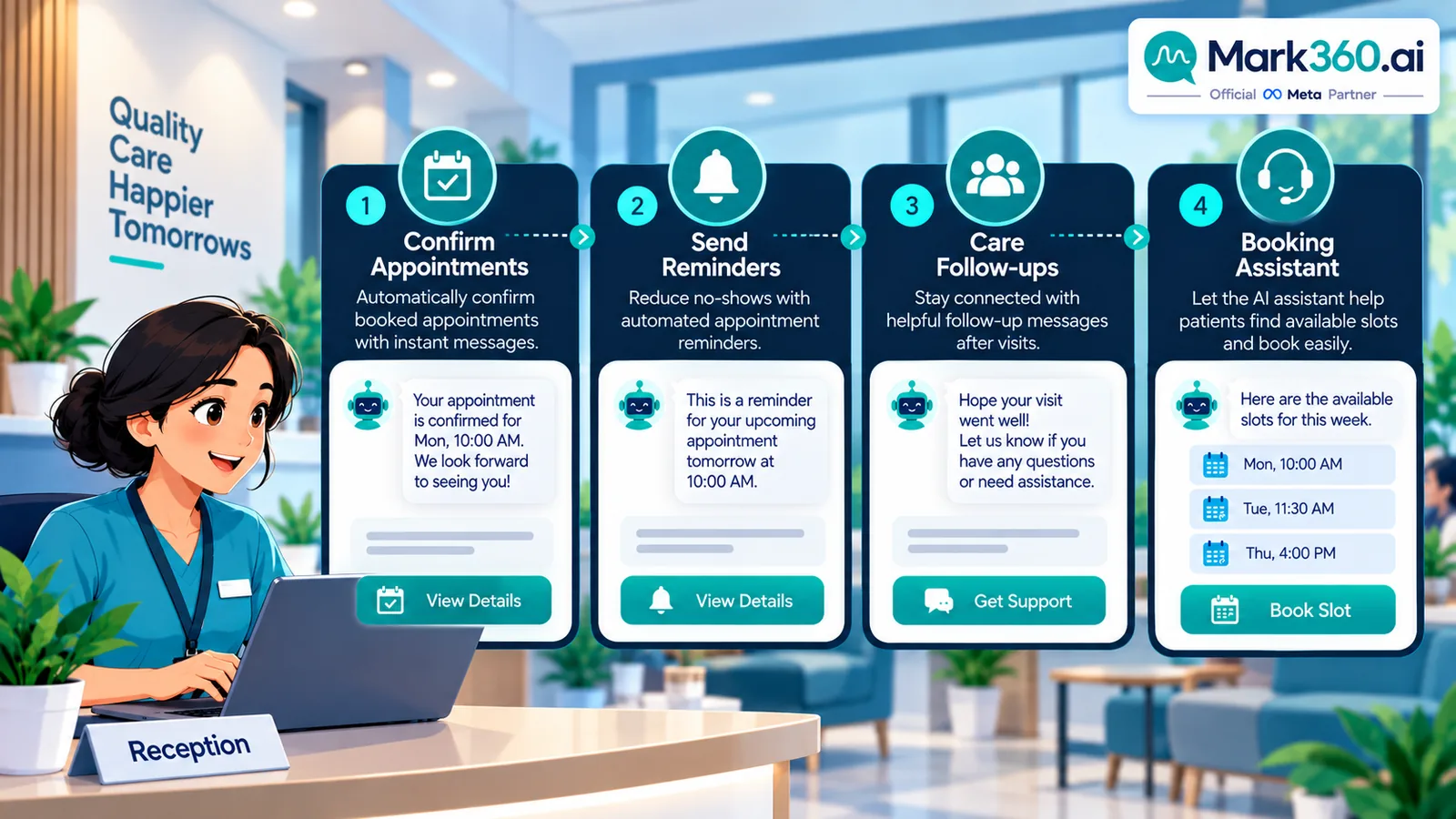
Why clinics need API-grade WhatsApp
- Reception cannot answer every channel while checking patients in
- No-shows waste clinician time; timed reminders are proven operational hygiene
- Patients expect instant reschedule options evenings and weekends
- Multi-location groups need shared inbox and templates, not one personal phone
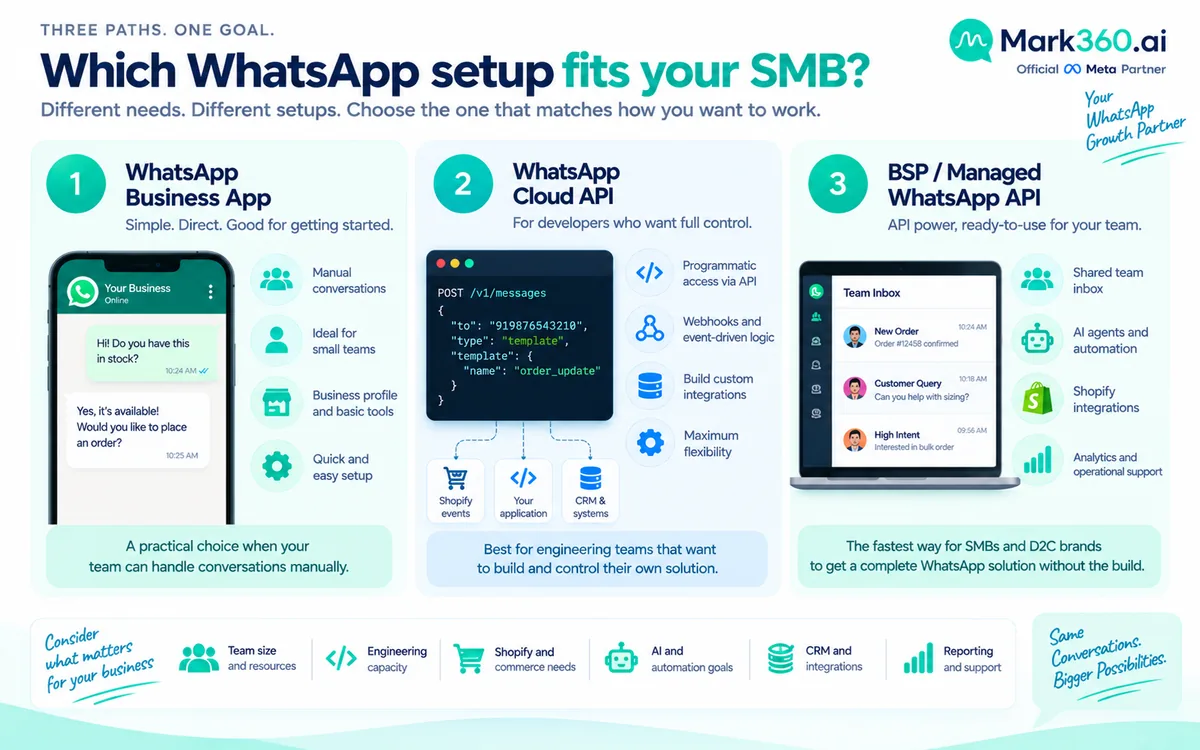
Business App may suffice for a solo practitioner with a tiny panel. Growing clinics need API templates, journeys, and bots.
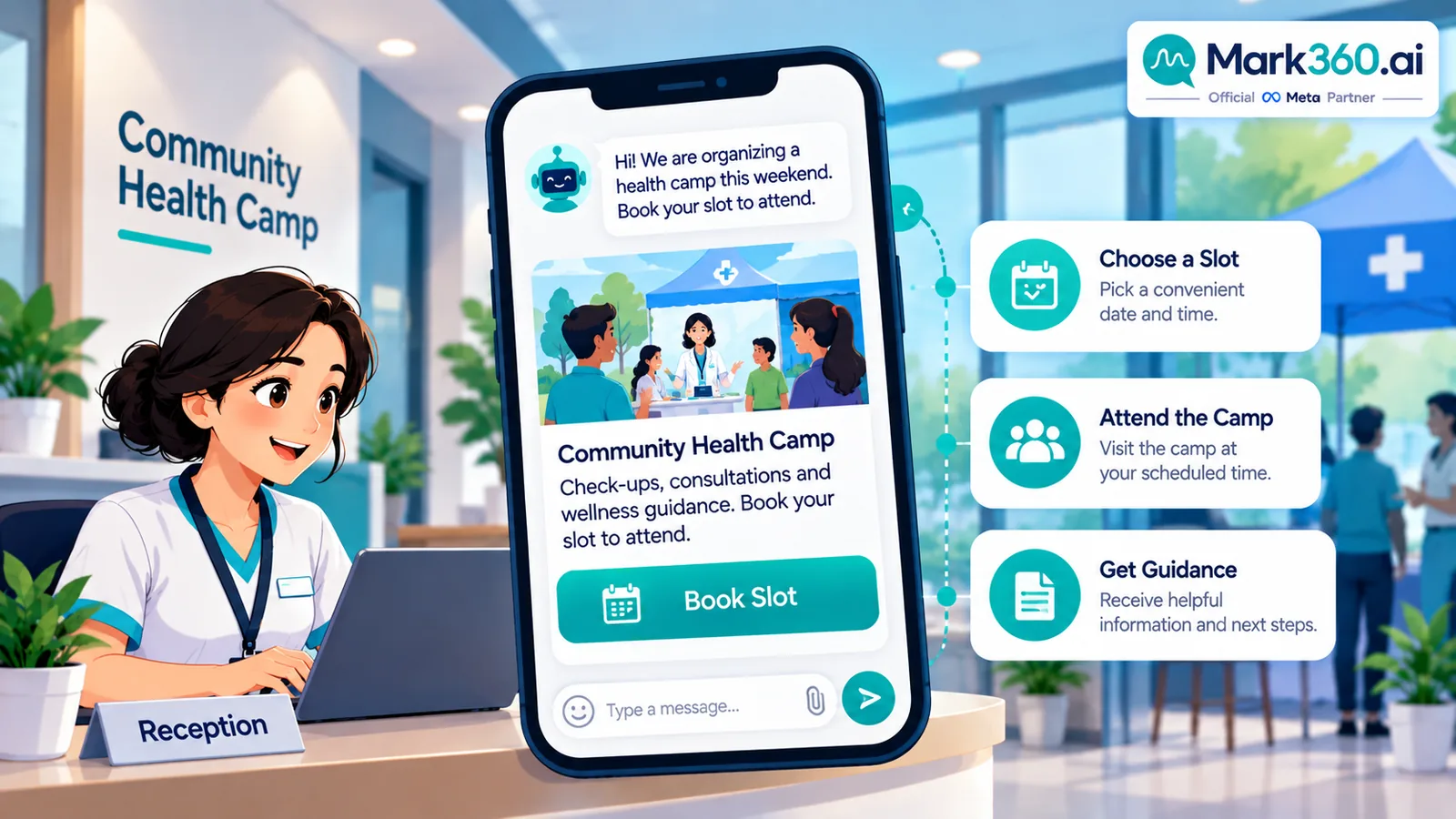
Use case 1 — Broadcast: camps and seasonal checkup invites (opt-in only)
Keep broadcasts educational and invitational—not diagnostic.
- Vaccination drive or health camp invite to opted-in local patients
- Seasonal checkup reminder (“book your annual dental cleaning window”)
- New service line announcement (e.g., evening physiotherapy slots)
Workflow
- Maintain explicit opt-in (registration form, “JOIN UPDATES” keyword).
- Segment by location and relevant service line—not by sensitive diagnosis lists in the marketing tool.
- Use marketing templates with clear CTA: Book / Call / Directions.
- Route replies to booking bot or reception queue.
- Suppress recently visited patients if the offer is irrelevant.
Honesty: Vendor case studies (for example diagnostics brands reporting booking lifts on BSP blogs) are illustrative third-party claims—not Meta rates and not Mark360 guarantees.
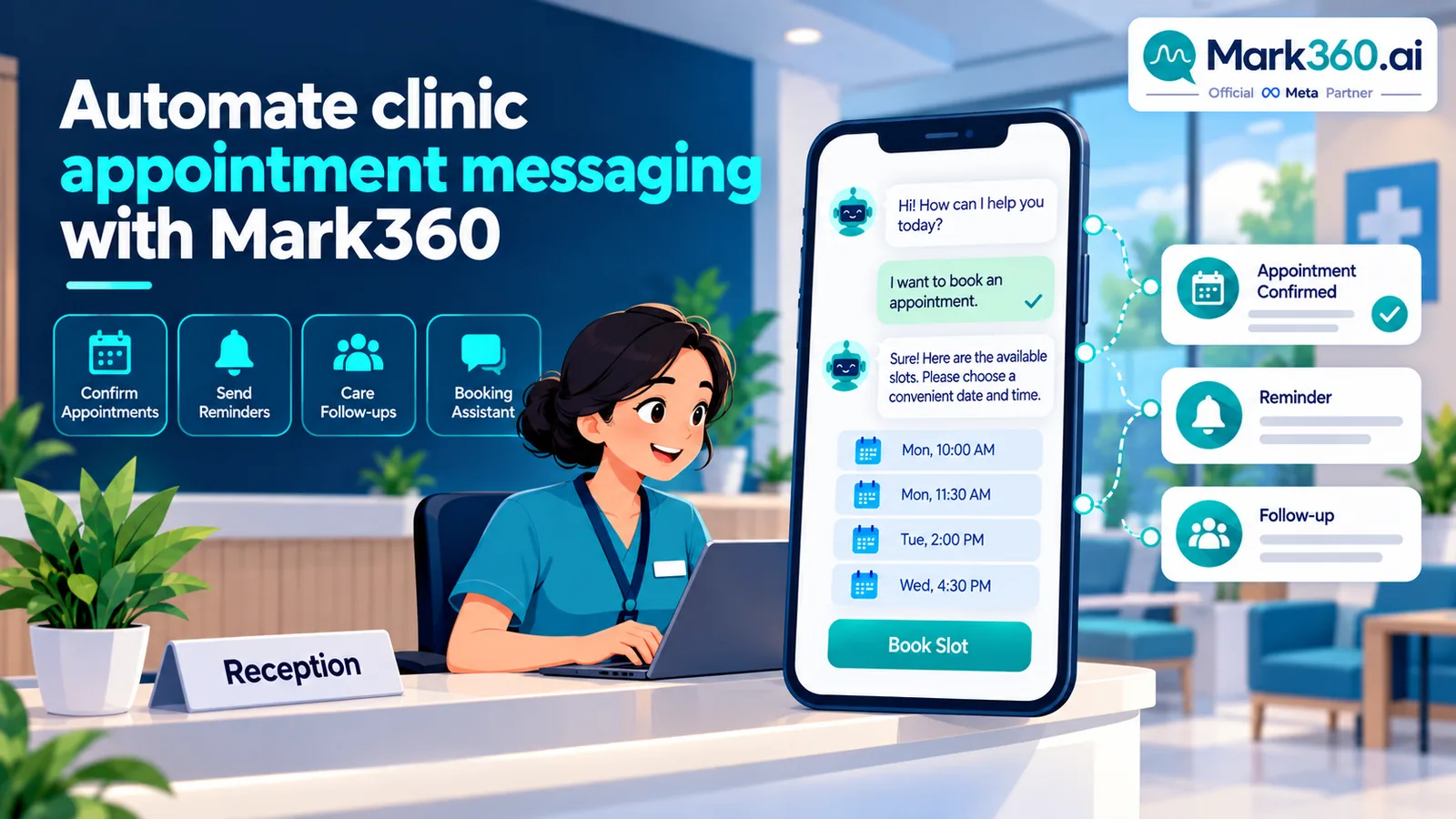
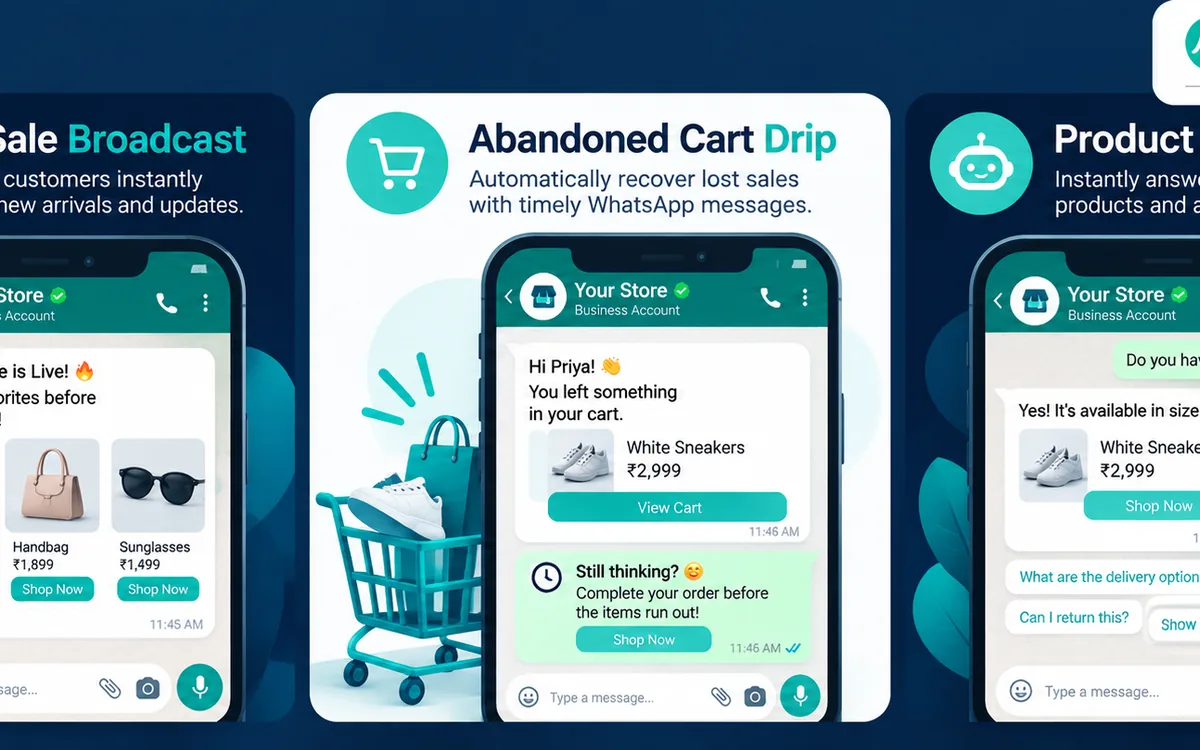
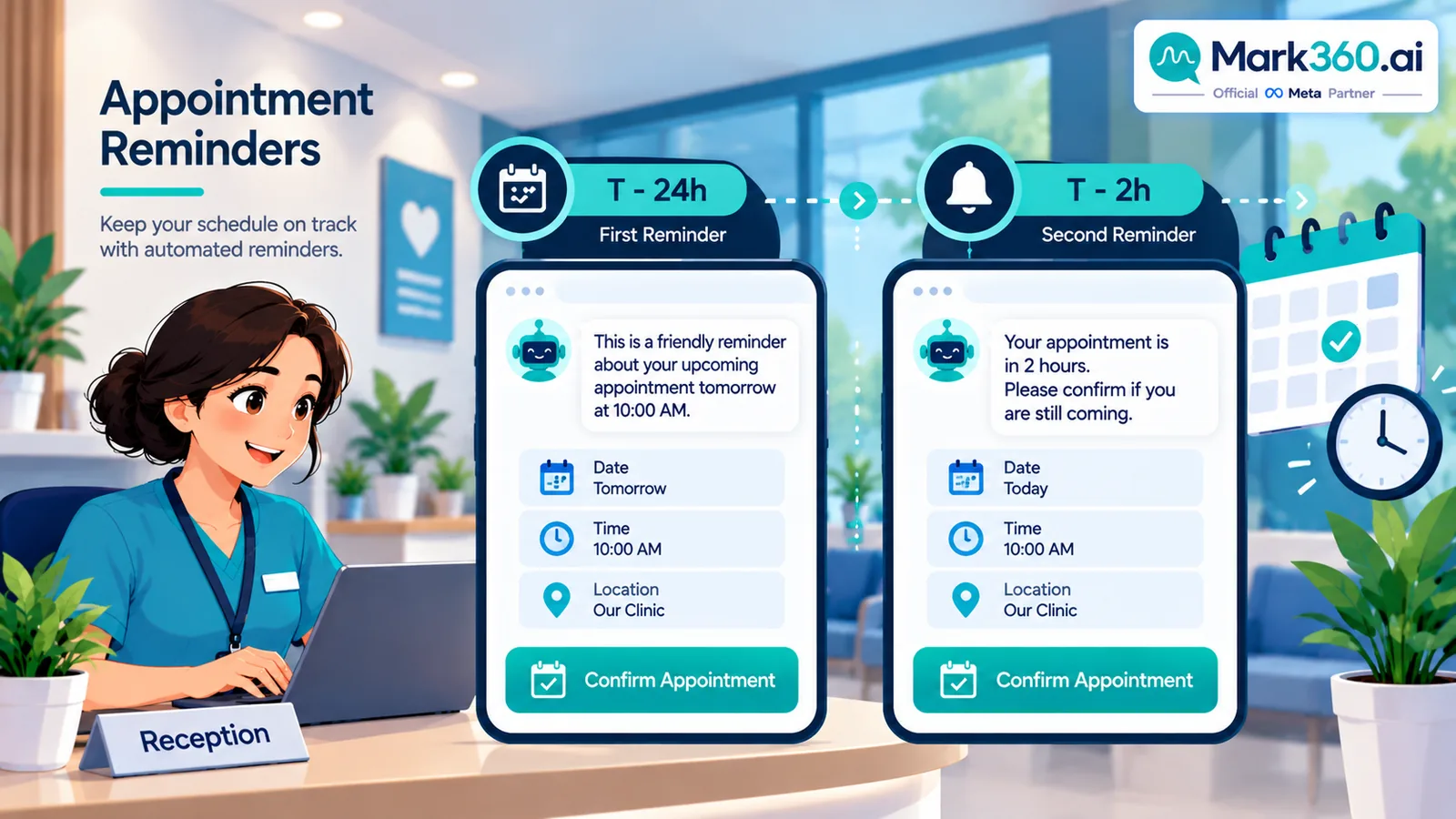
Use case 2 — Drip: appointment confirm, reminders, post-visit care
| Step | Timing | Message | Notes |
|---|---|---|---|
| Confirm | Immediately after booking | Date, time, location, prep instructions link | Utility pattern; accurate data only |
| Reminder | T−24 hours | Confirm / Reschedule / Cancel buttons | Reduce no-shows |
| Reminder | T−2 hours | Short nudge + map pin | Optional for high no-show specialties |
| Care | Visit +4–24 hours | Generic post-procedure care link from your approved library | No personalized clinical advice in blast copy |
| Feedback | Visit +2–3 days | CSAT / review request | One ask; easy opt-out |
Missed-appointment drip: same day “sorry we missed you—pick a new slot” → +2 days human follow-up for chronic care panels if your policy allows.
Use case 3 — Chatbot / AI agent: book, reschedule, FAQs
Allowed bot jobs
- Share hours, address, parking, insurance/payment FAQs you publish publicly
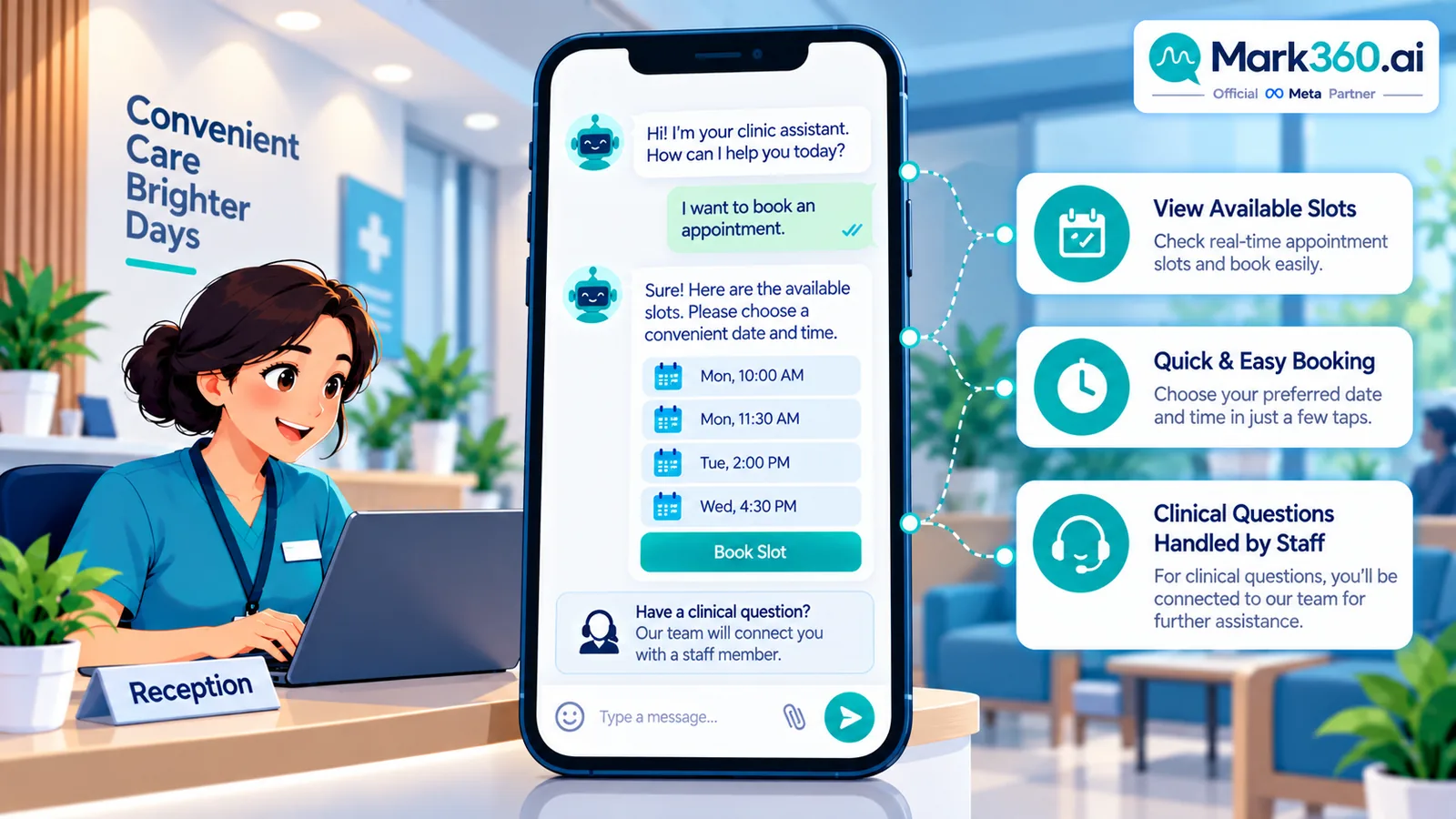
- Offer bookable slots from your calendar integration
- Reschedule / cancel with policy text
- Explain package names at a marketing level (“teeth whitening consult”)
- Collect chief complaint at a high level only if your clinical intake policy allows, then hand to staff
Hard stops for the bot
- No diagnosis, prescription, or emergency triage beyond “call emergency services / visit ER”
- No requesting full medical history in a marketing chat
- No sending lab PDF reports in unprotected group-style broadcasts—use authenticated portals when required
Example flow
- Patient: “Book dental cleaning”
- Bot: location → available slots → confirms name/phone → sends calendar utility message
- Patient: “I have severe chest pain”
- Bot: emergency guidance + offer human callback for non-emergencies; never chat-diagnoses
Privacy and compliance (read this twice)
- Minimize data in templates; prefer “your appointment tomorrow at 10:00” over clinical detail.
- Align with local laws (HIPAA/GDPR/PDPA/etc. as applicable)—Mark360 provides messaging tooling; you remain the covered/regulated entity for clinical data.
- Staff training: humans also must not paste PHI into wrong chats.
- Keep marketing and clinical systems appropriately separated.
Setup path with Mark360
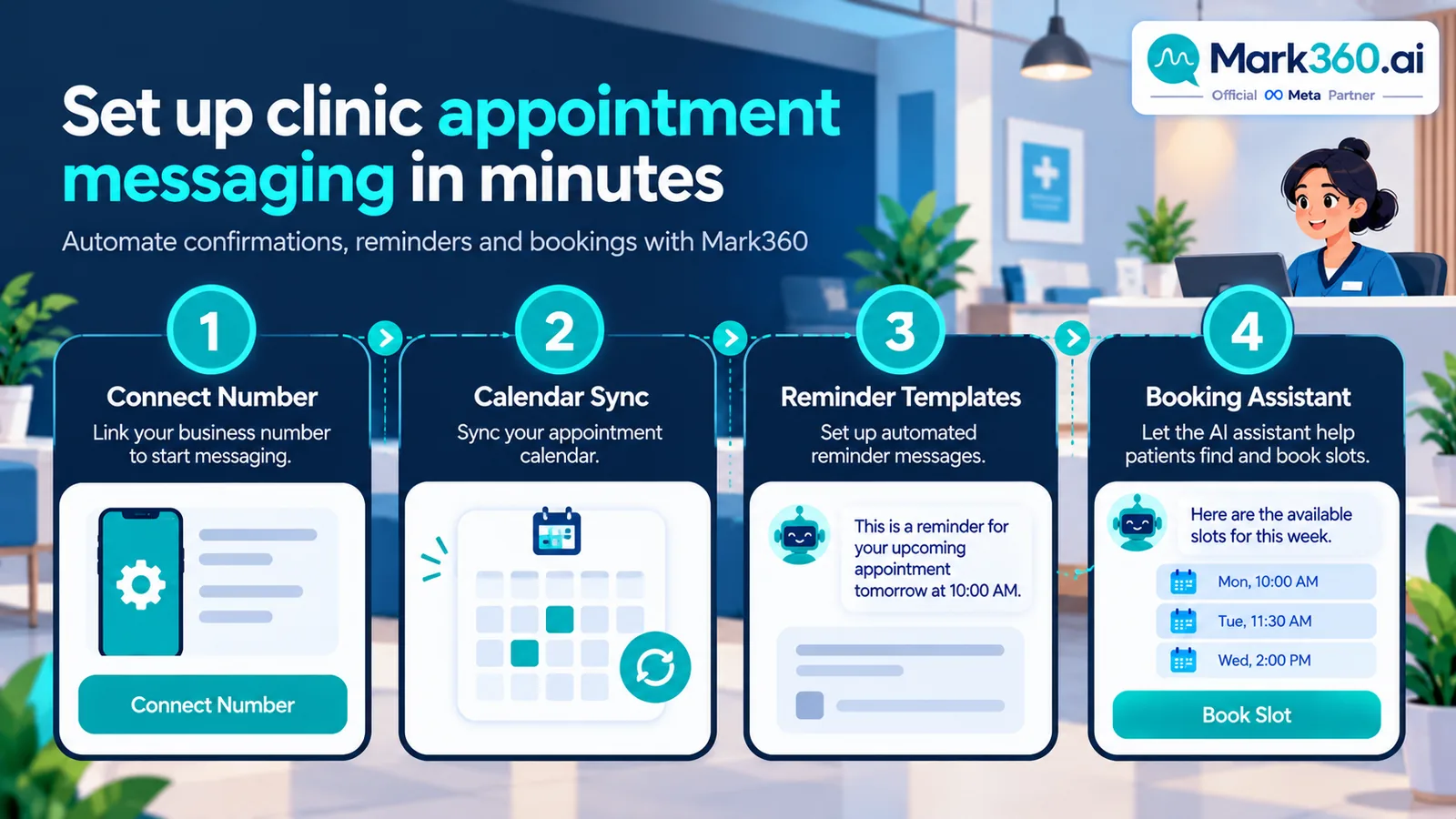
- Connect WhatsApp Business API via Mark360 (Meta Business Partner onboarding).
- Integrate calendar / practice management for real slots.
- Approve templates: appointment confirm, reminder, camp invite, feedback.
- Configure AI agent with public FAQ + booking tools; set clinical escalation keywords.
- Pilot reminders on one clinician schedule; measure show-rate change vs baseline.
- Expand to reschedule bot and careful opt-in broadcasts.
mark360.ai/whatsapp-api · AI agent guide.
Metrics that matter
| Metric | Why |
|---|---|
| Show rate | Primary ROI for reminder drips |
| Bookings from WhatsApp | Bot + CTWA effectiveness |
| Reschedules vs no-shows | Friction of cancel/reschedule path |
| Emergency/clinical escalations | Safety of bot guardrails |
| Unsubscribe / blocks | Broadcast hygiene |
Related guides
Ecommerce · Education · Real estate · Restaurants · Top 5 hub.
Two-week clinic launch plan (reminders first)
Healthcare messaging should prioritize operational safety over marketing ambition. A recommended sequence:
- Days 1–3: Complete Mark360 WhatsApp API onboarding. Align with your privacy officer on what appointment fields may appear in templates (usually date/time/location/prep link only).
- Days 4–6: Integrate the calendar or practice management system. Approve confirm + T−24h reminder templates with Confirm / Reschedule / Cancel buttons.
- Days 7–10: Pilot reminders for one clinician or one location. Track show rate versus the prior four weeks.
- Days 11–14: Enable booking/reschedule bot for public services (cleaning, consult, follow-up slots). Add clinical escalation keywords.
- Later: Consider opt-in camp broadcasts only after reminder quality is proven.
Guardrail library for healthcare chatbots
| User says / intent | Bot behavior | Why |
|---|---|---|
| Chest pain, stroke signs, severe bleeding, suicidal ideation | Emergency redirect; offer human callback only for non-emergent follow-up | Safety |
| “What does my report mean?” | Do not interpret; book clinician review or portal instructions | No unlicensed diagnosis |
| “Send my lab PDF here” | Follow clinic policy—usually portal link, not unprotected chat blast | Privacy |
| Book / move / cancel visit | Execute via calendar tools + utility confirm | Core automation value |
| Insurance coverage detail | Share public FAQ; escalate edge cases | Accuracy |
Compliance reminder: Mark360 provides WhatsApp Business API tooling as an Official Meta Business Partner. Your practice remains responsible for clinical governance, consent, and local privacy law (including HIPAA/GDPR/PDPA-style obligations where they apply). This article does not provide legal advice.
Writing appointment templates patients trust
- Include timezone-clear time and full clinic name/address.
- Link prep instructions (“fasting rules”) instead of stuffing clinical detail into the template body.
- Always offer reschedule—trapped patients become no-shows.
- Keep marketing camps invitational (“book a seasonal checkup window”) without disease-scare copy.
- Never imply WhatsApp chat replaces emergency care.
Multi-location and multi-specialty considerations
Groups with several clinics should:
- Use outlet-aware booking so patients are not offered slots across town by mistake.
- Separate template language for dental vs diagnostics vs wellness if prep differs.
- Route VIP or chronic-care panels to human coordinators when continuity matters.
- Audit bot transcripts monthly for accidental PHI sprawl.
Mistakes clinics make
- Launching promotional blast campaigns before reminder automation is stable.
- Allowing bots to guess dosages or interpret symptoms.
- Storing sensitive images in shared marketing folders tied to broadcast tools.
- Skipping Reschedule buttons, which paradoxically increases no-shows.
- Chasing consumer “WhatsApp doctor” SEO that attracts the wrong audience.
Measuring show-rate lift the honest way
Do not announce “WhatsApp reduced no-shows 40%” without a baseline. A simple study design any clinic can run:
- Pick one service line (for example dental hygiene).
- Record show rate for 4 weeks with existing SMS/call process.
- Turn on WhatsApp confirm + T−24h reminder for the next 4 weeks with the same booking rules.
- Compare show rate and reschedule rate; note seasonality (holidays, flu season).
- Publish internally as directional—not as a Meta benchmark.
Third-party BSP case studies that cite booking lifts for diagnostics brands are useful inspiration, but they are vendor-reported. Always label them illustrative if you mention them in marketing.
Reception playbooks when the bot is live
- Teach reception to trust the calendar truth: if the bot booked it, it should appear in PMS within seconds—debug webhooks when not.
- Create a “bot escalation” queue separate from walk-in chaos.
- Script empathy for patients frustrated by automation; one warm human message recovers trust.
- Never ask patients to repeat medical history the PMS already stores—pull context into the inbox sidebar instead of re-collecting PHI in chat.
Telehealth and hybrid clinics
If you offer video consults, WhatsApp can carry the booking and the join link utility message. Keep clinical conversation on the telehealth tool your clinicians are licensed to use. Do not improvise prescriptions inside marketing chat threads. For hybrid practices, let the bot ask “in-clinic or video?” only for services that truly support both.
Example reminder copy (structure only)
Keep templates short. A structural pattern many clinics approve:
- Header: clinic name or neutral appointment image (no clinical photos of identifiable patients).
- Body: “Hi {{1}}, reminder: appointment at {{2}} on {{3}}. Reply CONFIRM or RESCHEDULE.”
- Buttons: Confirm | Reschedule | Get directions.
Prep instructions belong behind a link (“What to bring / fasting”) so the template stays minimal. If a patient reschedules, cancel the old reminder jobs immediately—double reminders are a common webhook bug.
For feedback messages, ask one CSAT question or share one review link, then stop. Endless “please review us” drips feel extractive in healthcare contexts.
When you eventually run an opt-in camp invite, constrain geography and service line. A citywide blast about a niche specialty wastes trust. Track unsubscribe rate as carefully as bookings created.
Connecting Mark360 to your practice stack
Typical clinic integrations look like this in production:
- Calendar / PMS: create, reschedule, and cancel appointments the bot offers; write-back confirmation IDs.
- CRM lite: store opt-in flags and campaign membership without clinical notes.
- Review platforms: send post-visit links only to patients who completed visits.
- Analytics: delivery, button taps, show rate—exported weekly to operations leadership.
Start narrower than your ambition. A single location with excellent reminder hygiene beats five locations with broken webhooks. When you expand, clone the winning template set and re-test escalation keywords per specialty. Keep a written incident process for mis-sends (wrong patient, wrong time): apologize, correct via human chat, and audit the job logs the same day.
Next steps
Baseline your no-show rate, connect Mark360 WhatsApp API, and ship confirm + reminder templates before any promotional camps.