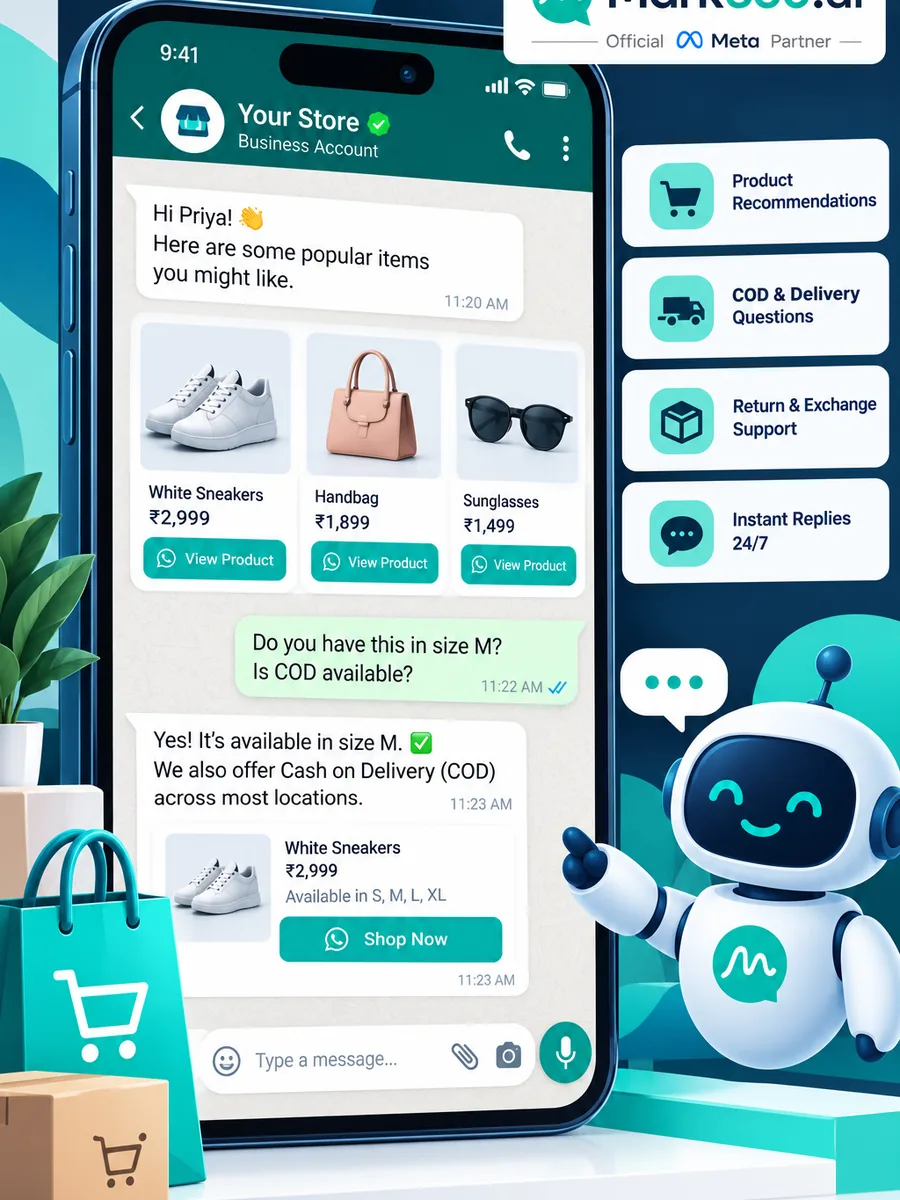
WhatsApp Business API for Ecommerce: Broadcast, Abandoned Cart Drip & AI Chatbots
Ecommerce and D2C brands outgrow the WhatsApp Business App the moment abandoned carts, flash sales, and “where is my order?” tickets need automation. This guide shows real WhatsApp Business API use cases for ecommerce—broadcast campaigns, timed drip journeys, and chatbot / AI agent flows—plus a practical Mark360 setup path. For Shopify-specific KPI deep dives, order notifications, and CTWA ads, use the linked series posts rather than re-learning those stacks here.
Quick answer: How should ecommerce brands use WhatsApp Business API?
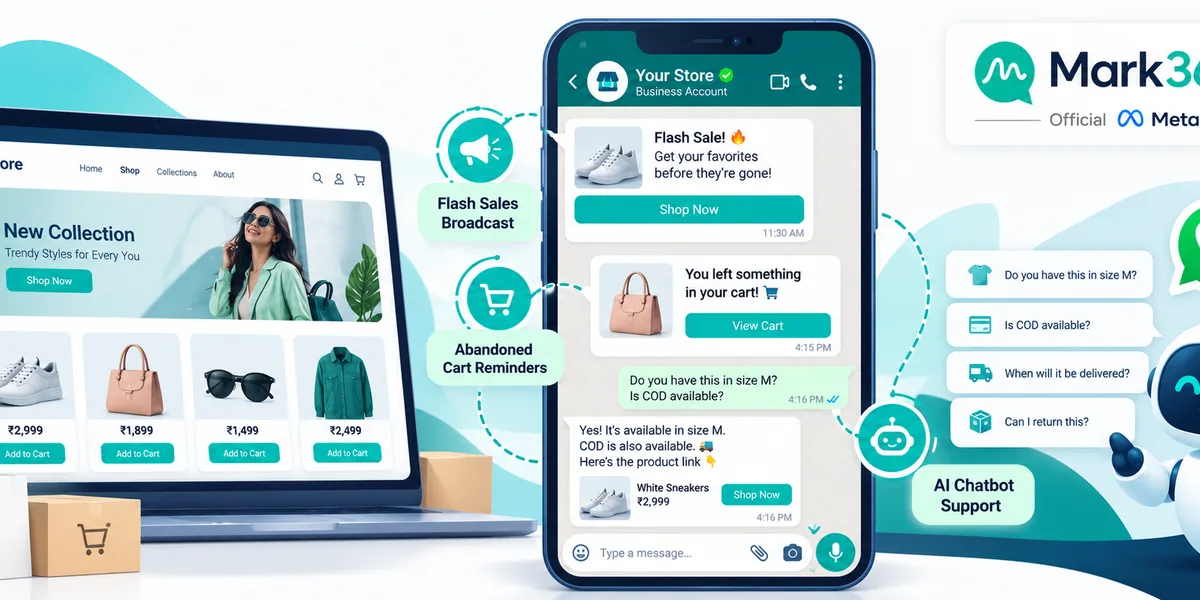
Use WhatsApp Business API to recover carts with timed utility/marketing drips, run opted-in flash and restock broadcasts, and answer catalog, COD, and WISMO questions with a chatbot or AI agent that hands off to humans. Track delivery, reply/confirm rate, recovered orders, and cost per conversation—not invented open rates. Mark360 is an Official Meta Business Partner for campaigns + AI agents.
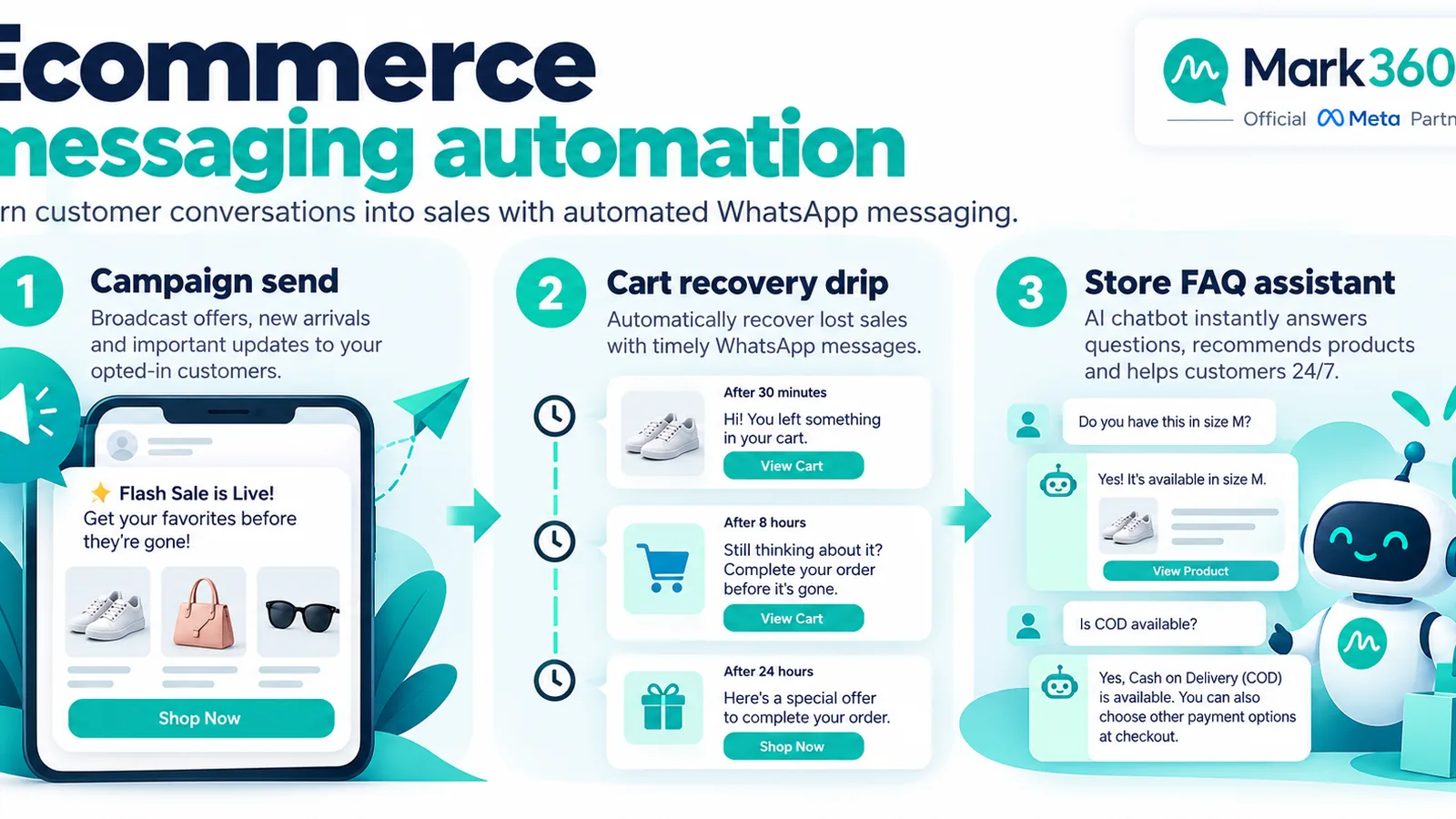
- Broadcast = limited-time offers and restocks to opted-in buyers (approved marketing templates).
- Drip = abandoned cart, post-purchase cross-sell, reorder, and review sequences with clear timing.
- Chatbot / AI agent = catalog Q&A, size help, COD confirmation, order status, human handoff.
- CTWA ads open a conversation window; nurture with API templates after the service window.
- Measure recovered checkout rate among opted-in abandoners before scaling spend.
Why ecommerce needs the API (not only the Business App)
The Business App works for a founder replying to a few dozen chats. Ecommerce breaks that model with:
- Thousands of opted-in customers who expect timely sale alerts
- Cart events from Shopify, WooCommerce, or custom checkouts
- WISMO (“where is my order?”) volume that eats support hours
- COD confirmation before dispatch to cut reverse logistics waste
- Multi-agent inboxes and CRM sync
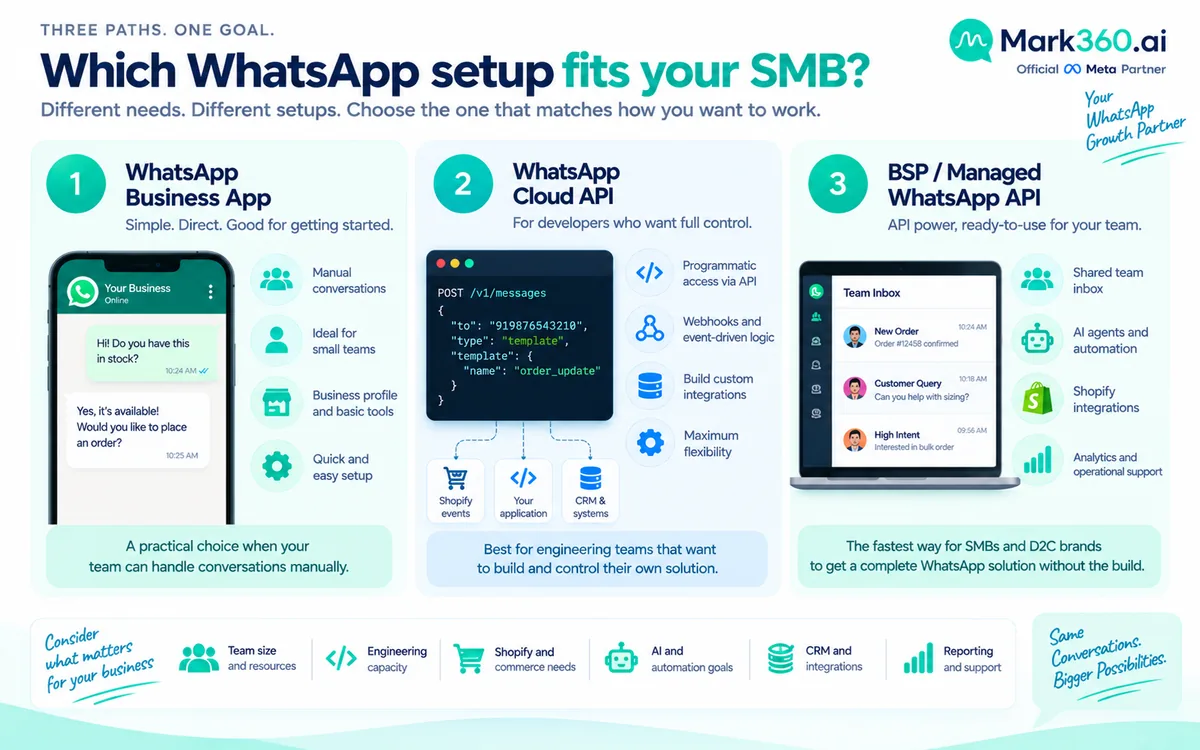
API access (via a BSP such as Mark360) unlocks approved templates, webhooks, broadcast tools, drip journeys, and AI agents with catalog and order tools. App vs Cloud API vs BSP overview: Cloud API vs Business App vs BSP.
Use case 1 — Broadcast: flash sales, restocks, and loyalty drops
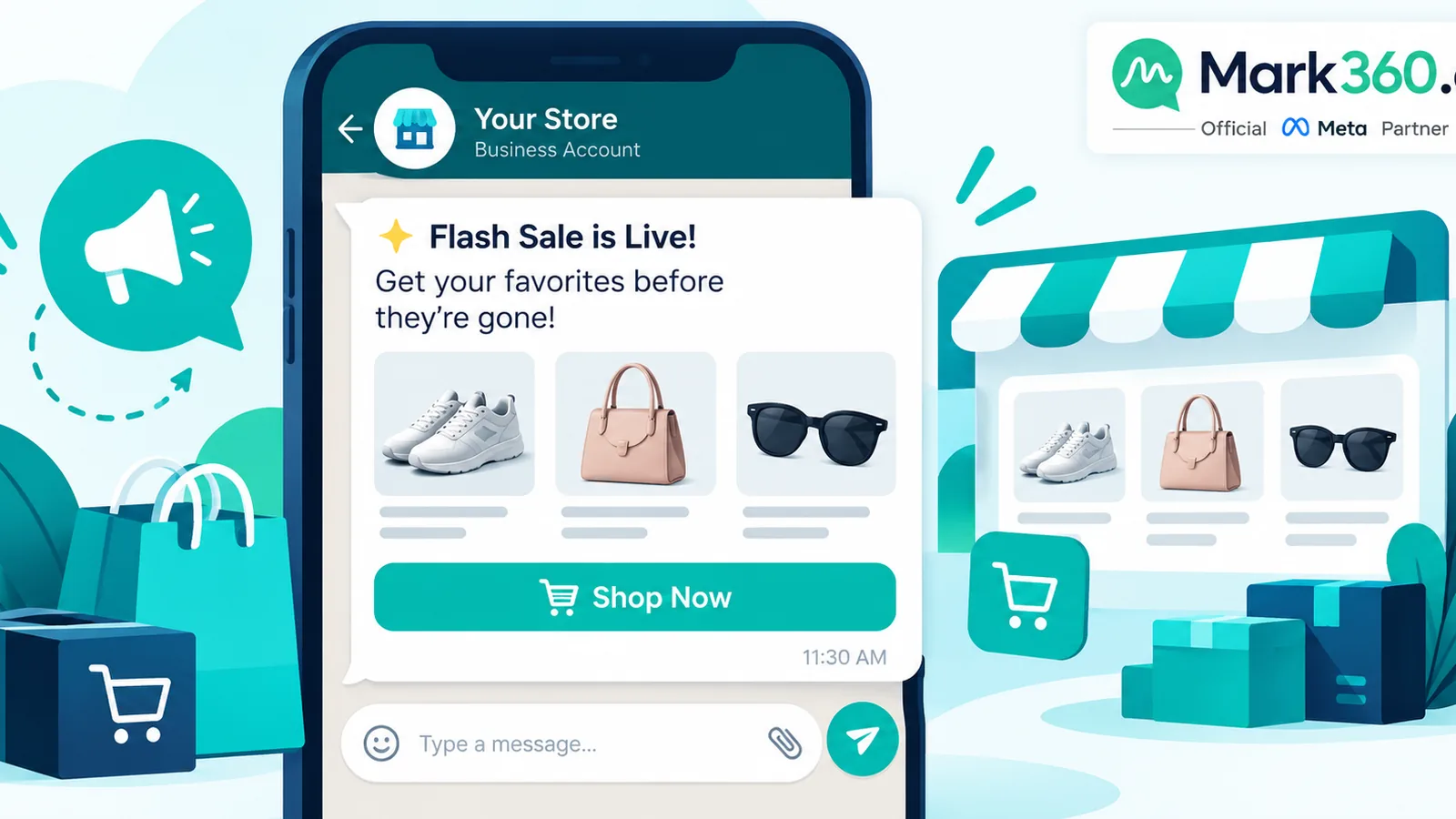
Broadcasting on WhatsApp Business API means sending an approved marketing template to an opted-in segment—not blasting random numbers. Typical ecommerce broadcasts:
- Flash sale (24–48h): “{1} is live — {2}% off bestsellers until {3}. Tap Shop.”
- Back-in-stock: notify waitlist buyers who opted in when they asked about a sold-out SKU.
- Loyalty / VIP early access: segment by LTV or repeat purchase count.
- Seasonal drops: festival or category launches with a catalog deep link or CTWA follow-up.
Workflow example
- Build an opt-in list (checkout checkbox, “JOIN” keyword, or CTWA lead).
- Segment: last_purchase_days, category affinity, COD vs prepaid preference.
- Submit a marketing template with clear body, optional header image, and URL/quick-reply buttons.
- Schedule send in a quiet local window; throttle if your provider supports pacing.
- Route replies into a shared inbox or AI agent that can apply a coupon or book a callback.
Starter metrics: template delivery rate, unique reply rate, click-through on shop URL, orders attributed within 24–48 hours. Treat any third-party “X% uplift” case study as illustrative vendor methodology—not a Meta rate.
Use case 2 — Drip: abandoned cart and post-purchase journeys
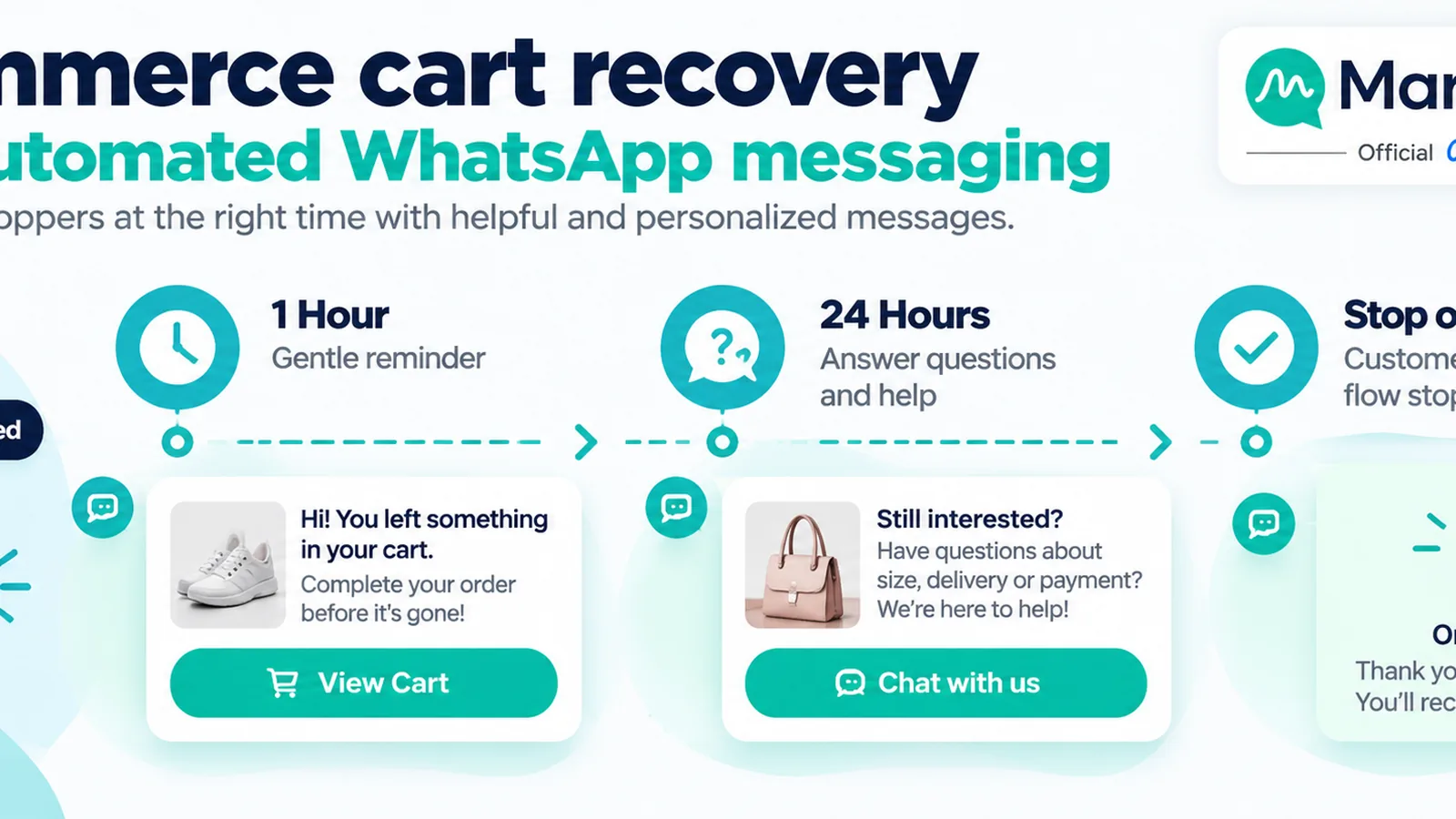
Drip (marketing automation) is where WhatsApp usually pays for itself in ecommerce. A practical abandoned-cart sequence:
| Step | Timing | Message intent | Typical category |
|---|---|---|---|
| 1 | 30–60 minutes after abandon | Friendly reminder + cart link; ask if they need size help | Utility or marketing (follow Meta rules for your trigger) |
| 2 | +12–24 hours | Social proof / FAQ (shipping, returns) + same cart link | Marketing template if outside service window |
| 3 | +48 hours (optional) | Soft incentive only if policy allows; never spam daily | Marketing |
| Stop | On purchase or opt-out | Cancel remaining steps immediately | — |
Post-purchase drip (example)
- T+0: Order confirmation with order ID (utility).
- Shipped: Tracking link (utility).
- Delivered +1 day: Care tips / how-to for the product.
- Delivered +5–7 days: Review request with one-tap rating.
- Delivered +21–30 days: Reorder or cross-sell for consumables.
For Shopify cart recovery patterns and honest KPI framing, see abandoned cart recovery for Shopify and Shopify sales KPIs with WhatsApp automation. This post stays at the cross-platform ecommerce pattern level.
Use case 3 — Chatbot / AI agent: catalog, COD, and WISMO
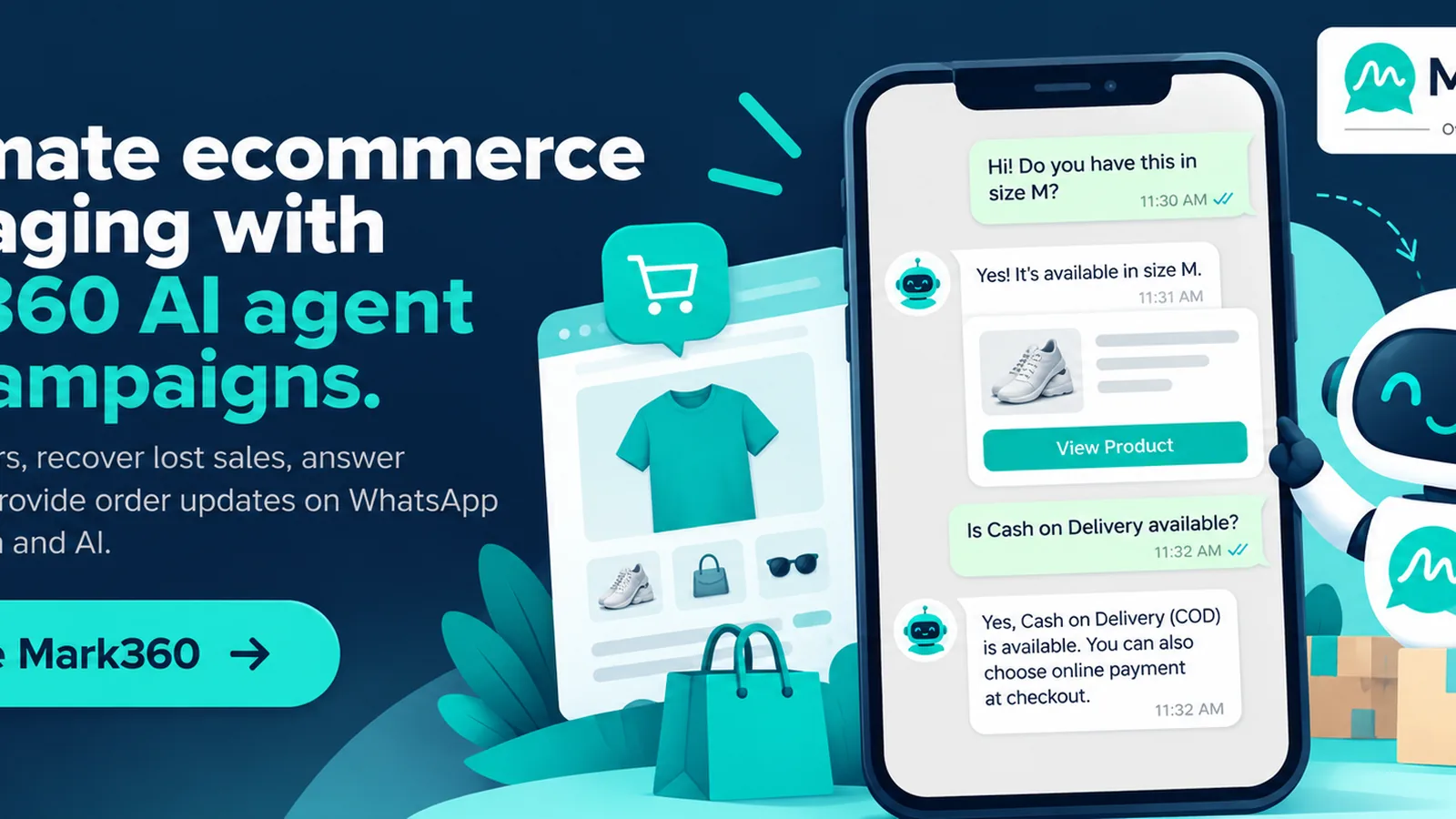
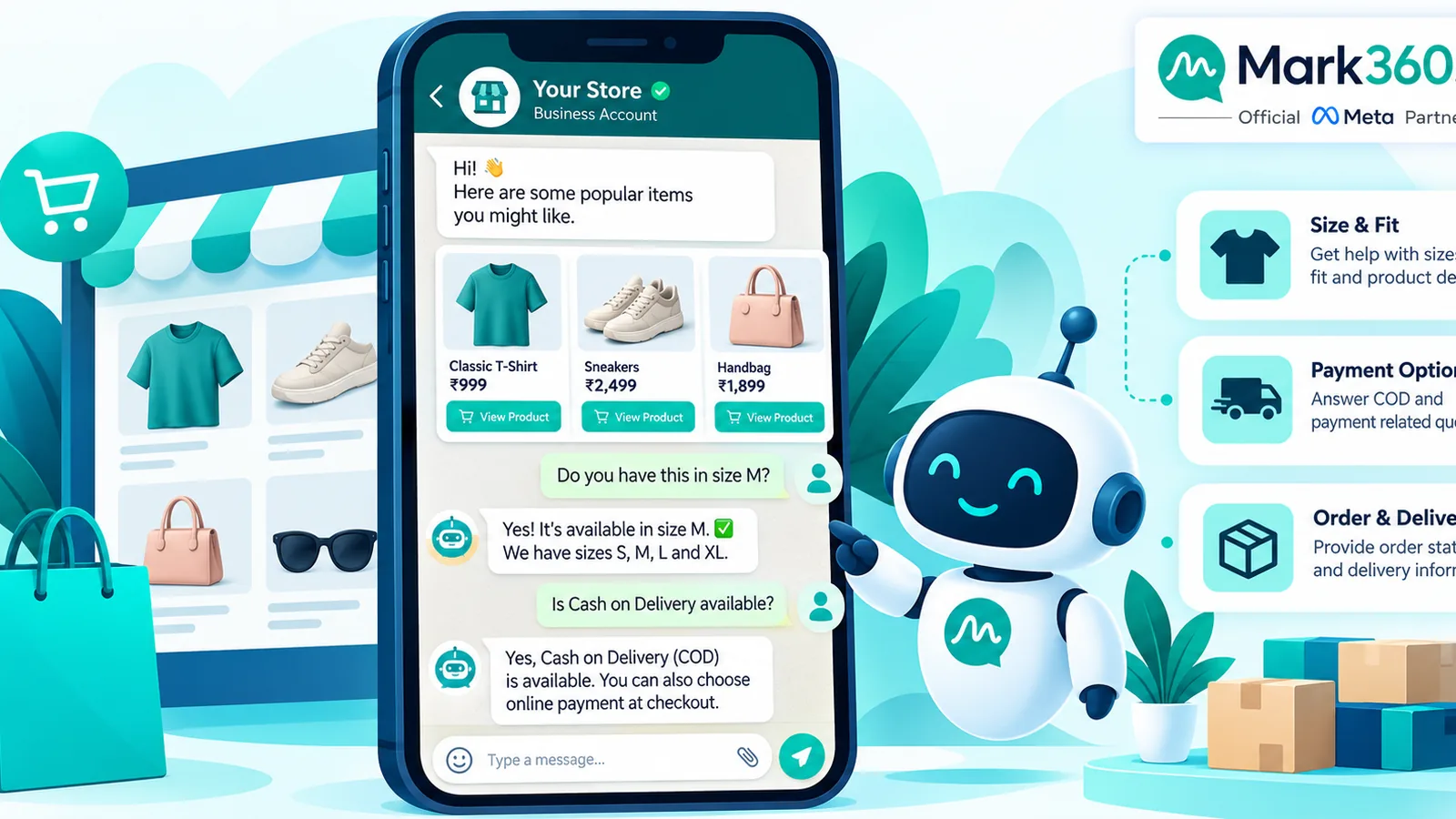
A modern ecommerce inbox should not rely on static keyword trees alone. An WhatsApp AI agent (with tool access) can:
- Answer size, material, and availability questions using catalog/product data
- Confirm COD address and phone before warehouse release
- Look up order status via order ID / phone
- Collect returns reasons and create a ticket
- Escalate to a human when the shopper asks for a custom promise or complaint
Example conversation flow
- Shopper: “Do you have the navy hoodie in XL?”
- Agent checks catalog → replies with yes/no + price + image + Add to cart / Buy link.
- Shopper: “COD ok?” → agent explains COD rules, pin-code check if available, and shares checkout link.
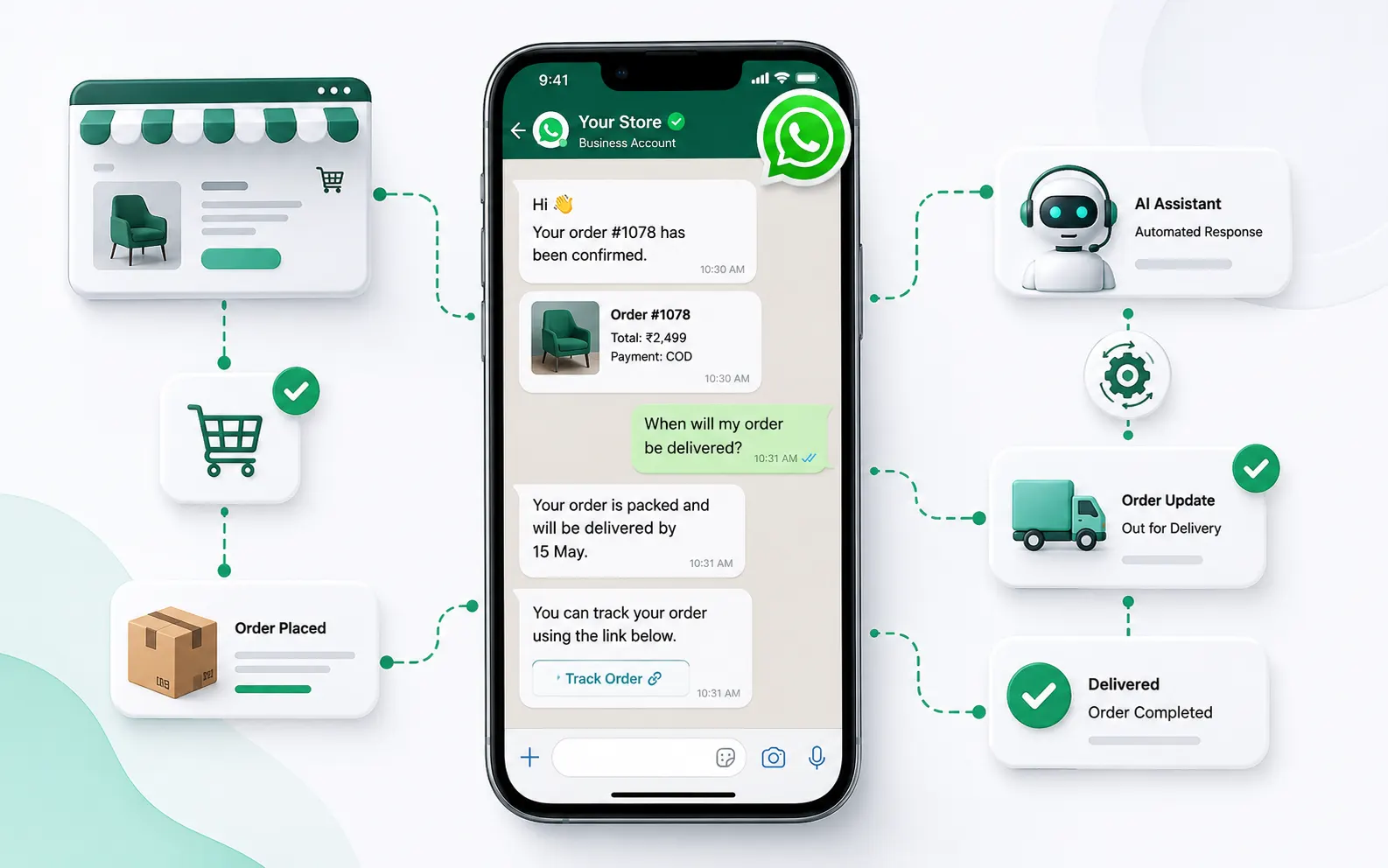
- After order: shopper sends “status” → agent asks for order ID → returns tracking snippet.
- Angry delivery delay → agent apologizes, shares ETA if known, and tags a human agent.
CTWA angle: Click-to-WhatsApp ads land cold traffic in a conversation. Qualify interest (“Looking for skincare or haircare?”), send a short catalog carousel or list, then enroll interested buyers into a nurture drip if they do not purchase in-session. Global Shopify CTWA playbook: CTWA for Shopify stores.
Compliance and quality basics for ecommerce WhatsApp
- Only message users who opted in or messaged you first; honor STOP / unsubscribe.
- Use the correct Meta template category; do not hide promotions inside utility templates.
- Keep marketing cadence reasonable—high reply rates beat daily blasts that get blocked.
- Never invent Meta per-message rates in customer-facing copy; link Meta’s live pricing card.
- WISMO and order updates belong in clear utility templates with accurate tracking data.
Setup path with Mark360 (Official Meta Business Partner)
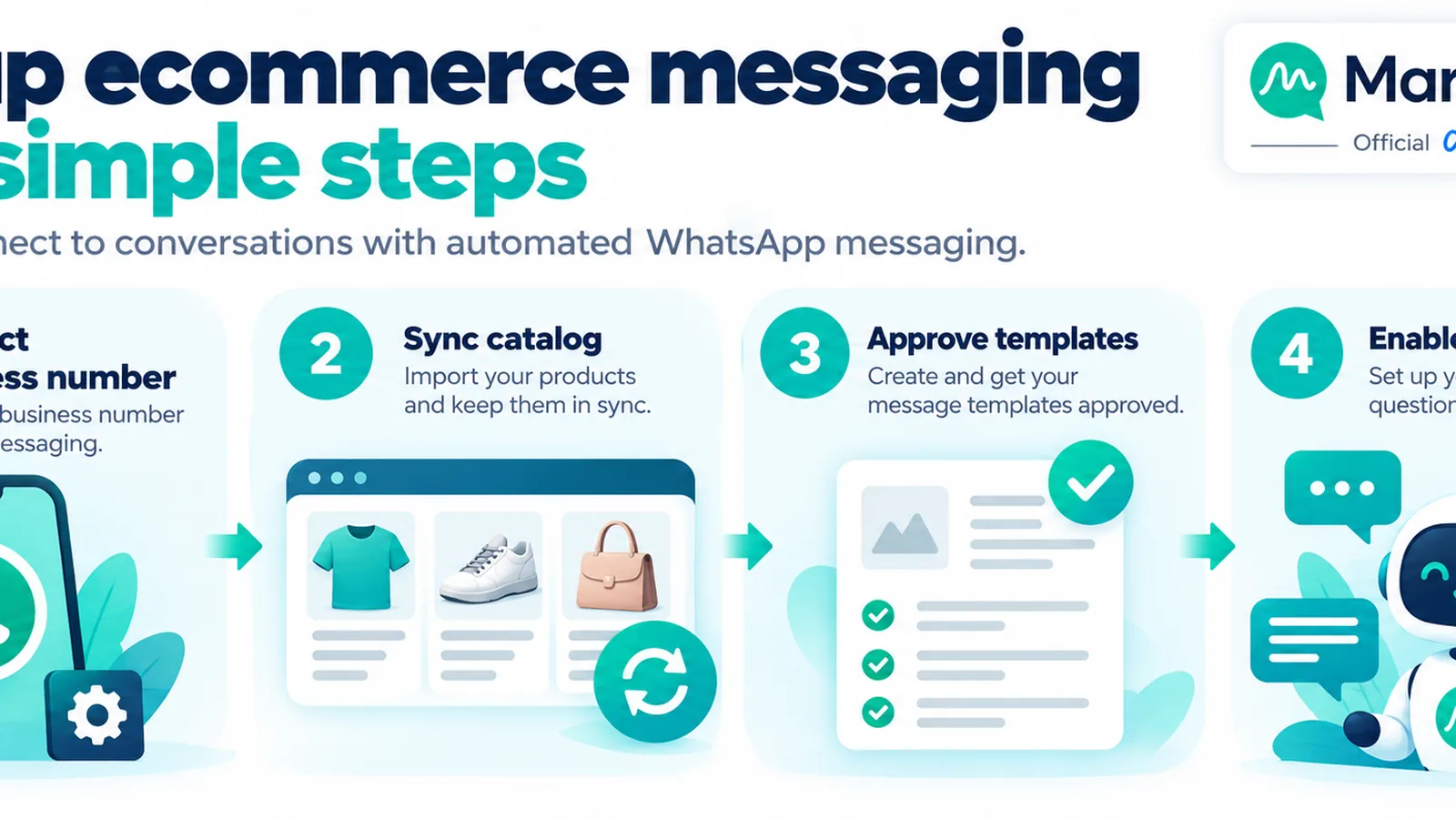
- Create / verify your Meta Business portfolio and WhatsApp Business Account.
- Connect your number through Mark360’s WhatsApp API onboarding (embedded signup where available).
- Import or sync catalog; connect Shopify/Woo/custom webhooks for cart and order events.
- Approve starter templates: order update, cart reminder, flash sale, review request.
- Enable an AI agent with product and order tools; set business hours and human handoff rules.
- Launch one drip (cart) + one broadcast (restock or VIP) + inbox coverage; expand after metrics stabilize.
Product hub: mark360.ai/whatsapp-api. Broader ecommerce automation overview: WhatsApp automation for ecommerce complete guide.
What to measure (honest KPIs)
| Metric | Why it matters | Notes |
|---|---|---|
| Template delivery % | Quality + list hygiene | Investigate blocks and invalid numbers |
| Reply / button tap % | Creative + offer fit | Segment by campaign type |
| Recovered orders / abandoners messaged | Core cart ROI | Define attribution window (e.g. 48h) |
| COD confirm rate before ship | RTO risk control | Utility confirmation flows |
| WISMO tickets deflected | Support cost | Compare week-over-week before/after bot |
| Cost per conversation / per recovered order | Unit economics | Use your live Meta category rates × volume |
Any competitor case study claiming a fixed “+X% sales” should be labeled illustrative and sourced—results vary by list quality, offer, and category.
Industry series: related vertical playbooks
Continue with sibling guides: education & coaching, clinics, real estate, and restaurants & food. Hub shortlist: Top 5 businesses for WhatsApp Business API.
Sample ecommerce WhatsApp playbook for a 30-day pilot
If you are launching WhatsApp Business API for the first time, resist turning on every campaign at once. A disciplined 30-day pilot produces cleaner learning than a noisy first week.
- Days 1–3 — Foundation: Finish Meta Business verification, display name, and green-tick readiness where eligible. Connect Mark360, import a clean opted-in list (or start from zero and grow), and map cart/order webhooks from your store.
- Days 4–7 — Templates: Submit order confirmation, shipment update, cart reminder, and one marketing flash template. While waiting for approval, write AI agent knowledge for shipping FAQs, returns windows, and size charts.
- Days 8–14 — Cart drip only: Enable the 3-step abandoned-cart journey for users who abandoned with a phone on file and marketing consent. Do not run a sitewide flash broadcast yet.
- Days 15–21 — AI agent coverage: Turn on catalog + WISMO tools during business hours with human handoff. Log every forced handoff reason to improve knowledge.
- Days 22–30 — One broadcast: Send a single restock or VIP early-access campaign to a warm segment. Compare reply and order attribution against the cart drip baseline.
Exit criteria for scaling: cart drip recovers a measurable share of messaged abandoners, WISMO tickets stabilize or fall, and unsubscribe/block rates stay low. Only then expand to weekly marketing sends.
Message design patterns that convert without sounding spammy
Ecommerce WhatsApp copy fails when it reads like a spray-and-pray SMS blast. Strong patterns include:
- One job per message: remind about the cart, or announce the drop—not both plus a survey.
- Specific product context: name the SKU or collection the shopper actually viewed when your ESP/CDP provides it.
- Frictionless buttons: Shop, Track, Talk to us—three or fewer.
- Honest scarcity: only claim low stock when inventory data is true.
- Respect time zones: schedule marketing for local daytime; utility updates can follow carrier events.
For COD-heavy markets, a short confirmation question before dispatch (“Reply YES to confirm this address”) is an operational utility pattern that often reduces reverse logistics pain. Pair it with clear consequences (“We’ll hold the order 24 hours”) rather than threatening language.
Integrations map: store, ads, and inbox
| Source | What to sync into WhatsApp | Typical action |
|---|---|---|
| Shopify / Woo / custom cart | Abandon events, product IDs, checkout URL | Drip enrolment |
| Order management | Status codes, AWB, ETA | Utility templates |
| Click-to-WhatsApp ads | Ad ID / campaign UTM in CRM | Bot qualification + catalog |
| Support desk | Ticket id, priority | Human handoff from AI agent |
| Loyalty / CDP | Tier, last purchase category | Broadcast segmentation |
Mark360’s role as an Official Meta Business Partner is to host the WABA connection, campaign tooling, and AI agent layer so you are not stitching raw Cloud API webhooks alone—while Meta still bills message categories on its platform pricing card.
Common ecommerce mistakes on WhatsApp API
- Buying scraped number lists (policy risk and terrible reply rates).
- Sending marketing content inside utility templates (approval and enforcement risk).
- Running endless discount drips that train customers to wait.
- Letting the bot invent shipping promises not in your knowledge base.
- Ignoring list hygiene until delivery rates collapse.
- Rewriting your entire Shopify stack inside every blog post—use dedicated Shopify guides for platform depth and keep this page focused on API use cases.
Next steps
Map your top three automated messages (cart, order update, sale). Connect WhatsApp Business API through Mark360, approve templates, and ship one drip plus AI agent coverage for catalog and WISMO. Expand broadcasts only after opt-in quality and reply rates look healthy.