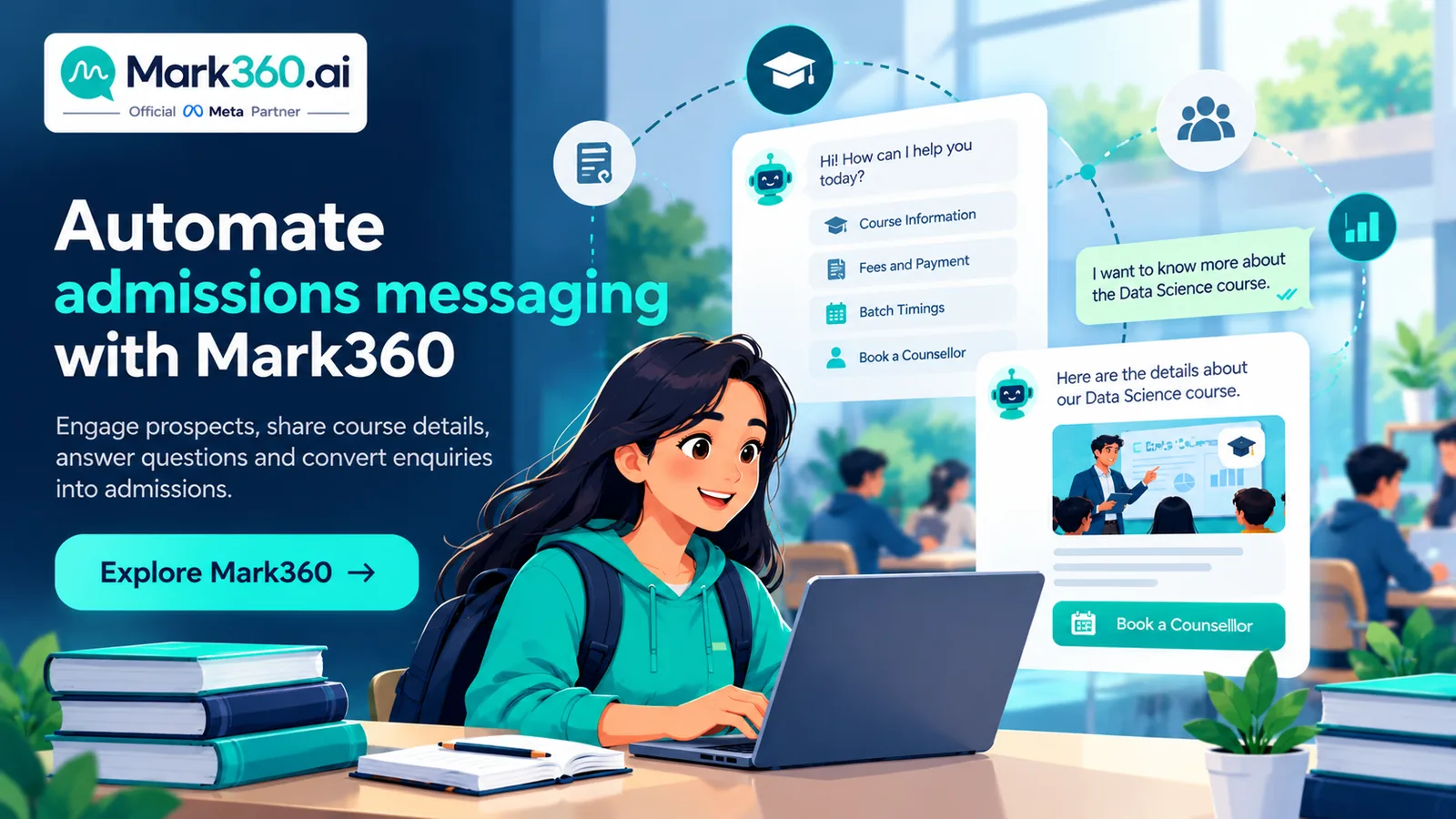
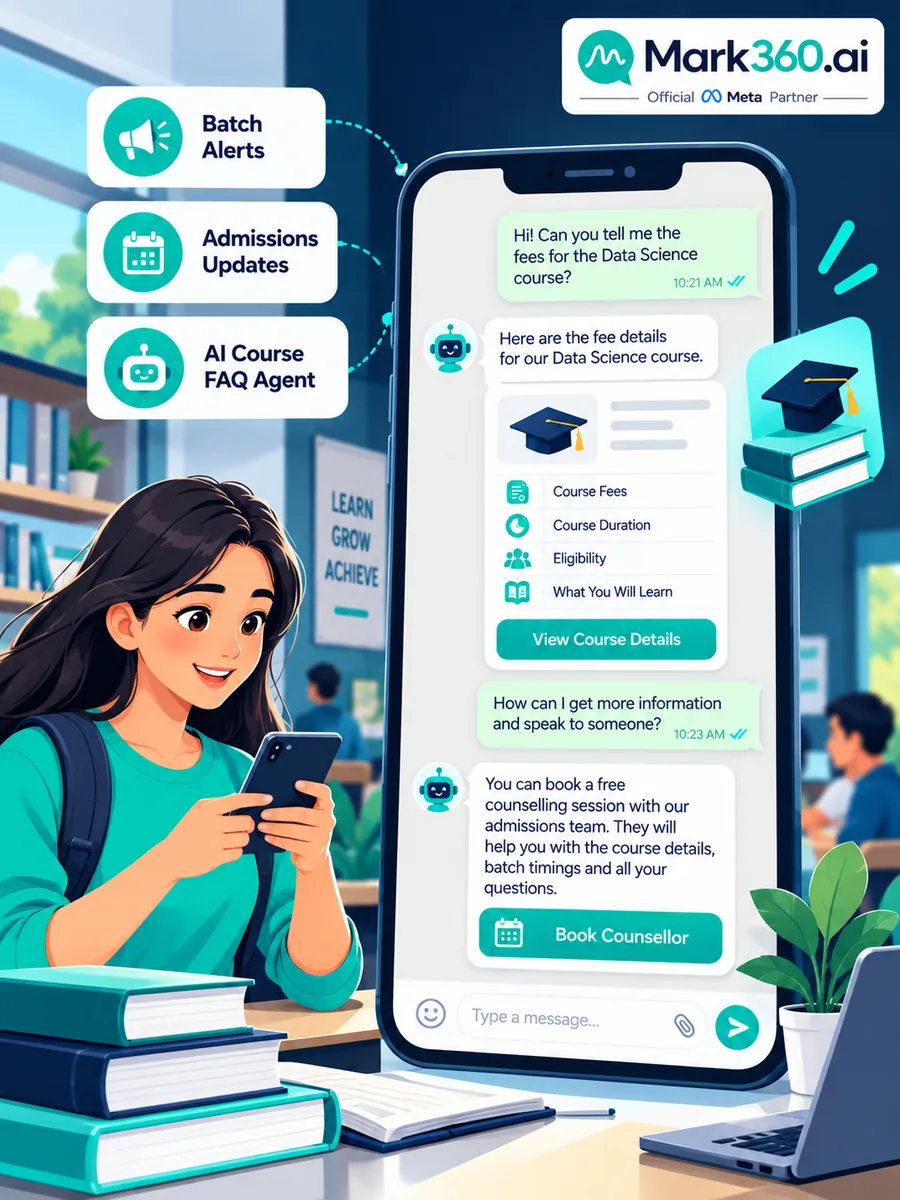
WhatsApp for Education & Coaching: Admissions Drip, Batch Broadcasts & Course Chatbots
Schools, EdTech brands, coaching institutes, and independent tutors share one constraint: high-intent enquiries arrive nights and weekends, while staff capacity peaks during the day. WhatsApp for education with the Business API turns that gap into structured admissions nurture—batch launch broadcasts, fee and demo drips, and course chatbots / AI agents that book counselling without dumping PHI-style student data into marketing copy.
Quick answer: How do education businesses use WhatsApp Business API?
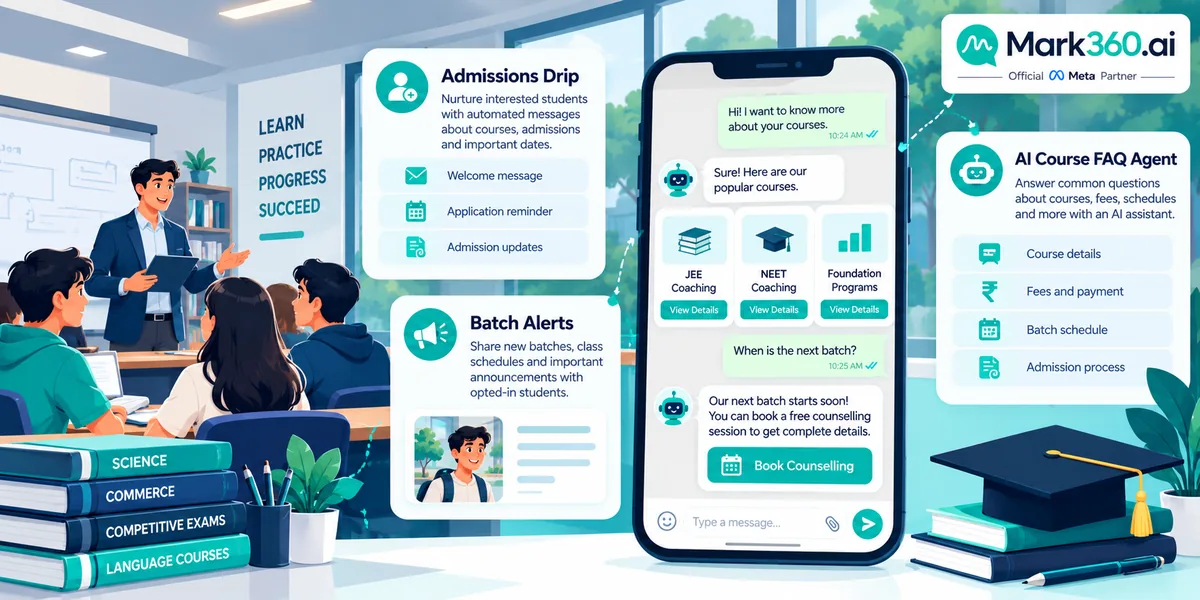
Use WhatsApp Business API to broadcast new batches and webinars to opted-in parents/students, run admissions drips from brochure to fee payment, and deploy a chatbot or AI agent for course FAQ, eligibility, fees, and counsellor booking. Track enquiry→counselling booked, demo show rate, and fee conversion. Mark360 is an Official Meta Business Partner for campaigns + AI agents.
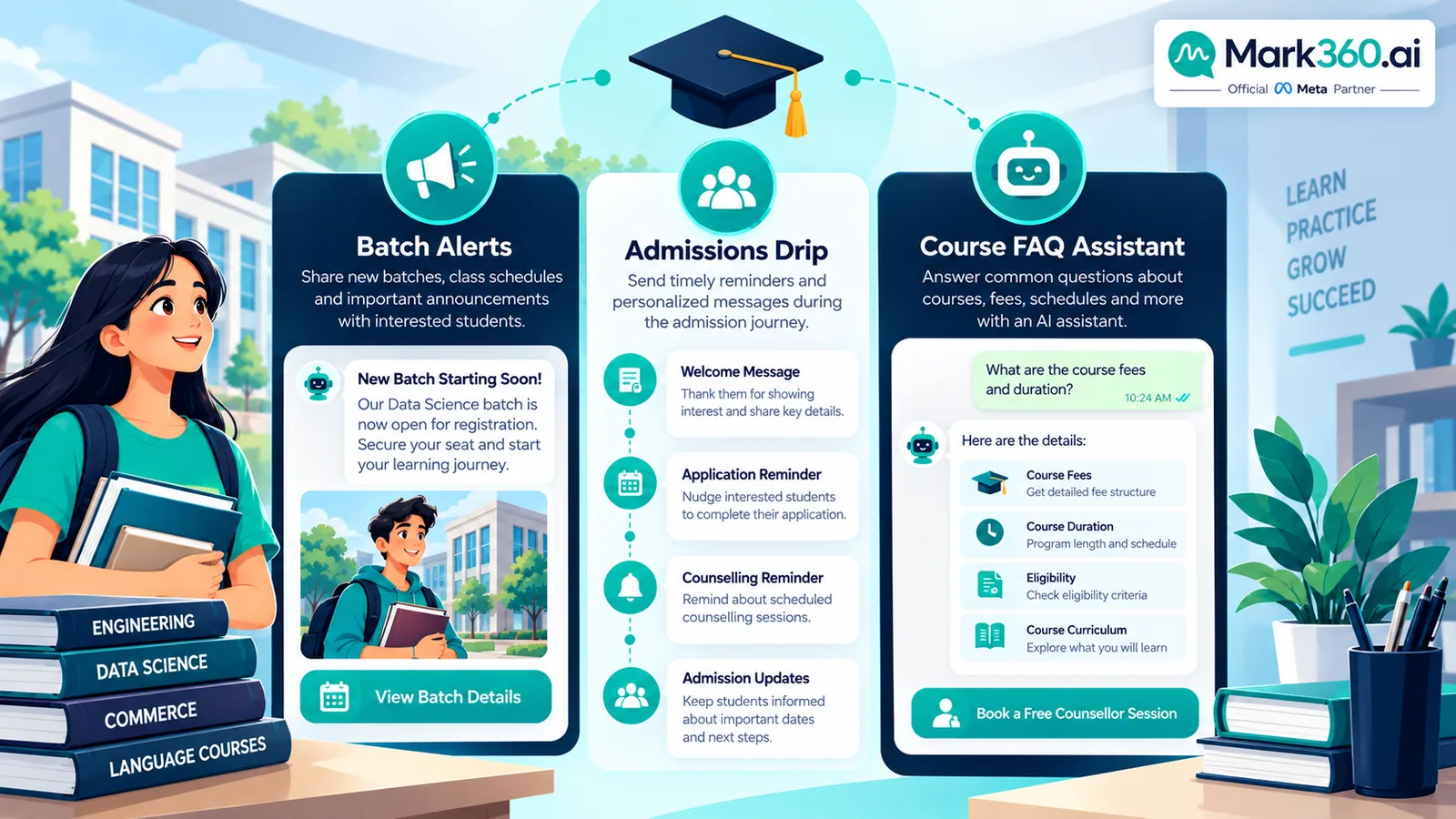
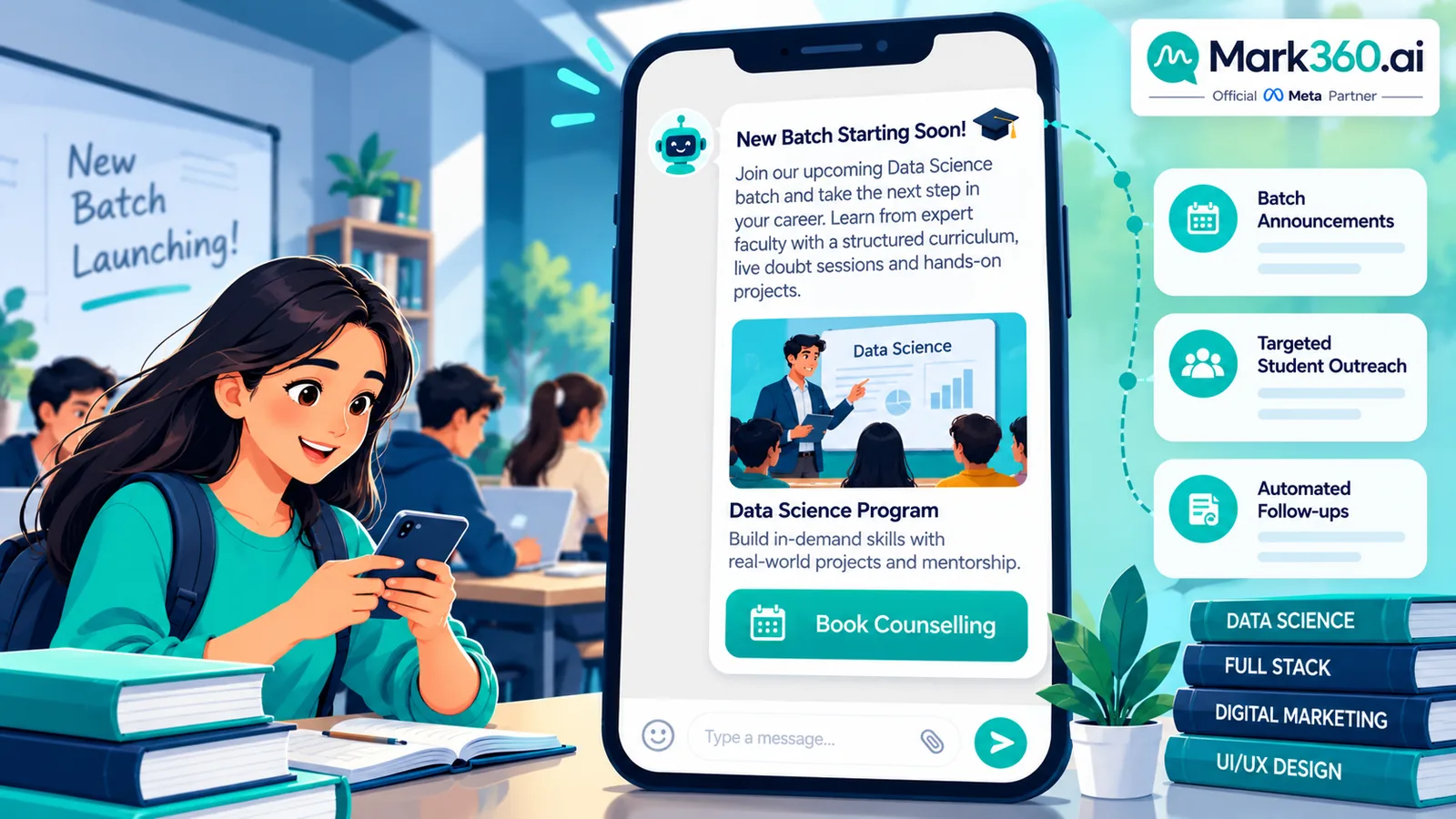
- Broadcast = batch launches, webinar invites, result-day or schedule announcements (opt-in only).
- Drip = admissions nurture, fee reminders, demo-class follow-ups with clear timing.
- Chatbot / AI agent = course catalog FAQ, eligibility, fee bands, slot booking, after-hours capture.
- CTWA / social ads can land leads into the same bot, then drip if they do not book.
- Prefer delivery, reply, and booked-counselling metrics over vanity open rates.
Why coaching institutes and EdTech outgrow the Business App
A single counsellor’s phone cannot:
- Answer the same fee/eligibility questions at 11pm across hundreds of leads
- Send coordinated batch-launch messages beyond App broadcast limits
- Run day-1 / day-3 / day-7 follow-ups after a demo no-show
- Share the inbox across admissions, academics, and collections teams
- Attribute Click-to-WhatsApp ad leads to a CRM stage
API + Mark360 gives you templates, journeys, AI agents, and multi-agent inbox while keeping humans for fee negotiation and academic counselling.
Use case 1 — Broadcast: batch launches, webinars, and announcements
Education broadcasts work when the list is opt-in and the message is time-bound.
- New batch launch: course name, start date, seats left, “Book counselling” button.
- Webinar / open house: topic, time zone–clear datetime, join or register link.
- Schedule / timetable updates: utility-style updates to enrolled cohorts (accurate, not promotional fluff).
- Scholarship or early-bird windows: marketing templates with clear end time.
Workflow
- Capture opt-in on landing pages, forms, campus QR, or CTWA (“Send START for IELTS updates”).
- Tag by course interest, city/mode (online/offline), and funnel stage.
- Approve marketing templates with header image (campus or course visual) + URL/quick replies.
- Send to the relevant segment; suppress recent purchasers / already-enrolled where appropriate.
- Auto-route “Book counselling” replies to calendar slots or a human queue.
Starter metrics: delivery %, reply %, counselling slots booked from campaign, cost per booked call. Third-party vendor claims (for example CAC improvements in published BSP case studies) are illustrative—cite the vendor and do not present them as Meta guarantees.
Use case 2 — Drip: admissions nurture and fee reminders
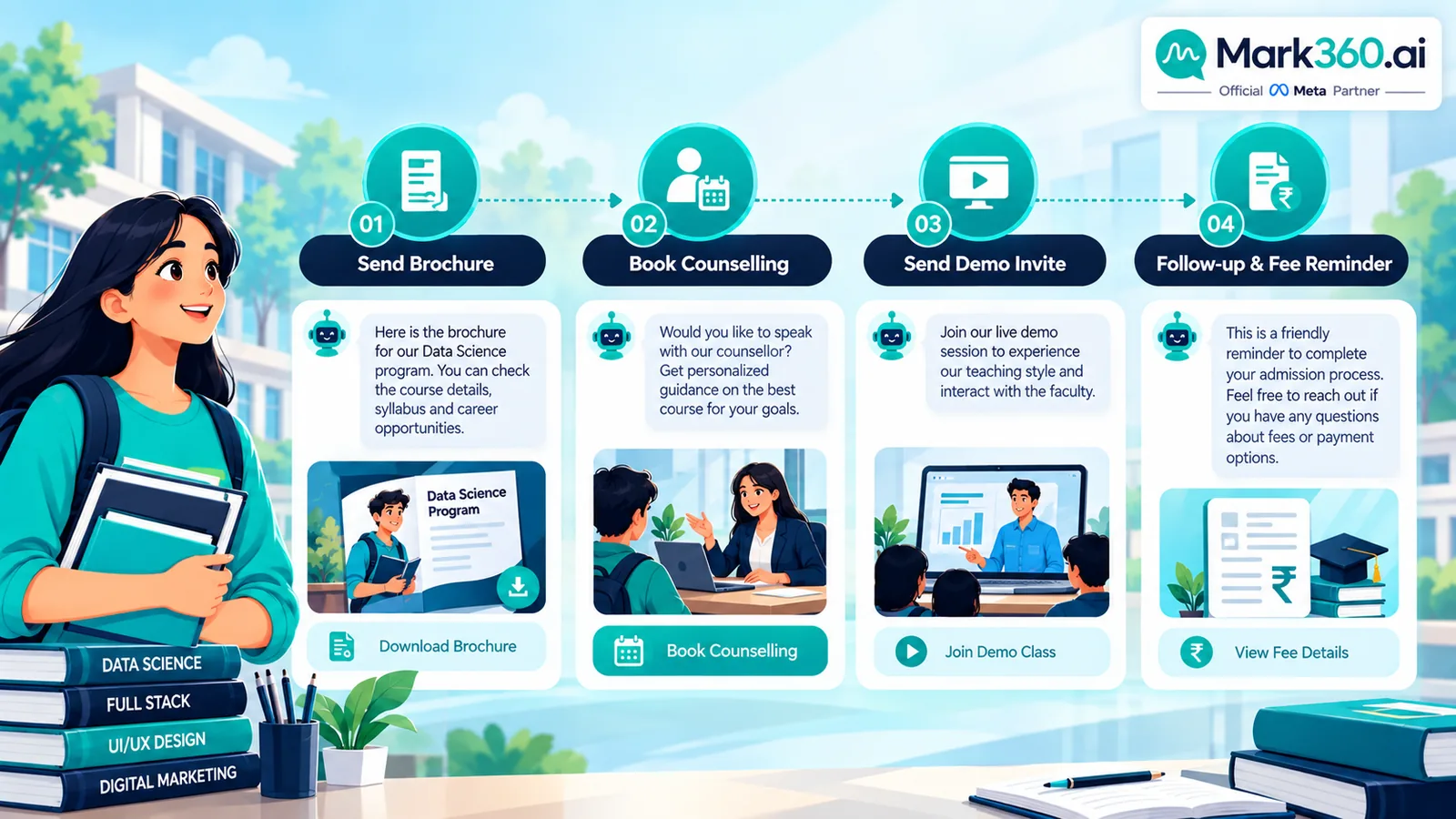
A practical admissions drip after a lead downloads a brochure or chats “fees”:
| Step | Timing | Content |
|---|---|---|
| 1 | Immediate (service window) | Thank you + PDF brochure / syllabus link + top 3 FAQs |
| 2 | +3 hours or next morning | Short video or success story + “Book free counselling” slots |
| 3 | +24 hours | Eligibility checklist + comparison of two relevant programs |
| 4 | +72 hours | Demo-class invite with date options |
| 5 | +7 days | Soft deadline (batch start / early-bird) if still open |
| Stop | On enrolment, unsubscribe, or “not interested” | Cancel remaining steps; optional long-term quarterly nurture only if opted in |
Fee reminder drip (enrolled or offer-accepted)
- Invoice / fee schedule sent as utility where appropriate.
- T−3 days: polite reminder with payment link.
- T−1 day: final reminder + support contact for payment issues.
- Missed payment: human collections playbook—not aggressive automated guilt messaging.
Demo no-show sequence: same-day reschedule link → +1 day alternate slot → +3 days counsellor personal note (human or AI-drafted for human send).
Use case 3 — Chatbot / AI agent: course FAQ and counsellor booking
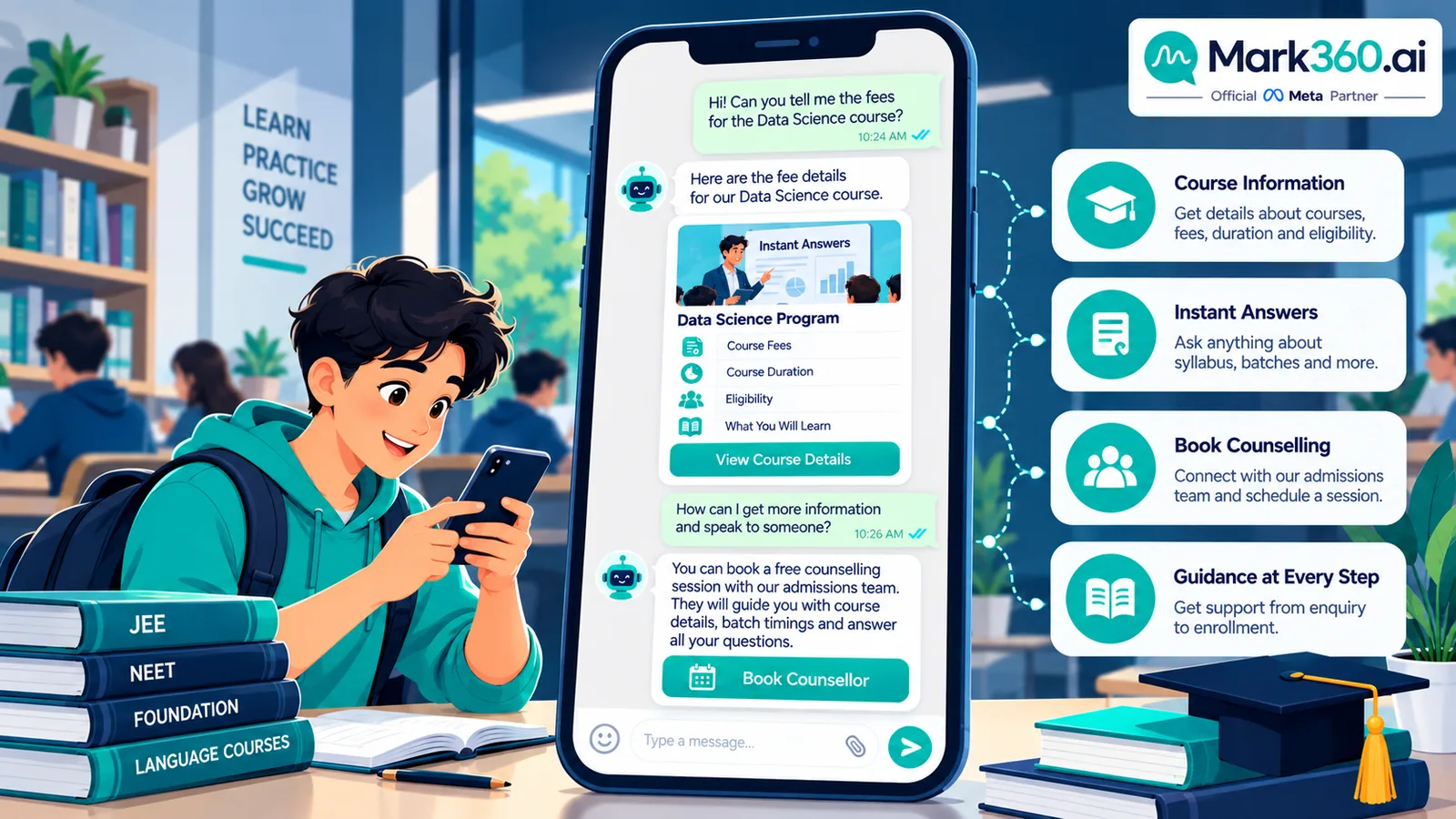
After-hours lead capture is the education killer app. An AI agent can:
- Explain course duration, mode, language, and who it is for
- Share fee bands and installment patterns (without inventing discounts)
- Check basic eligibility questions from a knowledge base
- Offer counsellor calendar slots and confirm bookings
- Hand off when the lead asks for custom scholarships, complaints, or academic judgment
Example flow
- Lead (from CTWA): “Fees for NEET crash course?”
- Bot: clarifies city/online → sends fee band + what’s included → offers two counsellor slots.
- Lead books Saturday 5pm → CRM stage = Counselling booked; reminder drip starts (T−24h, T−2h).
- After call: counsellor tags outcome; if “needs parents’ approval,” bot sends a parent-friendly summary PDF the lead can forward.
Keep student assessment scores and sensitive documents out of marketing broadcasts. Use secure portals for transcripts; WhatsApp should carry links and reminders, not raw sensitive files in group-style blasts.
Setup path with Mark360
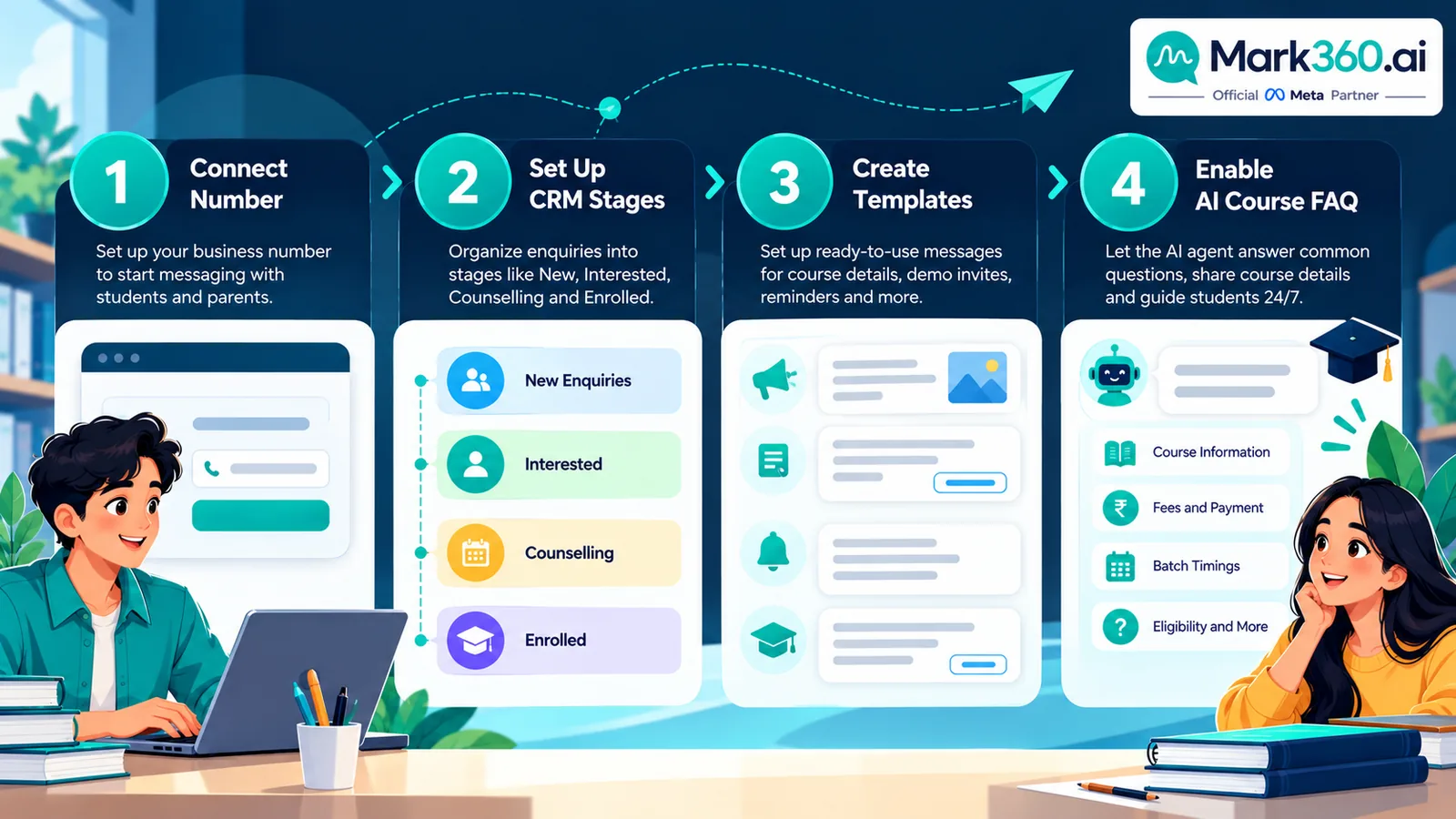
- Verify Meta Business + WhatsApp Business Account via Mark360 embedded signup.
- Connect CRM or sheet (HubSpot, Leadsquared, Google Sheet) for lead stages.
- Approve templates: batch launch, webinar invite, counselling reminder, fee reminder, demo invite.
- Upload course FAQ knowledge for the AI agent; define handoff tags (scholarship, complaint, corporate).
- Launch: after-hours bot + one admissions drip + one batch broadcast to a clean opt-in list.
- Review weekly: booked counselling rate, demo show rate, enrolments attributed to WhatsApp.
Start here: mark360.ai/whatsapp-api. AI agent deep dive: WhatsApp AI agent for business.
Honest metrics for education WhatsApp
| Metric | Definition tip |
|---|---|
| Enquiry → counselling booked | Booked ÷ new WhatsApp enquiries in period |
| Demo show rate | Attended ÷ reminded bookings |
| Fee conversion | Paid ÷ offers sent (attribute carefully) |
| After-hours capture % | Leads replied by bot outside staff hours ÷ total |
| Template delivery & unsubscribe | List health and creative fatigue |
Related industry guides
Ecommerce · Clinics · Real estate · Restaurants · Hub: Top 5 businesses.
30-day admissions WhatsApp pilot for a coaching institute
Education teams often try to automate everything—batch launches, fee collections, student communities—in week one. A tighter pilot wins.
- Week 1: Connect Mark360 WhatsApp Business API, verify the business profile with campus address and hours, and import course FAQ documents the AI agent may cite.
- Week 1–2: Approve templates for counselling reminder, demo invite, and one batch launch. Build a 5-step admissions drip from brochure request.
- Week 2: Turn on after-hours bot that can explain fee bands and book counsellor slots. Humans handle scholarship exceptions.
- Week 3: Run the drip on all new inbound leads (organic + CTWA). Measure enquiry→booked counselling.
- Week 4: Send one batch-launch broadcast to opted-in leads for a single course. Compare cost per booked counselling versus unpaid inbound.
Success looks like higher after-hours capture and a shorter median time-to-first-counselling—not merely more messages sent.
Lead sources that should share one WhatsApp brain
| Lead source | First WhatsApp action | Next automation |
|---|---|---|
| Website form “Download syllabus” | Service-window brochure + FAQ | Admissions drip |
| Click-to-WhatsApp course ad | Bot qualification (course, city, year of study) | Slot booking |
| Campus QR / open day | Opt-in tag + counsellor offer | Event reminder drip |
| Referral from existing student | Thank referrer separately; tag source | Same admissions drip with referral note for humans |
| Partner school list | Only if explicit consent exists | Careful nurture—never cold spam |
How to write education templates parents actually reply to
- Lead with the outcome (“NEET 2027 evening batch — seats limited”) not jargon.
- State mode and city early (online vs offline) to reduce mismatched counselling.
- Use one primary CTA: Book counselling or Reserve demo seat.
- Avoid guaranteeing ranks, scores, or visas—compliance and trust risk.
- For fee reminders, be precise about amount due and payment link; offer a help path for failed payments.
When minors are involved, keep communications with the parent/guardian contact on file where possible, and never broadcast sensitive academic performance details.
Staffing model: bot vs counsellor vs collections
Document ownership so automation does not create awkward overlaps:
- AI agent: FAQ, eligibility basics, slot booking, after-hours capture.
- Admissions counsellors: fit assessment, objection handling, custom offers.
- Academic staff: demo delivery and syllabus depth.
- Collections: fee follow-up with empathy scripts; pause automation when a human payment plan is active.
Mark360 shared inbox labels (or CRM stages) should mirror those lanes so SLAs stay clear during peak counselling season.
Mistakes institutes make on WhatsApp
- Blasting every past lead about every course regardless of interest tags.
- Letting bots invent installment plans not approved by finance.
- Skipping demo reminders, then blaming “WhatsApp” for no-shows.
- Putting entrance scores or ID documents in casual chat threads without policy.
- Measuring success only by messages sent instead of counselling show rate and enrolments.
Building the course knowledge base your AI agent can trust
Most education chatbots fail because the knowledge base is a messy PDF dump. Treat knowledge like product data:
- Canonical fee table: one spreadsheet finance owns; the agent cites bands, not invented discounts.
- Eligibility rules: age, prior scores, language prerequisites—written as yes/no checks.
- Schedule objects: batch codes, start dates, seat counters synced nightly.
- Objection cards: approved answers for “too expensive,” “online vs offline,” “teacher change.”
- Out-of-scope list: anything about medical, legal, or immigration advice that is not your product.
Review transcripts weekly. Every wrong bot answer becomes either a knowledge fix or a forced handoff rule. Counsellors should be able to smash an “AI wrong” tag that opens a coaching ticket for the content owner—not only yell in a staff group.
Attribution without fantasy dashboards
WhatsApp will not magically tell you the full multi-touch story. A practical model for institutes:
- Stamp every new chat with first-touch source (CTWA campaign id, form id, QR id).
- Define a primary conversion: counselling held (not merely booked).
- Define a secondary conversion: fee paid / enrolment created in the SIS.
- Report WhatsApp-assisted enrolments when the lead had a meaningful WhatsApp session in the last N days—document N (for example 14).
- Separate brand search walk-ins that happened to message you from paid CTWA leads when presenting ROI to owners.
Parent communication kits
High-consideration courses often stall waiting on parents. Helpful automations:
- After counselling, send a forwardable summary: duration, fee band, batch date, what is included/excluded.
- Offer a parent callback slot without requiring the student to re-explain.
- Keep tone respectful—no dark-pattern countdown timers that shame families.
Next steps
Write your top 20 course FAQs, pick one admissions drip, and connect WhatsApp Business API on Mark360 so after-hours leads book counselling instead of going cold.