WhatsApp Food Ordering for Restaurants: Menu Chatbots, Reservations & Promo Broadcasts
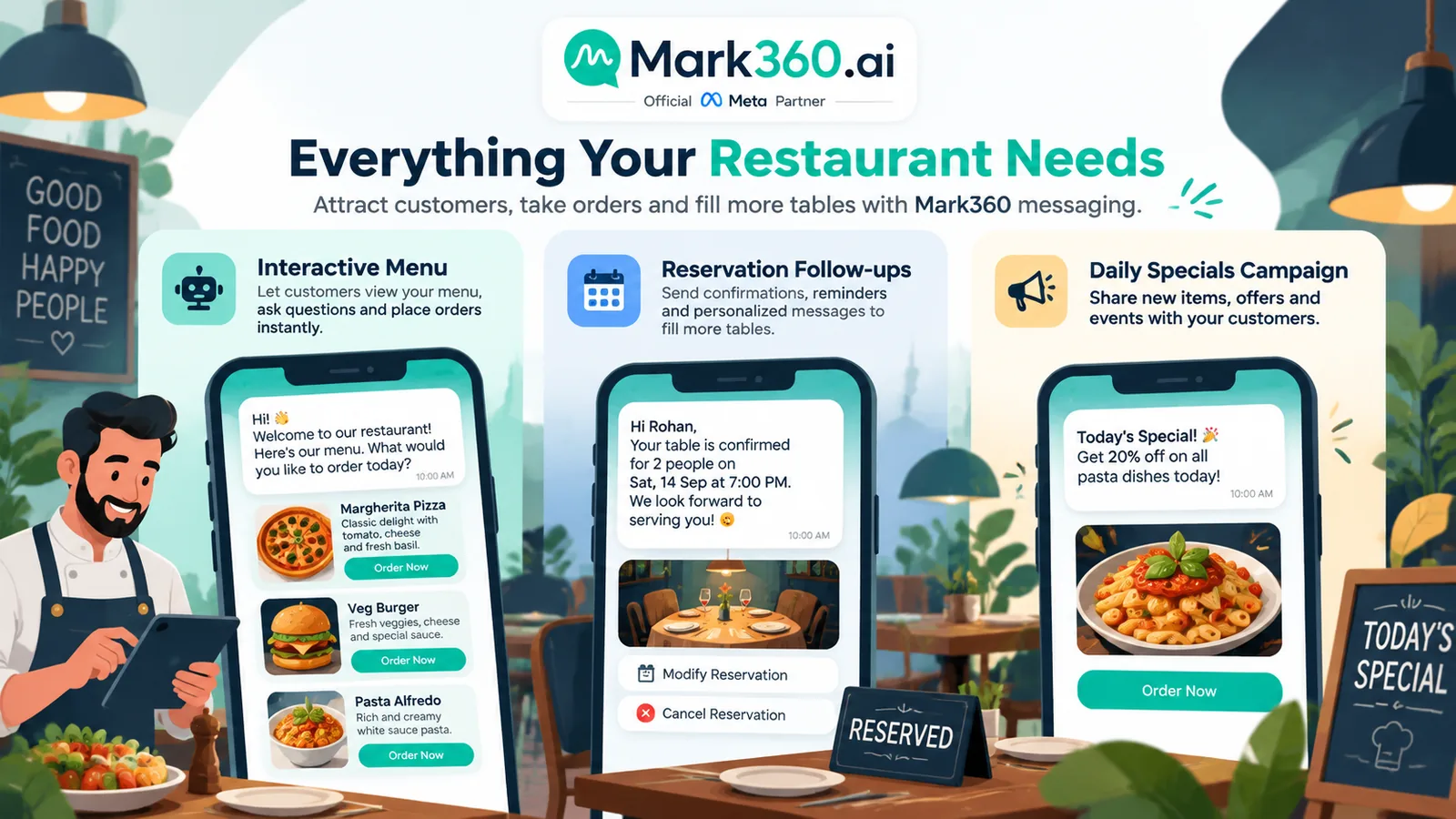
Independent restaurants, cloud kitchens, and multi-outlet groups drown in “what’s the menu?”, “table for 4?”, and “where is my order?” chats. WhatsApp food ordering on the Business API puts menu lists, reservation drips, delivery status, and daily-special broadcasts into one compliant channel—useful whether or not you also sell on aggregators.
Quick answer: How do restaurants use WhatsApp Business API?
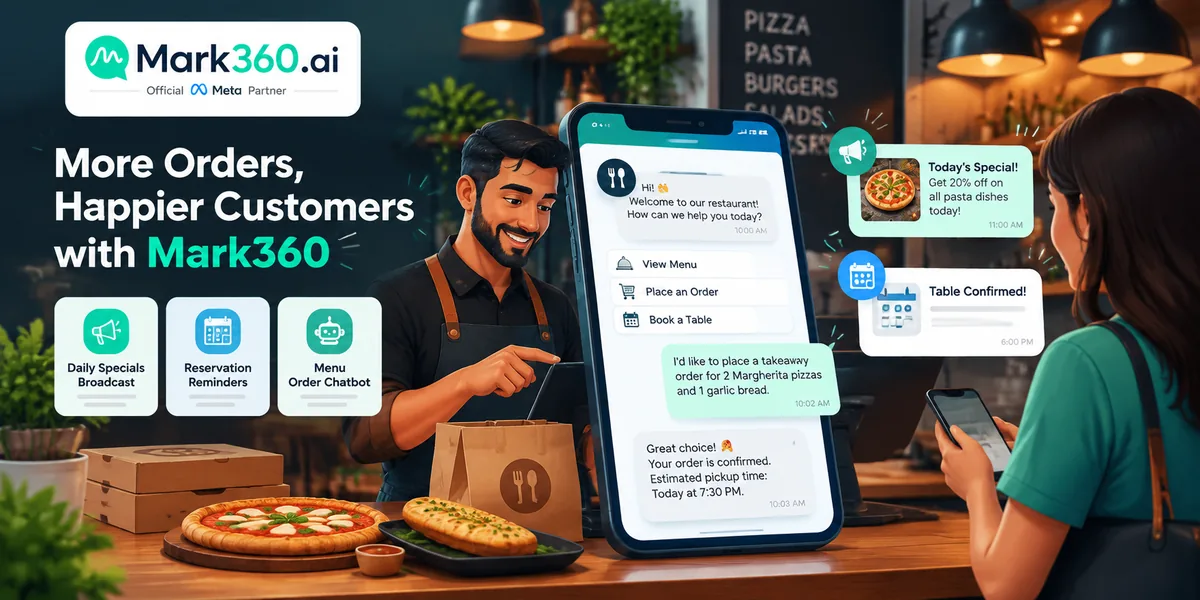
Use a menu/order chatbot, reservation confirm-and-remind drips, delivery status updates, and opted-in promo broadcasts for specials—then measure offer reply rate, reservation show rate, and orders from chat. Mark360 is an Official Meta Business Partner for campaigns + AI agents.
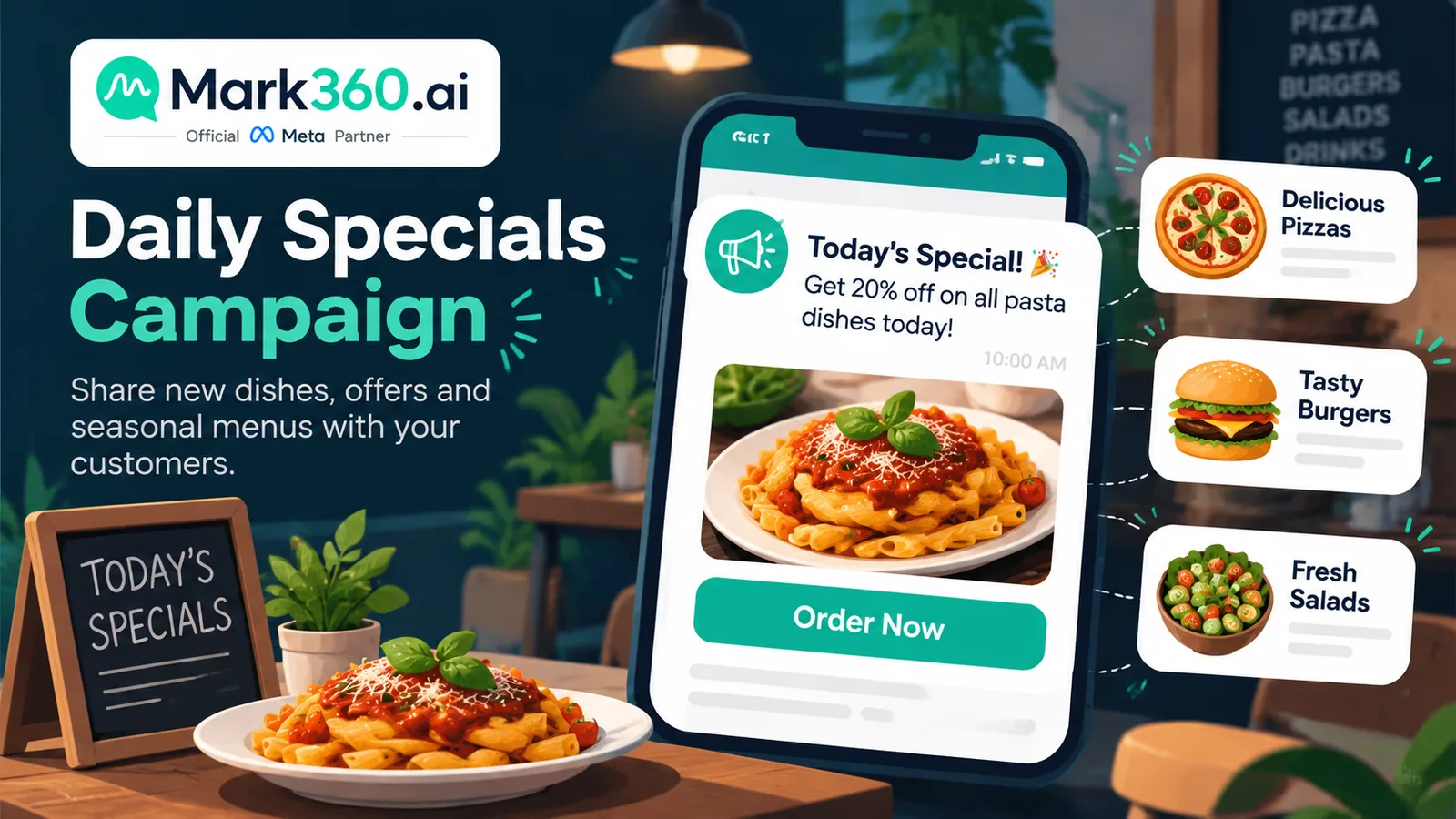
- Broadcast = daily specials, weekend events, loyalty offers to opted-in diners (beyond App list limits).
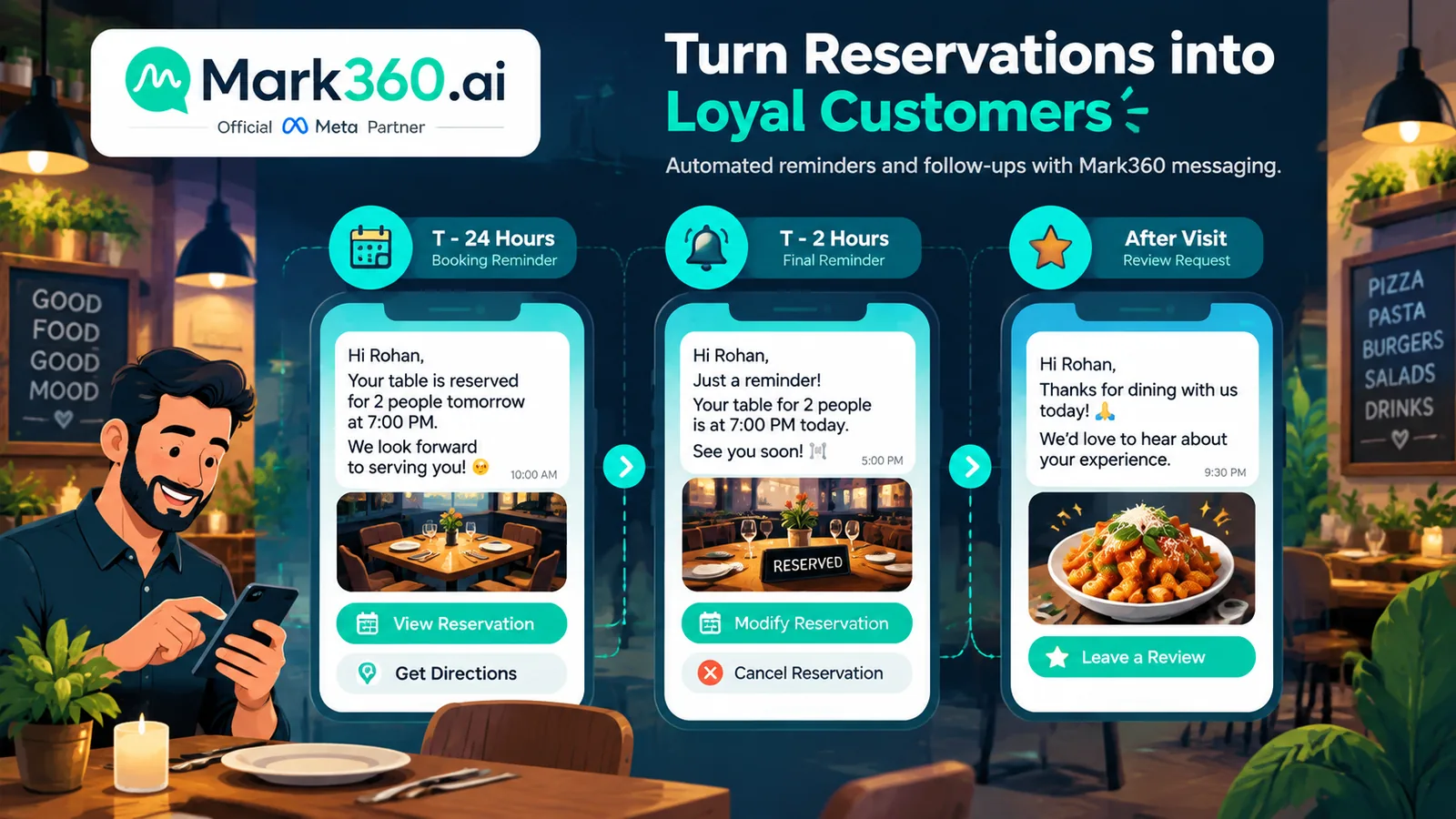
- Drip = reservation confirm/reminders, post-visit review, win-back for lapsed guests.
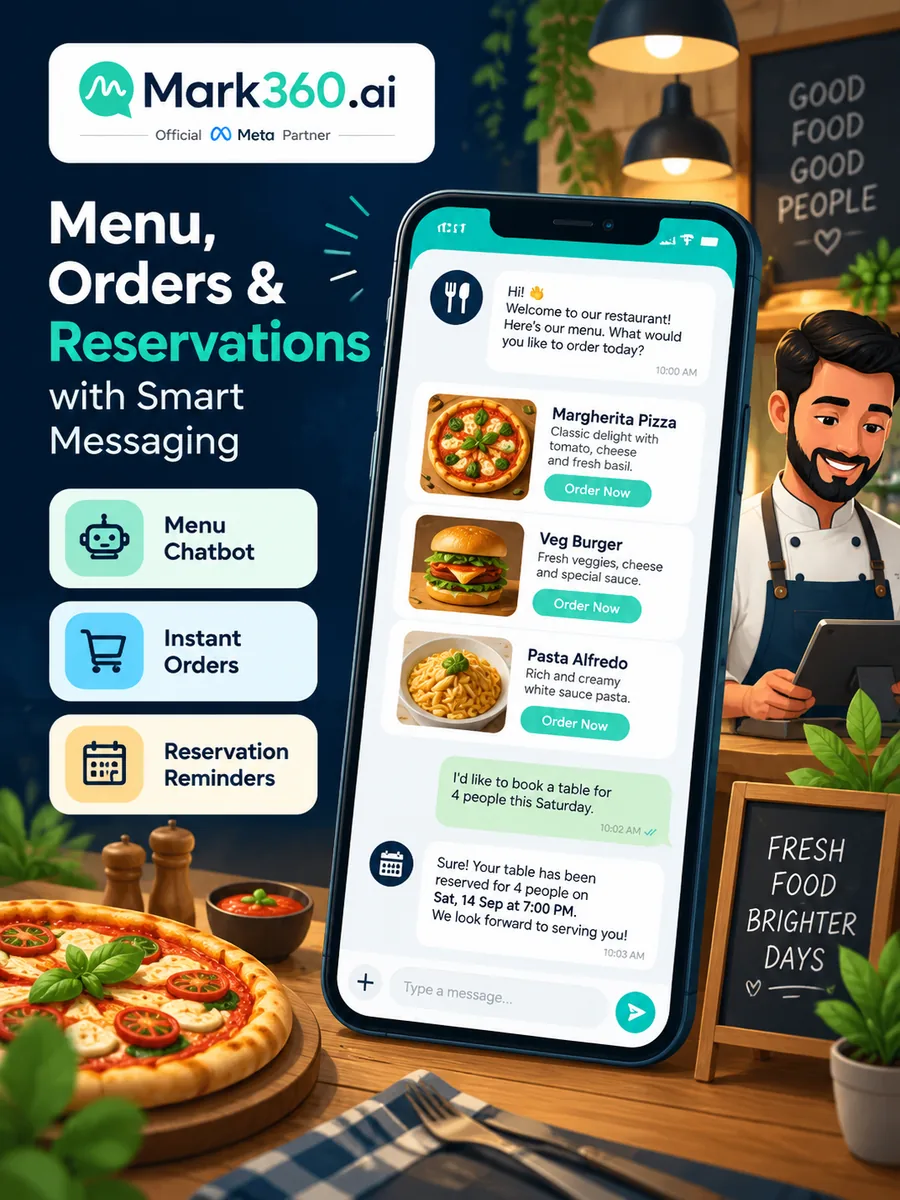
- Chatbot / AI agent = interactive menu, table booking, takeaway intake, order status.
- Optional first-party ordering story can reduce aggregator dependence—treat fee-savings claims as illustrative, not guaranteed.
- Keep allergen and alcohol rules accurate; escalate custom dietary questions when unsure.
Why F&B brands outgrow the Business App
- Lunch and dinner rushes need instant menu answers
- Reservation no-shows hurt covers; reminders help
- Delivery kitchens need proactive status to cut “where is my food?” calls
- Promo lists exceed the App’s practical broadcast limits
Use case 1 — Broadcast: specials, events, loyalty
- Lunch combo of the day to local opted-in list
- Weekend brunch / live music night RSVP
- Rainy-day comfort-food push (weather-triggered if you operate that sophistication)
- Loyalty: “You’ve earned a free dessert—show this chat”
Workflow
- Grow opt-in: table tent QR, delivery insert, “Hi” to order keyword, CTWA for new outlets.
- Segment by outlet, veg/non-veg preference if collected, last-order recency.
- Approve short marketing templates with appetizing header image + Order / Book buttons.
- Send before decision windows (late morning for lunch, late afternoon for dinner).
- Bot takes the order or reservation reply in-thread.
Use case 2 — Drip: reservations, reviews, win-back
| Journey | Steps & timing |
|---|---|
| Reservation | Immediate confirm with date/time/party size → T−24h remind → T−2h remind → post-visit thank-you + review link (+1 day) |
| Delivery order | Order received → preparing → out for delivery → delivered → +2 days reorder nudge for regulars |
| Win-back | Lapsed 30–45 days: soft “we miss you” offer once → stop if no engagement |
Do not stack daily discount blasts; fatigue destroys deliverability and brand feel.
Use case 3 — Chatbot / AI agent: menu, ordering, tables
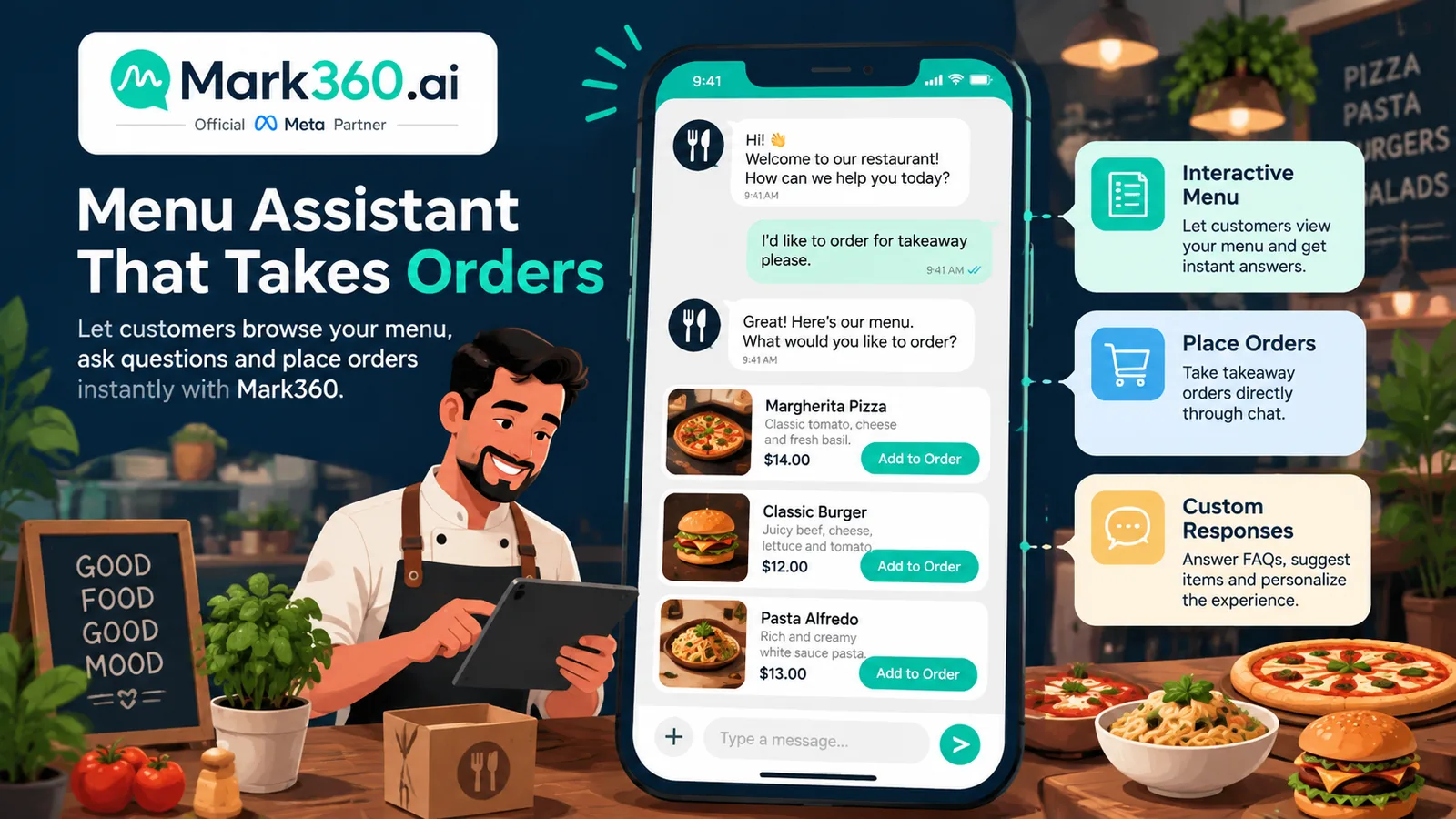
- Send interactive list / PDF menu by outlet
- Take takeaway orders with item modifiers and address
- Quote ETA ranges from your kitchen rules (be honest)
- Book tables with party size and time
- Answer parking, vegan options, hours; escalate complex allergen cases to managers
Example flow
- Guest: “Menu”
- Bot: outlet picker → list message of categories → item detail with add-ons
- Guest checks out in chat or via payment/checkout link
- Utility updates follow the order states
- If guest asks “is the sauce nut-free?” and the KB is unsure → human manager
Aggregator-bypass positioning: some restaurants prefer first-party WhatsApp orders to own the guest relationship. Any statement about commission savings is business-model illustrative—not a Meta performance rate.
Setup path with Mark360
- Connect number via Mark360 WhatsApp API onboarding.
- Configure outlets, menus, and (optional) POS/ordering webhook.
- Approve templates: specials, reservation confirm/remind, order status, review ask.
- Enable AI agent with menu KB + booking/order tools; set peak-hour human takeover.
- Pilot one outlet: menu bot + reservation reminders; then add broadcast specials.
- Track orders from WhatsApp, reservation show rate, and promo reply rate.
Metrics for food WhatsApp
| Metric | Why |
|---|---|
| Orders from WhatsApp / week | Direct commerce signal |
| Reservation confirm & show rate | Cover protection |
| Promo reply / click rate | Broadcast creative health |
| “Where is my order?” contacts | Should fall as status utility improves |
| Avg prep accuracy complaints | Bot modifier quality |
Related guides
Ecommerce · Education · Clinics · Real estate · Top 5 hub.
Outlet-by-outlet rollout for WhatsApp food ordering
Multi-outlet groups should not flip every location to full automation on the same night. A safer path:
- Pick a hero outlet with stable kitchen capacity and a manager who will review bot transcripts daily.
- Digitize the menu with modifiers, allergen flags, and 86’d-item handling (auto-hide sold-out dishes).
- Launch menu FAQ + takeaway intake during off-peak hours first; expand to peak after error rates fall.
- Add reservation flows if the outlet offers dine-in; skip for pure delivery kitchens.
- Enable order-status utility templates before any heavy promo broadcast.
- Only then run a weekly specials broadcast to guests who opted in at that outlet.
Kitchen-aware bot rules
| Scenario | Bot rule |
|---|---|
| Item 86’d mid-service | Remove from list; if already in cart, apologize and suggest swap |
| Delivery radius exceeded | Offer pickup ETA instead of silent fail |
| Large catering order | Capture brief + hand to human (do not auto-promise) |
| Alcohol where restricted | Age gate / disable SKU per local law |
| Peak SLA breach risk | Show longer ETA or pause delivery ordering |
Promo calendar without fatiguing guests
- Map 4–8 annual peaks (local festivals, sports finals, Valentine’s, weekend brunch).
- Cap marketing sends per guest (for example, not more than three per week unless they engaged).
- Prefer segmented offers (“lunch near Downtown outlet”) over nationwide blasts.
- Always include an easy STOP path and honor it in near-real time.
- Retire creative that earns replies but zero orders—curiosity is not revenue.
First-party WhatsApp vs aggregators (honest framing)
Aggregators supply discovery; WhatsApp supplies relationship. Many restaurants keep both. When you pitch stakeholders, separate:
- Illustrative economics: commission differences are business-model math, not Meta message-rate claims.
- Operational truth: first-party orders still need kitchen capacity, couriers, and accurate ETAs.
- Guest preference: some guests will always start on marketplaces—use WhatsApp for reorder and loyalty after you earn the number with consent.
Mistakes F&B teams make
- Broadcasting “50% off everything” daily until blocks rise.
- Letting bots confirm reservations the floor cannot staff.
- Ignoring allergen escalation paths.
- Sending delivery status templates with wrong order IDs (destroys trust faster than silence).
- Measuring success only by broadcast volume instead of fulfilled WhatsApp orders and reservation show rate.
Training managers to coach the bot
Shift managers already coach hosts and riders; add a 10-minute WhatsApp review to the close-of-day checklist:
- Sample 5 bot transcripts: wrong modifiers? tone issues? ETA misses?
- Update 86’d items and festival specials in the menu source of truth.
- Tag VIP guests who complained so humans greet them next visit.
- Confirm tomorrow’s reservation reminder queue looks right.
When managers own the menu knowledge, AI agents stop hallucinating seasonal items that left the board last week.
Sample weekly calendar for a busy bistro
| Day | WhatsApp activity |
|---|---|
| Monday | Win-back drip to 35–45 day lapsed opt-ins (one message) |
| Tuesday | Menu KB refresh; quiet ops day |
| Wednesday | Lunch specials broadcast to nearby daytime segment |
| Thursday | Weekend reservation push + T−24h reminders for Friday bookings |
| Friday | Status utility monitoring; human takeover at peak |
| Saturday | Event night broadcast only to engaged guests |
| Sunday | Review-request drip for Friday/Saturday diners; analytics review |
Packaging Mark360 for restaurant owners
Owners care about covers and ticket size, not API jargon. Translate features:
- Broadcast → “text your regulars about tonight’s special without the old 256-cap list problem.”
- Drip → “automatic reservation reminders so tables actually fill.”
- AI agent → “answers ‘what’s the menu?’ at 10pm so the chef is not typing from the pass.”
Accessibility and inclusive hospitality
Good bots ask about accessibility needs for dine-in (step-free access, high chairs) using optional questions—not mandatory forms that block ordering. Keep language simple for tourists; offer a human handoff keyword like AGENT in every long menu flow.
Order confirmation anatomy for takeaway
A reliable takeaway confirmation on WhatsApp usually includes:
- Item list with modifiers (no sugar / extra spicy) echoed exactly
- Subtotal and taxes as your POS calculates them
- Pickup time window or delivery ETA range
- Outlet address / rider tracking link when available
- A single “Need help?” path to a human during service
If payment is collected via link, do not mark the kitchen ticket until payment succeeds—or clearly label COD. Mixed states are how double kitchens and angry guests happen.
For dine-in reservations, collect party size, time, name, and optional occasion note. Do not demand full address. Send T−24h and optional T−2h reminders only when no-show rates justify the extra message cost.
Connecting Mark360 to POS, riders, and floor plans
Restaurant automation quality is only as good as the systems behind it:
- POS / ordering: create tickets only after payment rules succeed; sync 86’d items quickly.
- Rider / delivery: map status codes to utility templates guests understand (“Out for delivery”).
- Reservation book: enforce party-size caps and closing times so the bot cannot overbook.
- Loyalty: optional points balance messages—never spam daily points nagging.
During soft launch, put a manager on “shadow mode”: the AI agent drafts replies, humans approve for the first peak service. Then graduate to autonomous menu FAQ with human takeover keyword AGENT. Keep a laminated kitchen note with the WhatsApp escalation number so the pass can fix bot mistakes without hunting through personal phones.
Finally, reconcile weekly: WhatsApp-reported orders versus POS tickets. Any gap usually means a payment-state bug or a cancelled ticket that still sent “preparing” updates—fix both guest trust and analytics.
When not to automate
Do not auto-take huge catering bids, medical diet plans, or heated complaint threads about food safety—route those to managers immediately. Likewise, pause promo broadcasts during kitchen outages or delivery partner outages; silence beats sending “order now” while you cannot fulfill. Guests forgive a quiet channel; they do not forgive confident lies about ETA.
Document your peak-hour takeover rule in writing: for example, Fridays 7–10pm the AI agent answers menu FAQ but every order ticket is glanced by a human runner for the first month. Reduce oversight only after modifier accuracy stays high for two consecutive weeks.
Share a one-page internal FAQ with servers so they know guests may show a WhatsApp confirmation instead of a paper slip—training the floor is part of API success, not an afterthought.
Next steps
Digitize one outlet menu for the AI agent, approve reservation and order-status templates on Mark360, then add a single weekly specials broadcast to opted-in guests.