Real Estate WhatsApp Chatbot: Lead Qualification, Site-Visit Drip & Launch Broadcasts
Speed-to-lead decides which agency gets the site visit. A real estate WhatsApp chatbot on the Business API replies instantly, qualifies budget/BHK/location, sends brochures, and books visits—while drips nurture after site tours and broadcasts announce project launches to opted-in buyers. This is not about “real estate WhatsApp groups”; it is compliant API messaging for agents and property businesses.
Quick answer: How do real estate teams use WhatsApp Business API?
Deploy a lead chatbot or AI agent for instant qualification and brochure delivery, run day-1/3/7 post-visit drips, and broadcast launches or inventory alerts to segmented opt-in lists. Track median first-response time, visits booked, and visit→application rate. Mark360 is an Official Meta Business Partner for campaigns + AI agents.
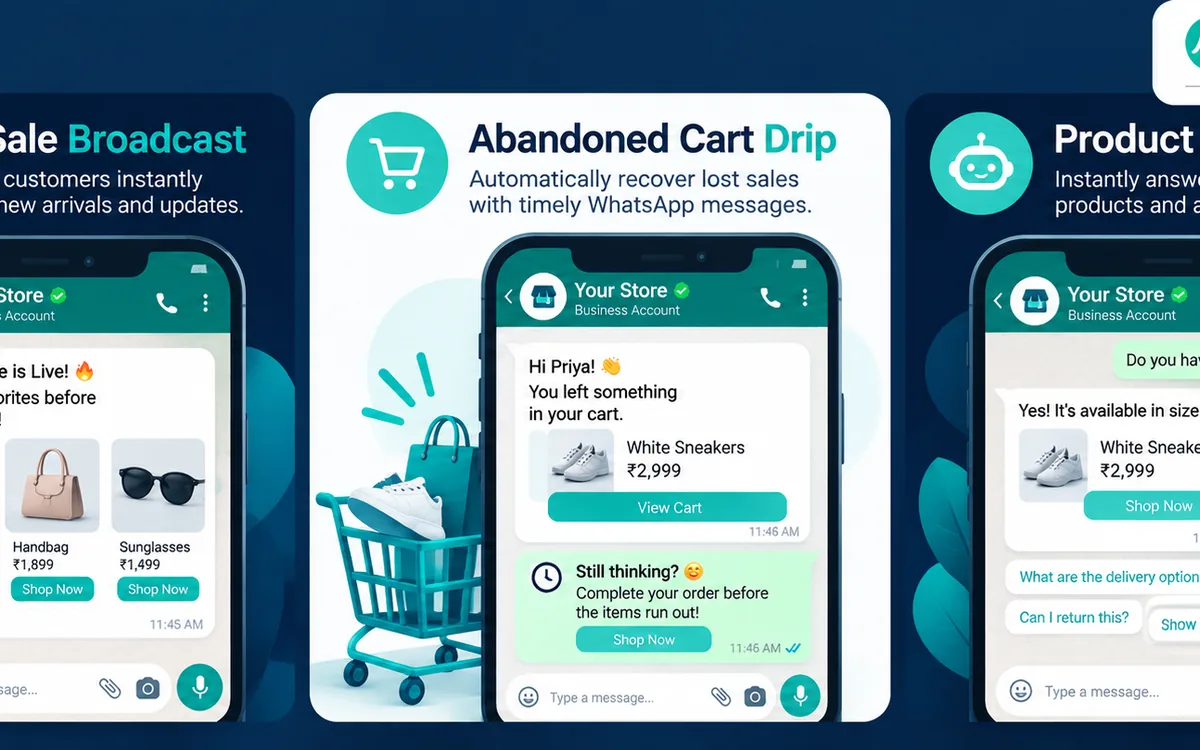
- Broadcast = project launches, open houses, inventory matches by budget/city/BHK.
- Drip = post-enquiry nurture and post-site-visit follow-ups with document checklists.
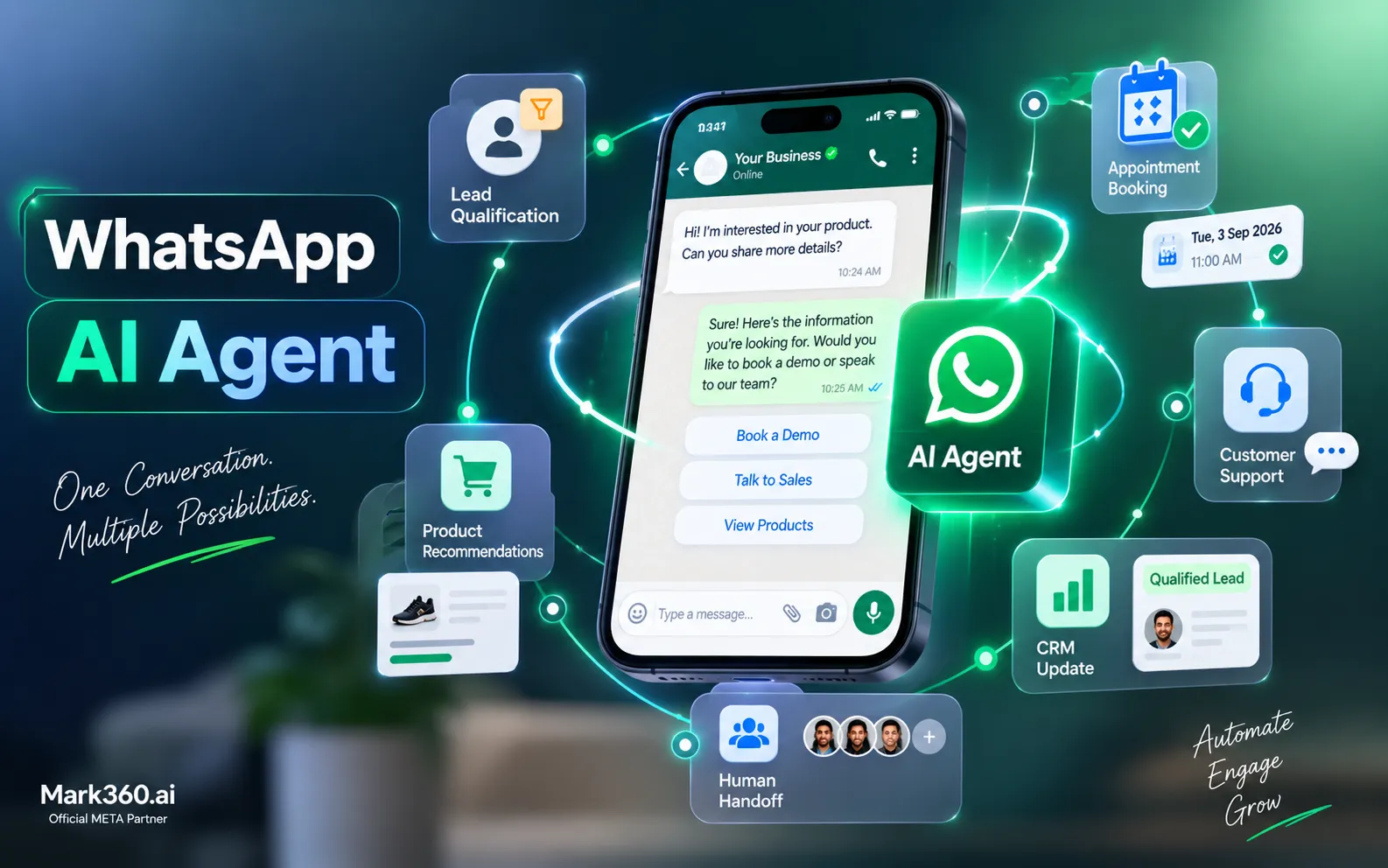
- Chatbot / AI agent = qualify, PDF floor plans, schedule visits, CRM handoff.
- CTWA / listing ads feed the same bot for after-hours capture.
- Head keyword volume is modest; use-case density and competitor cases are strong—write for intent, not vanity volume alone.
Why property businesses need the API
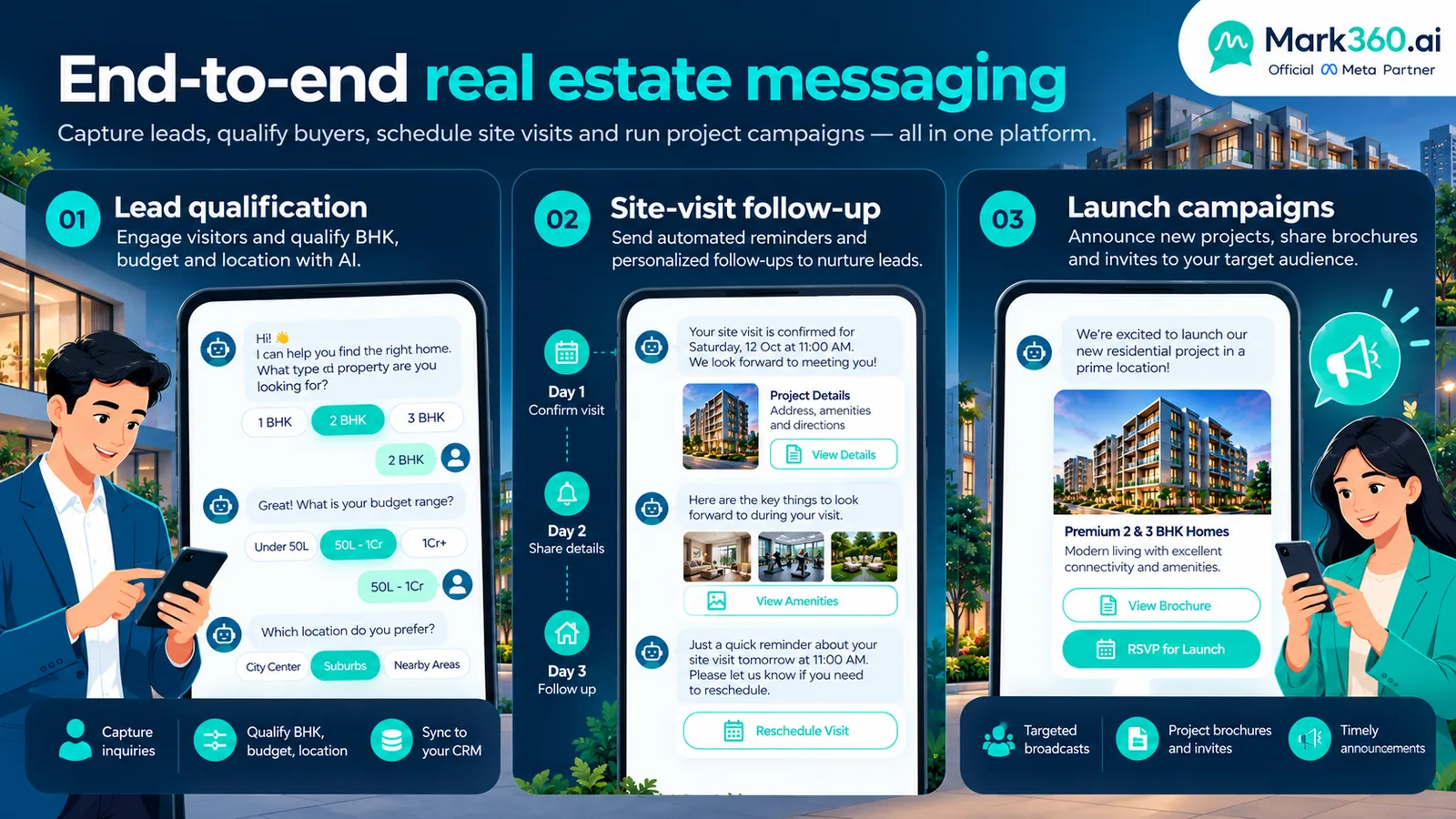
- Portals and Facebook/Instagram ads create night-time lead spikes
- Buyers expect brochures and floor plans in one chat thread
- Agents juggle multiple projects; shared inbox + CRM sync prevents lost leads
- Launch day requires segmented broadcasts beyond App list caps
Use case 1 — Broadcast: launches, open houses, inventory alerts
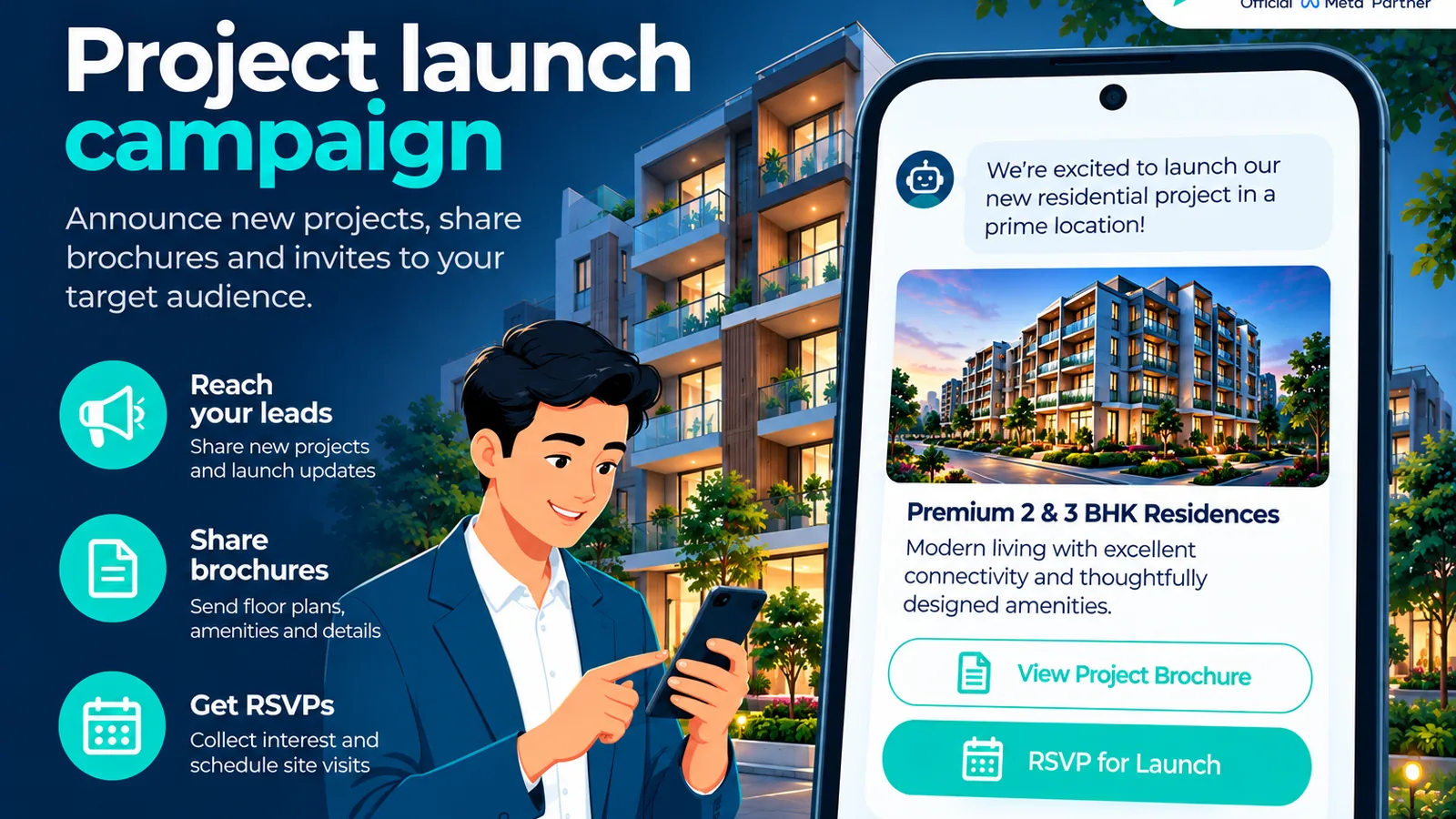
- Project launch: teaser + registration CTA to opted-in city/budget segment
- Open house / sample flat: datetime, map, RSVP button
- Inventory alert: “2BHK under {budget} back in matching shortlist”
- Price revision / payment plan window: factual, approved marketing template
Workflow
- Grow opt-in via site QR, landing pages, CTWA (“Hi, send budget & BHK”).
- Tag: city, budget band, BHK, buyer vs investor, project interest.
- Approve templates with project image header + URL to microsite / brochure.
- Send to matching segments only; exclude closed-won and DNC.
- Bot handles RSVP; hot replies route to on-shift agents.
Use case 2 — Drip: enquiry nurture and post-site-visit follow-up
Post-enquiry drip (no visit yet)
| Step | Timing | Content |
|---|---|---|
| 1 | Immediate | Thanks + 3 clarifying questions (budget, BHK, timeline) if bot did not already capture |
| 2 | +2–4 hours | Matching project carousel / PDF + social proof |
| 3 | +24 hours | Site-visit slot picker |
| 4 | +72 hours | FAQ (loan desk hours, possession, amenities) |
| 5 | +7 days | Soft check-in; offer callback |
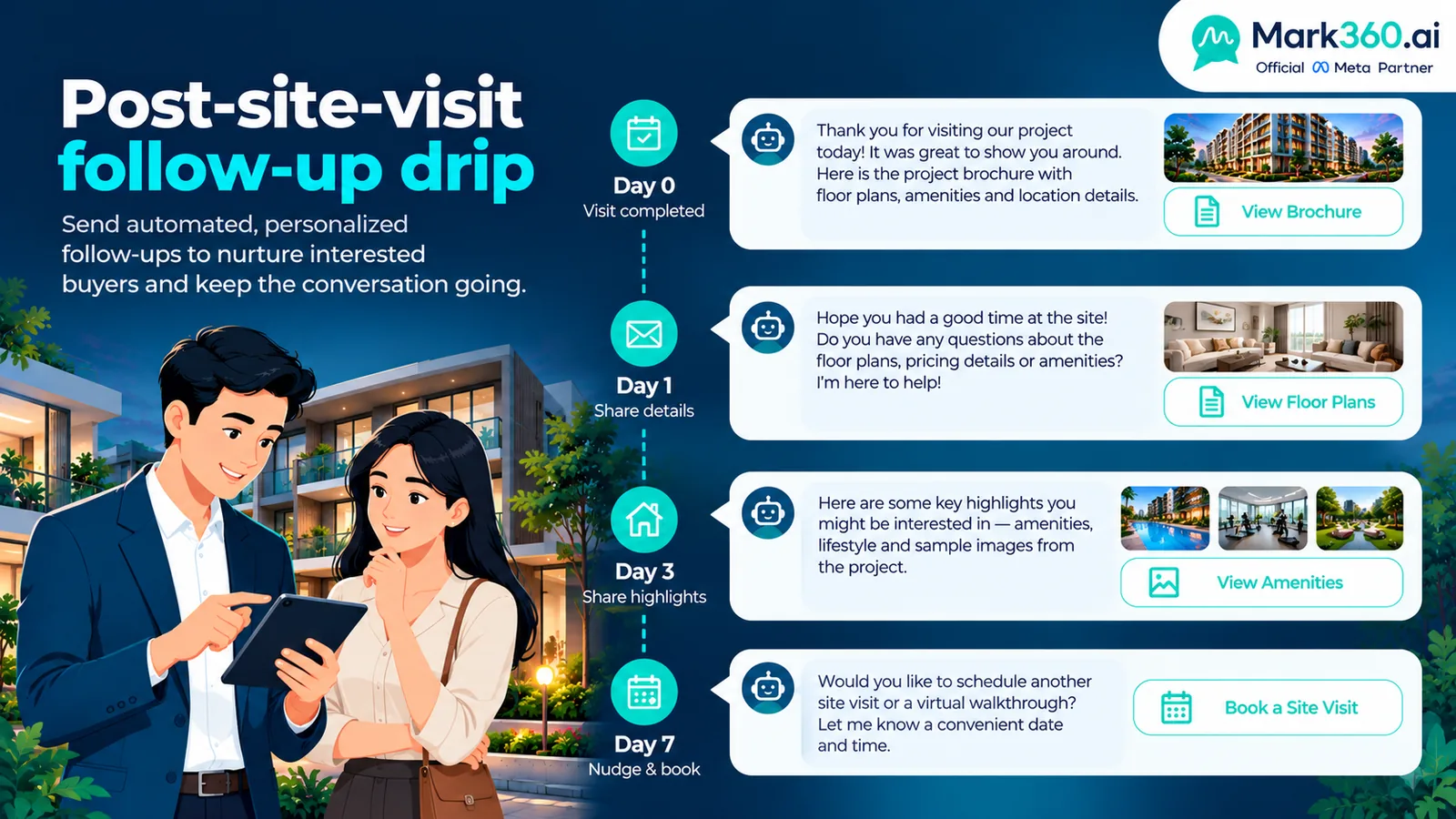
Post-site-visit drip
- Day 0 evening: thank-you + brochure + “questions?”
- Day 1: comparison sheet vs two alternatives they saw
- Day 3: document checklist for application / KYC (links, not scary attachments spam)
- Day 7: agent personal video note or human call task if still open
- Stop on application submitted, lost reason logged, or unsubscribe
Use case 3 — Real estate WhatsApp chatbot / AI agent
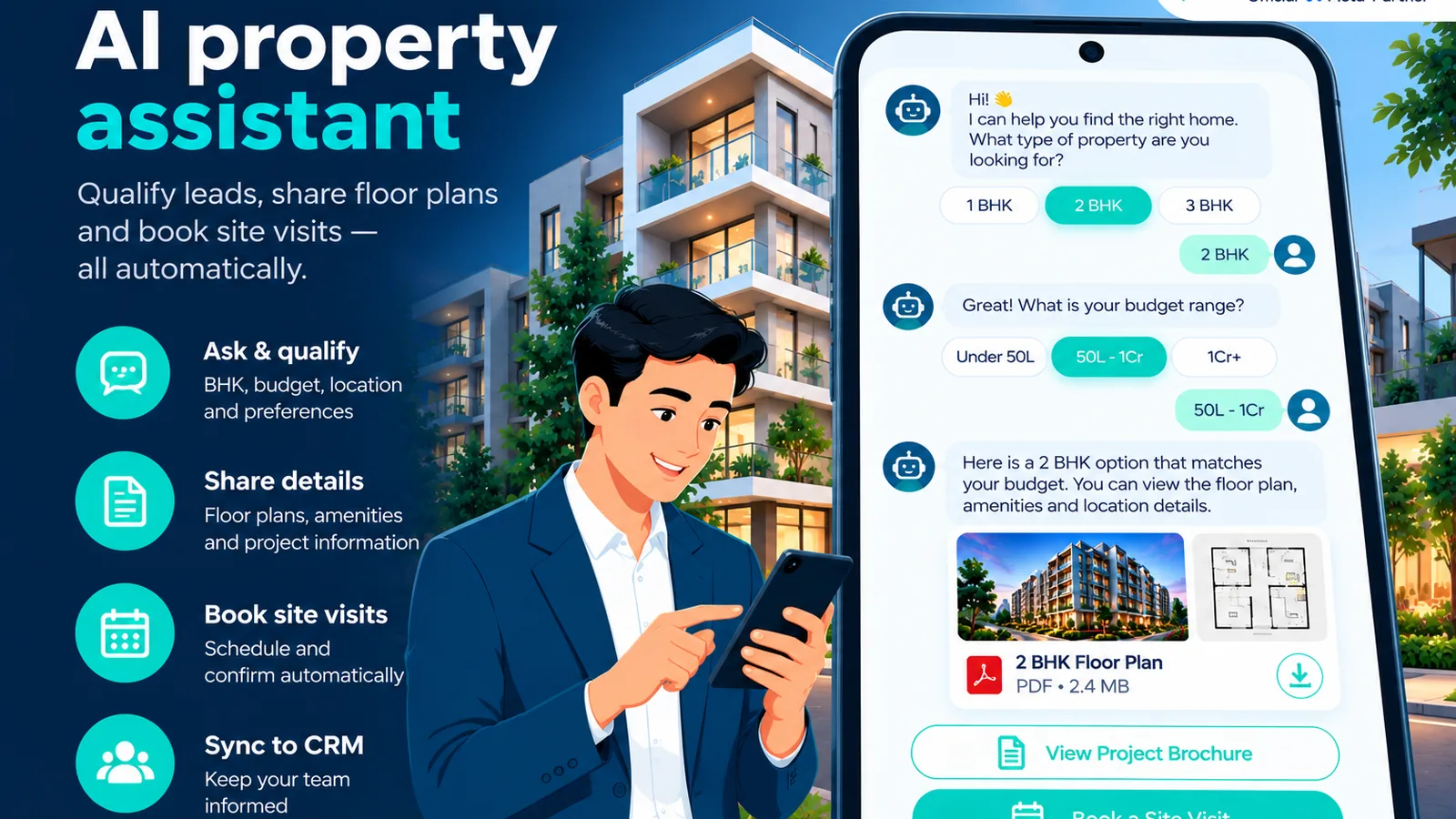
The chatbot is the product for RE:
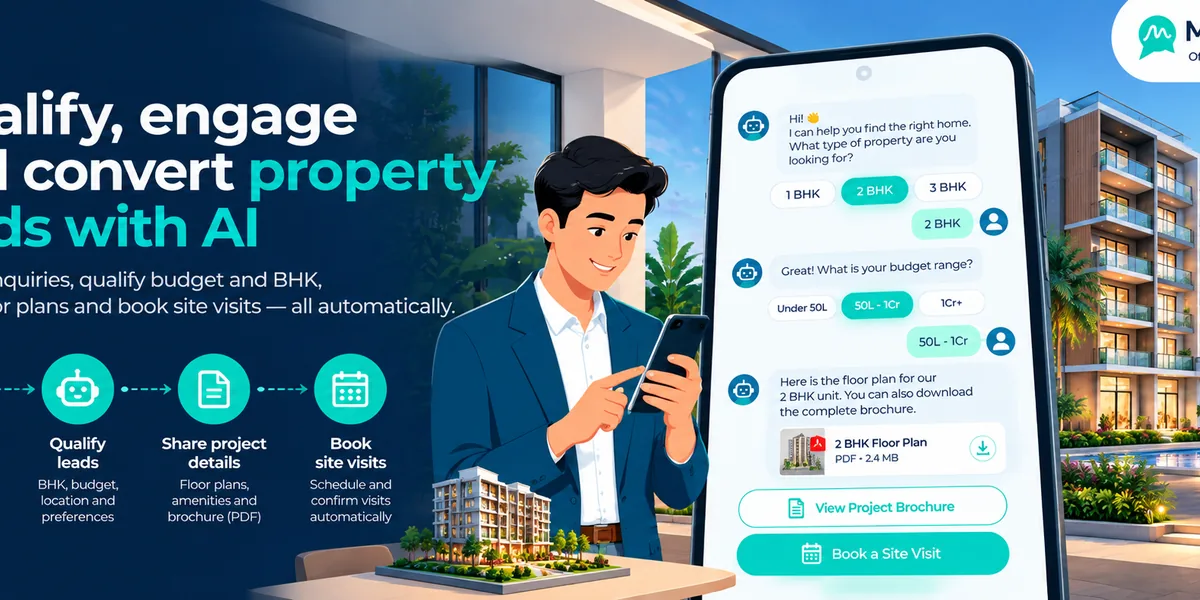
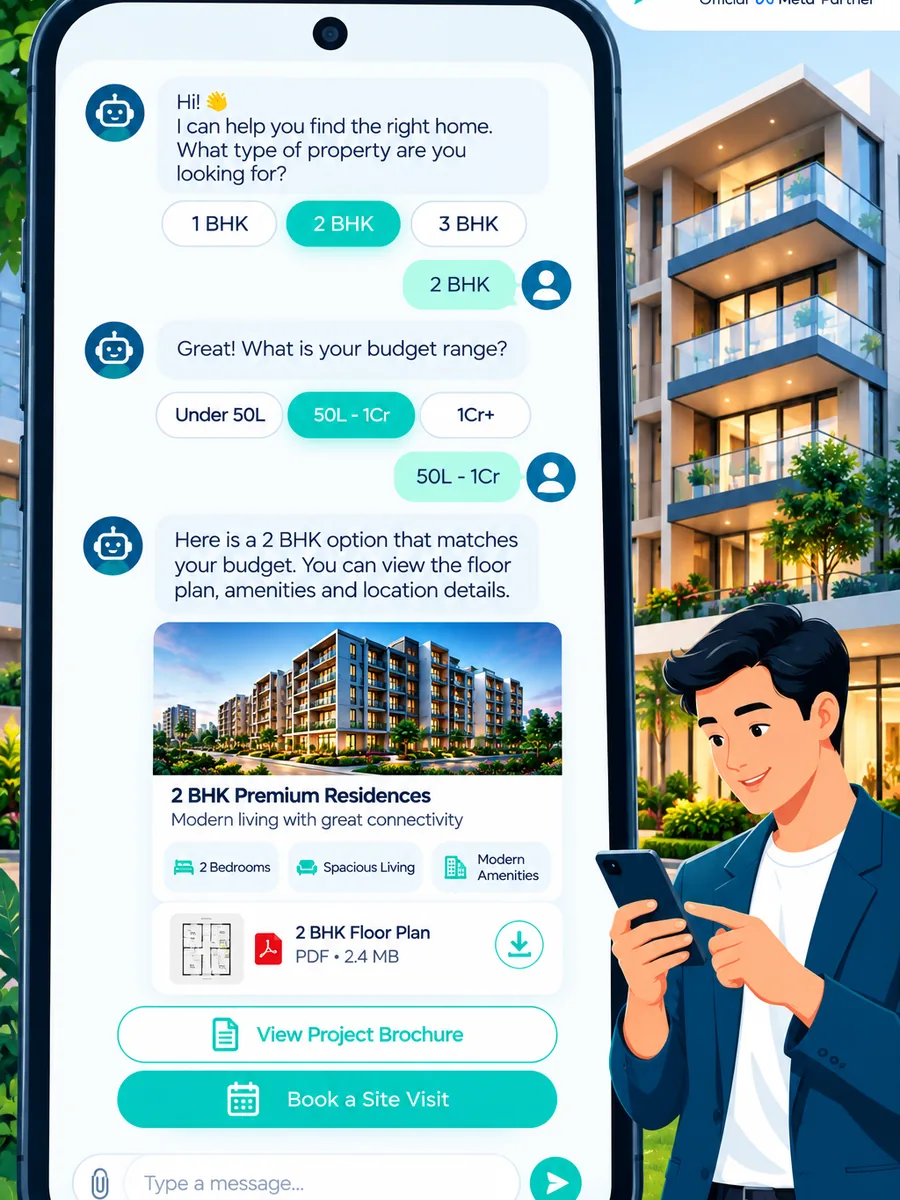
- Ask budget, BHK, preferred locations, possession timeline
- Filter inventory and send 1–3 matching options with PDFs
- Book site visits against agent calendars
- Capture lead source (CTWA, portal, walk-in QR)
- Handoff when negotiation, legal, or custom discount appears
Example conversation
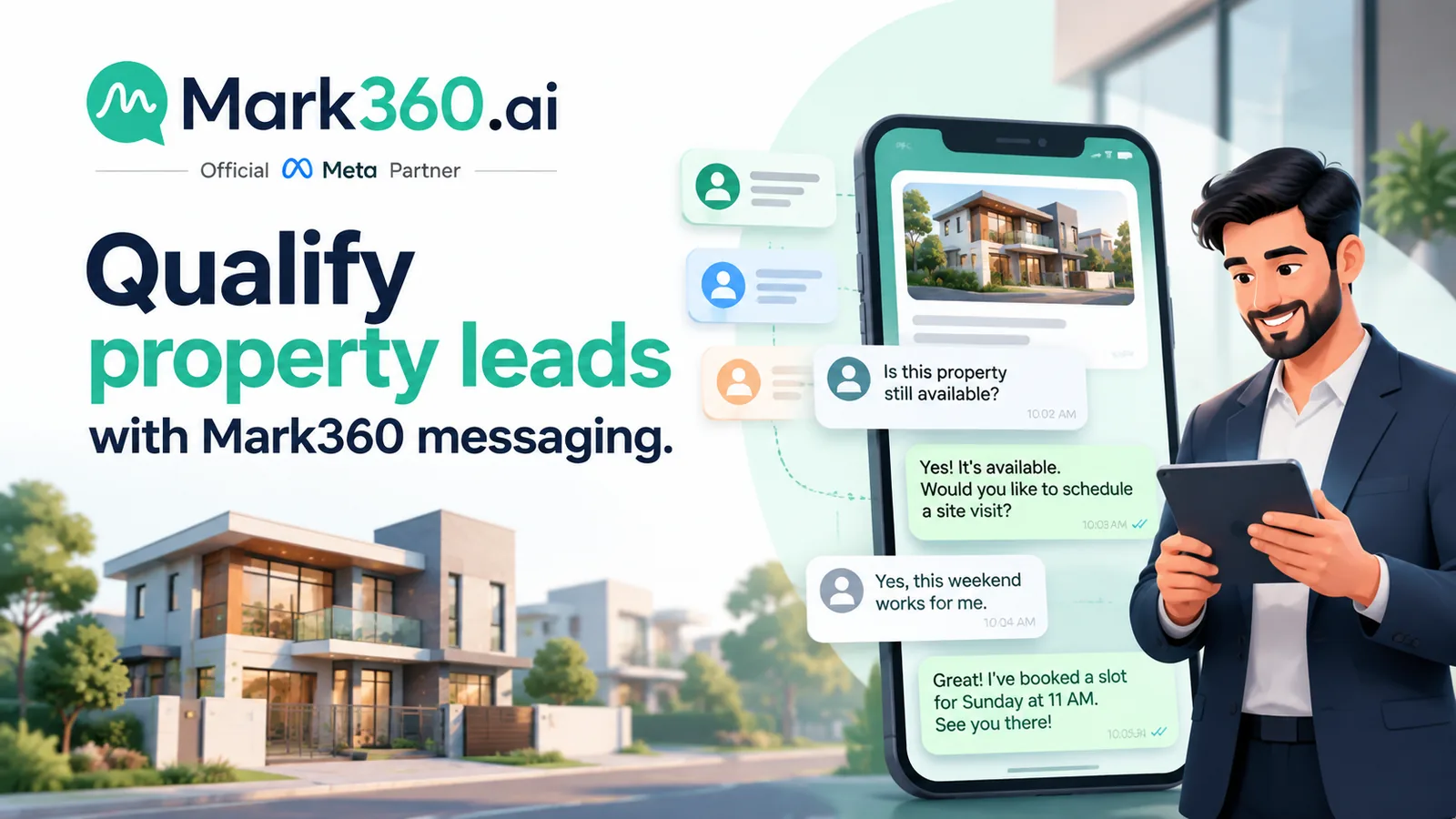
- Lead (CTWA): “2BHK near metro under 80L”
- Bot: confirms city → shows two projects with floor-plan PDFs → offers Saturday/Sunday visit slots
- Lead books Sunday 11am → CRM + agent SMS/WA notify → reminder drip T−24h/T−2h
- After visit: auto-enroll post-visit drip; agent adds notes in CRM
Vendor narratives around faster response and higher visit bookings are common in BSP case studies (illustrative—cite source if you quote numbers; do not invent Meta performance rates).
Setup path with Mark360
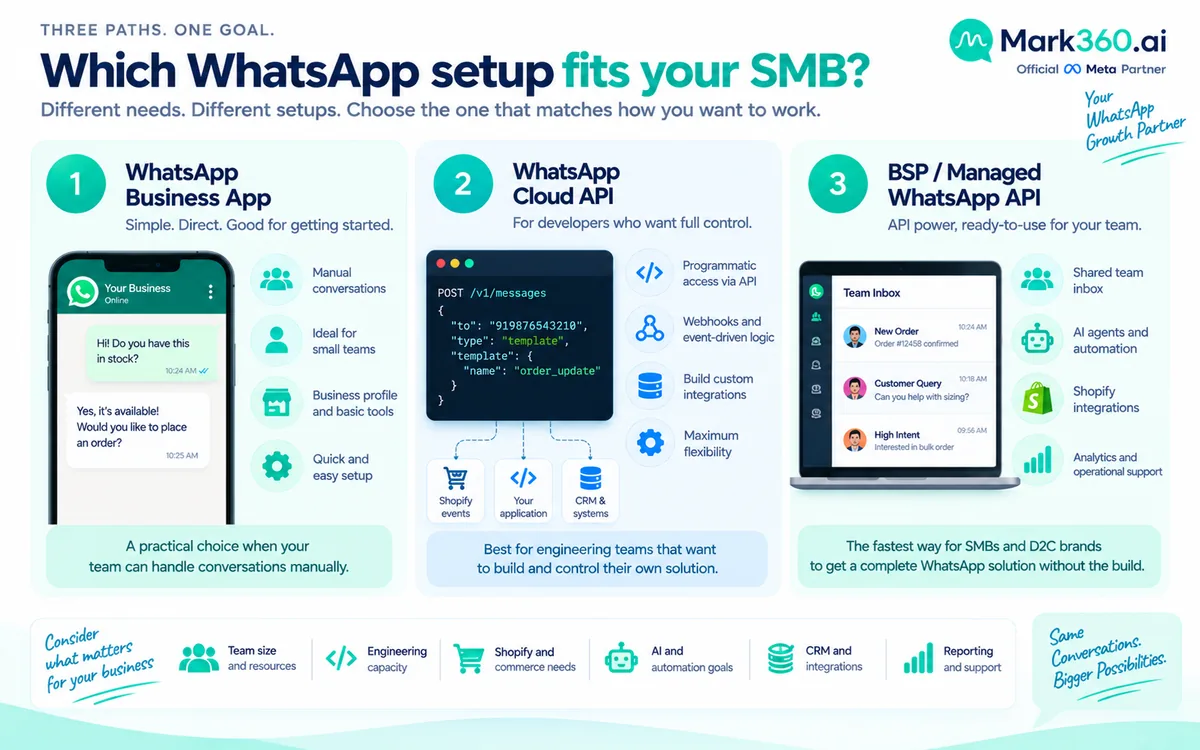
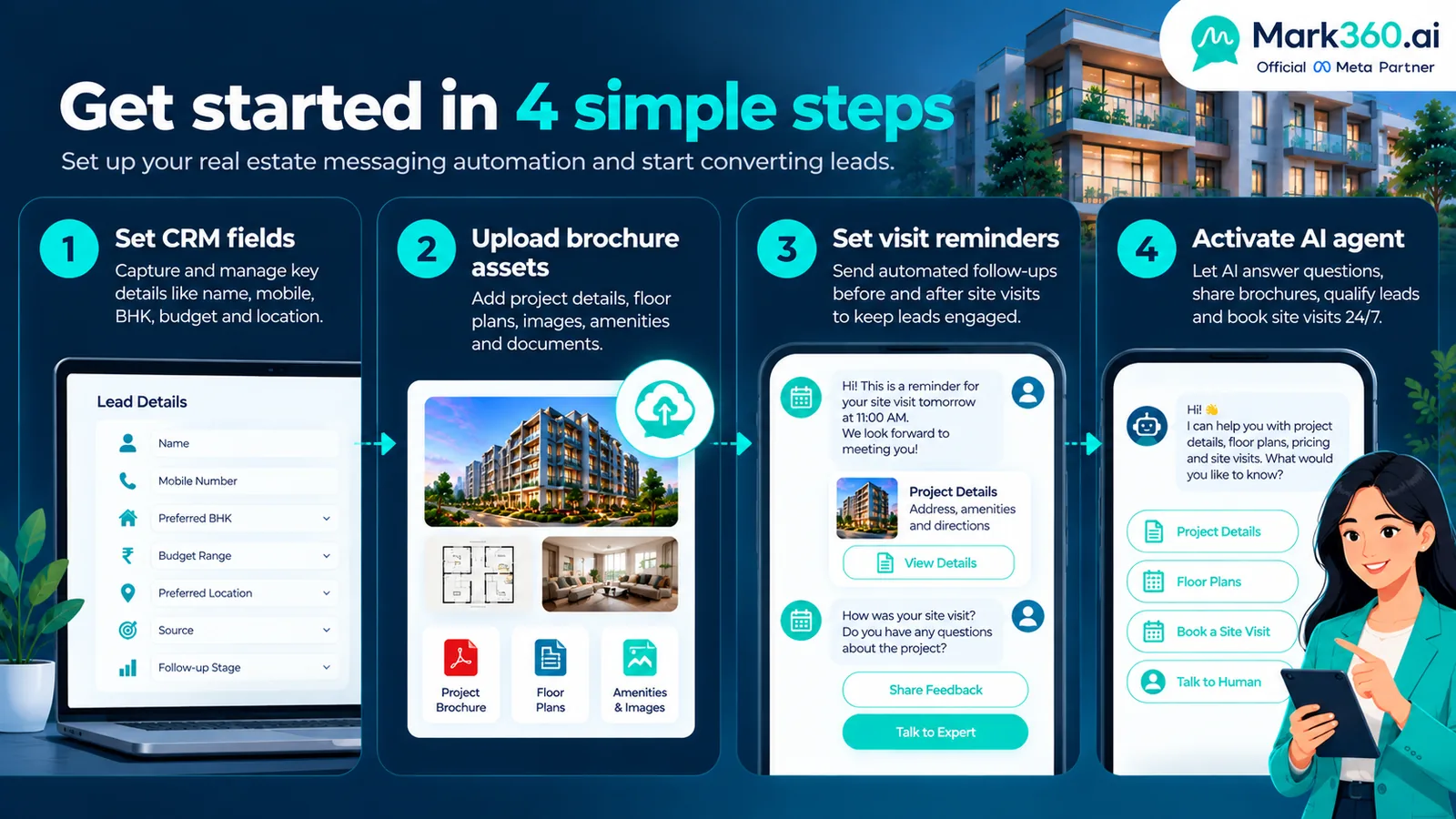
- Onboard WhatsApp Business API through Mark360.
- Connect CRM (or sheet) fields: budget, BHK, project, stage, owner agent.
- Upload brochure/floor-plan assets; configure AI agent tools for inventory FAQ.
- Approve templates: launch, open house, visit confirm/reminder, post-visit thanks.
- Go live after-hours bot first; add launch broadcast when list quality is clean.
- Weekly review: median first response, visits booked, show rate, applications.
KPIs for property WhatsApp
| Metric | Target mindset |
|---|---|
| Median first-response time | Seconds/minutes via bot, not hours |
| Qualified lead rate | Leads with budget+BHK captured ÷ total |
| Visits booked / shown | Funnel health |
| Visit → application | Sales effectiveness after automation |
| Broadcast RSVP rate | Launch creative quality |
Related guides
Ecommerce · Education · Clinics · Restaurants · Top 5 hub.
Speed-to-lead operating system for property teams
Real estate WhatsApp automation only works when response time and CRM hygiene are non-negotiable.
- Define SLA: Bot first response under 60 seconds; human takeover under 15 minutes during shift for hot visits.
- Normalize fields: budget max, BHK, locations (multi-select), timeline (0–3 / 3–6 / 6+ months), financing need.
- Inventory rules: Bot may send only active listings with approved creatives; archived projects stay hidden.
- Visit logistics: Calendar buffers for travel time; auto-remind buyers and notify agents.
- Lost reasons: Require agents to close leads with a reason so drips stop intelligently.
CTWA + portal + walk-in: one qualification script
| Channel | Opening bot line | Qualification minimum |
|---|---|---|
| Click-to-WhatsApp ad | “Welcome—sharing options for {{campaign_city}}. What’s your budget and BHK?” | Budget + BHK |
| Portal lead synced with consent | “Saw your enquiry for {{project}}. Still exploring 2BHK or open to other towers?” | Confirm interest + timeline |
| Site QR / hoarding | “Thanks for scanning {{project}}. Want brochure or site-visit slots?” | Intent + phone verification |
| Referral | “{{agent}} linked you—happy to help. Budget range?” | Budget + location |
Identical qualification fields across channels make reporting honest. Vanity metrics like “messages sent” matter less than qualified conversations and held site visits.
Brochure and media etiquette on WhatsApp
- Prefer one strong PDF or microsite link over five huge attachments that fail on low bandwidth.
- Watermark floor plans if required by the developer.
- Keep claims consistent with RERA/local advertising rules in your market—automation does not excuse non-compliant copy.
- After sending media, ask a single next question (“Shall I book a Sunday morning visit?”).
Launch-day runbook
On a project launch day:
- Freeze inventory flags an hour before broadcast so the bot does not oversell a sold tower.
- Send segmented marketing templates (priority VIP list first, then general opt-ins).
- Staff a war-room inbox: AI agent handles FAQ, humans handle payment-plan exceptions.
- Trigger visit RSVP confirmations as utility messages.
- End-of-day: export show interest list for call verification; pause further promo to exhausted segments.
Mistakes agencies make
- Dumping every listing PDF before knowing budget.
- Continuing drips after a buyer says they purchased elsewhere.
- Using informal WhatsApp groups as a substitute for API audit trails.
- Quoting invented “Meta conversion rates” in sales pitches to developers.
- Letting junior staff promise discounts the inventory system cannot honor.
Agent scorecards that keep automation honest
When a chatbot books visits, agents sometimes relax. Prevent that with transparent scorecards:
- Median human reply time after bot handoff
- Visit show rate for visits the agent owns
- Application rate within 14 days of a completed visit
- Data quality: % of leads with budget+BHK filled
- Drip override rate (how often agents pause automation—high can mean bad creative or bad inventory match)
Share scorecards weekly. Automation should make top agents faster, not create a blame game when inventory is weak.
Developer vs brokerage configurations
| Motion | WhatsApp emphasis | Watch-outs |
|---|---|---|
| Developer sales gallery | Launch broadcasts, sample-flat RSVPs, loan-desk FAQs | RERA/ad claim compliance; inventory sync |
| Independent brokerage | Cross-project matching bot, agent routing by micro-market | Do not overpromise exclusives; disclose representation |
| Secondary / resale | Qualification + scheduling only; humans for negotiation | Document verification stays off casual chats |
| Commercial leasing | Longer drip, brochure education, appointment with leasing managers | Fewer impulsives—optimize for qualified tours |
Legal and advertising hygiene
Automation multiplies whatever copy you approve. Before enabling templates:
- Confirm project marketing permissions and mandatory disclosures for your jurisdiction.
- Avoid income/roi guarantees in chat scripts.
- Keep identity verification and booking deposits on secure payment pages.
- Log opt-ins; “they messaged us once three years ago” is not everlasting marketing consent in many regions.
Example qualification script (bot + human)
Bot (first 60 seconds):
- “Welcome to {{brand}} — are you exploring to buy or invest?”
- “What budget range and BHK should I filter for?”
- “Which areas are must-have vs nice-to-have?”
- “I can share 2 matching options with floor plans, or book a site visit—what do you prefer?”
Human takeover triggers: custom discount requests, legal title questions, distressed timelines, VIP developer relationships, or any message containing complaint keywords. The AI agent should summarize the thread in three bullets before the agent speaks so buyers do not repeat themselves.
After a completed visit, the day-0 thank-you should include the exact project name and agent name. Generic “thanks for visiting” messages feel automated in the worst way; specificity feels premium even when the send is automated.
Connecting Mark360 to property CRM and calendars
A durable real estate stack on WhatsApp Business API usually includes:
- CRM stages: New → Qualified → Visit booked → Visit done → Application → Won/Lost.
- Owner routing: round-robin or micro-market assignment when the bot requests a human.
- Calendar: site-visit slots with travel buffers and agent notifications.
- Asset store: approved brochures and floor plans versioned by project.
- Compliance log: template name, segment, timestamp, and approximate audience size for launch audits.
Mark360 sits as the Official Meta Business Partner layer for WABA, campaigns, and AI agents, while your CRM remains the system of record for deal value. If your team currently lives in spreadsheets, begin with disciplined columns (budget, BHK, project, stage, owner) before buying a heavier CRM—you can migrate later without rewriting the WhatsApp journeys.
Rehearse a mock launch with ten internal numbers before any public blast. Confirm that RSVP buttons create CRM tasks and that unsubscribes remove people from marketing segments within minutes, not days.
When not to automate
Skip heavy automation for one-off ultra-luxury off-market deals where a principal insists on white-glove only chat, for legal disputes, and for any conversation already escalated to counsel. Automation shines on high-volume portal and CTWA leads; it should stay out of emotionally charged complaint threads except to route them instantly to a senior human.
If your market requires brokerage disclosures in advertising, put the same disclosure in marketing templates and bot footers. Consistency across channels is easier to defend than a clever WhatsApp-only exemption you invented.
Next steps
Define qualification questions, connect Mark360, and put an after-hours bot + visit reminder drip live before your next launch blast.