


Short answer: A WhatsApp link is https://wa.me/ followed by the full phone number in international format, digits only (no +, zeroes, brackets or dashes). Add ?text= and URL-encoded text to pre-fill a message, for example https://wa.me/919XXXXXXXXX?text=Hi%20I%20want%20a%20quote. Or skip the formatting and use our free WhatsApp link generator.
Format verified in the WhatsApp Help Center, "How to use click to chat", on 15 October 2026.
The wa.me link format
| Link type | Format | What happens |
|---|---|---|
| Chat with a number | https://wa.me/<number> | Opens a chat with that number, without saving the contact |
| Number + pre-filled message | https://wa.me/<number>?text=<urlencodedtext> | Opens the chat with your text already in the message box |
| Message only | https://wa.me/?text=<urlencodedtext> | Shows the contact list so the user picks who to send it to |
WhatsApp's own rule: use the full international number and omit any zeroes, brackets or dashes. https://wa.me/1XXXXXXXXXX works; https://wa.me/+001-(XXX)XXXXXXX does not. Click to chat works on phones and on WhatsApp Web, and the number must have an active WhatsApp account.

How to create a WhatsApp link in 3 steps

- Format the number. Country code + number, digits only. An Indian mobile written as +91 98XXX XXXXX becomes
9198XXXXXXXX. - Write the opening message. Keep it short and specific to the page, for example "Hi, I want the price list".
- Encode and join. Spaces become
%20, line breaks%0A. Or paste both into the free WhatsApp link generator, which encodes the text and makes a QR code.
Pre-filled message examples that get replies
| Where the link sits | Pre-filled text |
|---|---|
| Product page | Hi, is [product] available in my size? |
| Instagram bio | Hi, I saw your Instagram and want to know more |
| Google Business Profile | Hi, I'd like to book an appointment |
| Price-list ad | Hi, please send me the price list |
Use a different pre-fill per channel so you can see in your inbox where each chat came from. For approved business-initiated messages after the first chat, start from our WhatsApp message templates library.

Where to use your wa.me link
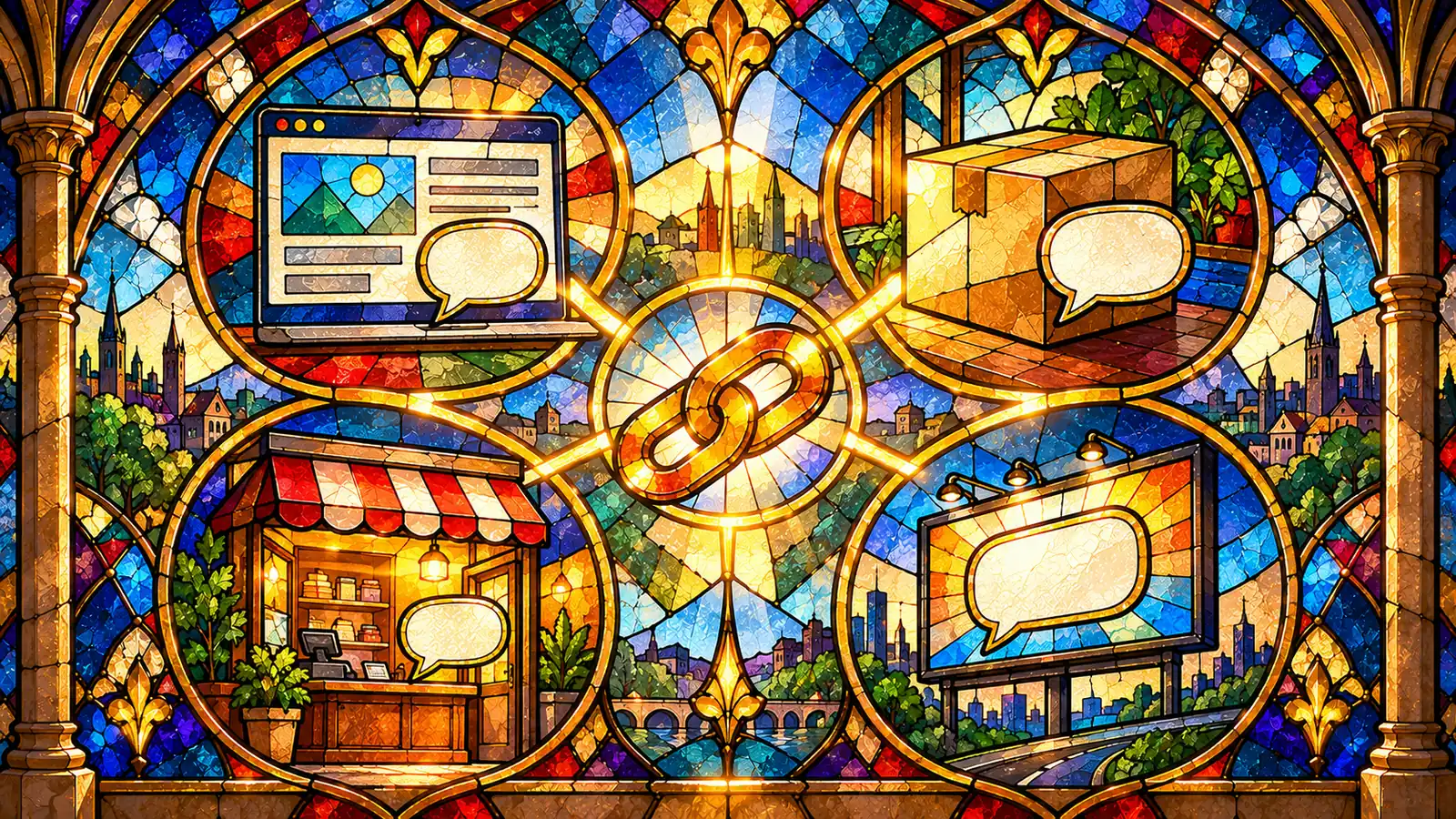
- Website header and contact page, or as a floating WhatsApp chat widget.
- Instagram bio and Stories; compare options in comment-to-DM vs link in bio vs WhatsApp link.
- Printed packaging, menus and shop counters as a WhatsApp QR code.
- Paid social: for Meta ads, use a Click to WhatsApp ad instead of a plain link; see Click to WhatsApp ads in India.
Common wa.me mistakes
- Keeping the + sign, spaces or a leading 0 in the number.
- Pasting unencoded text with spaces or & into
?text=. - Linking a number that isn't on WhatsApp.
- Using one link everywhere, so you can't tell which channel brought the chat.
Turn wa.me clicks into automated WhatsApp conversations
A link starts the chat; Mark360 answers it. Connect the official WhatsApp Business API, auto-reply with a WhatsApp chatbot and route leads in a shared team inbox.
Start free on Mark360 (no credit card) or book a demo and we will price your exact volume with you. Plans are on mark360.ai/pricing.
FAQs
How do I create a wa.me link?
Type https://wa.me/ followed by your full phone number in international format, digits only, with no +, zeroes, brackets or dashes. Example: https://wa.me/1XXXXXXXXXX (WhatsApp Help Center, checked 15 October 2026).
How do I add a pre-filled message to a WhatsApp link?
Add ?text= followed by the URL-encoded message: https://wa.me/
Is the WhatsApp link generator free?
Yes. wa.me links are free to create, and Mark360's WhatsApp link generator is free to use.
Does a wa.me link work on a computer?
Yes. WhatsApp says click to chat works on phones and on WhatsApp Web.
Can I create a WhatsApp link without a phone number?
Yes, https://wa.me/?text=
Does a wa.me link work with WhatsApp Business?
Yes. The link opens a chat with any number that has an active WhatsApp account, including WhatsApp Business and API numbers.
How do I turn a WhatsApp link into a QR code?
Paste the wa.me link into a QR code generator such as Mark360's WhatsApp QR code generator and print or share the image.
Facts and prices above were checked on the cited official pages on 15 October 2026; confirm on the vendor site before you buy.