

Quick answer: What is the difference between WhatsApp green tick and blue tick in India?
In everyday Indian usage, “green tick” usually means a WhatsApp Business verification badge / Official Business Account (OBA) style trust signal on a business profile, while “blue tick” often refers to Meta Verified on personal Facebook/Instagram (and related Meta Verified experiences) — not a badge you can buy from a random WhatsApp reseller. Exact badge UI labels change over time; what does not change: Mark360 and every legitimate BSP can help with business verification and API setup, but nobody can honestly sell you a fake tick. Treat paid “guaranteed green tick” ads as a scam risk.
Blue tick vs green tick in plain English
Search demand for “whatsapp blue tick” in India is huge, but people mix three ideas:
- Meta Verified (often described as a blue badge) on Facebook/Instagram profiles — a subscription-style verification product from Meta with its own eligibility rules.
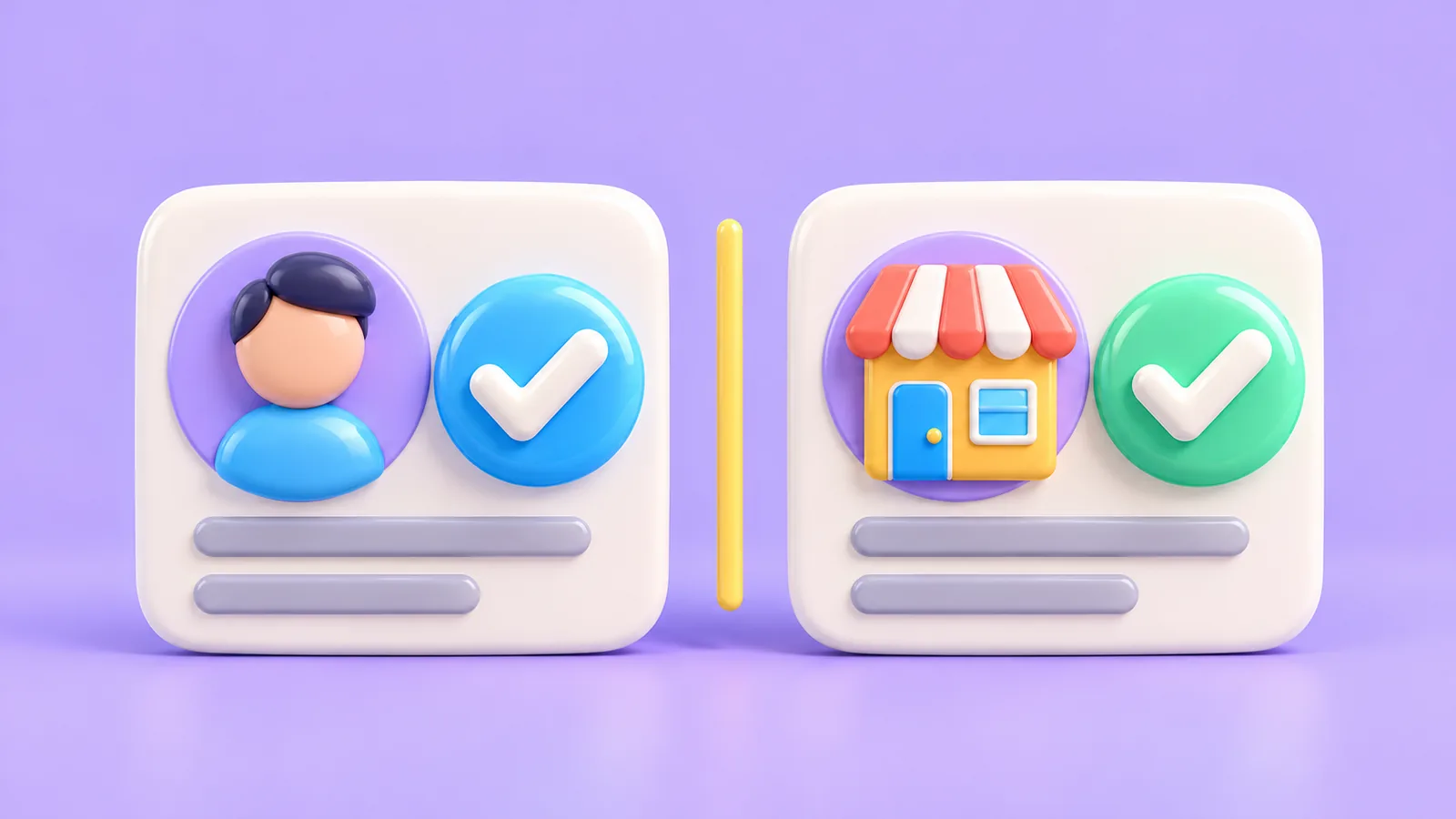
- WhatsApp Business display-name / business verification — proving your business is who it claims to be in Business Manager so the profile shows trusted business information.
- Official Business Account (OBA) / official brand presence — higher-bar official brand accounts historically associated with a stronger verification treatment (availability and criteria are controlled by Meta, not by BSP sales decks).
When friends say “get a green tick on WhatsApp,” they usually mean “make my business look officially verified on WhatsApp,” not “buy Meta Verified for my personal Instagram.” Keep those products separate when you budget or brief an agency.
UI copy and badge colours have shifted across Meta apps over the years. Always confirm what you see in the live WhatsApp client and Business Manager rather than relying on a 2022 screenshot circulating on YouTube.
Meta Verified vs WhatsApp Official Business Account
| Concept | What it is | What it is not |
|---|---|---|
| Meta Verified | Meta’s subscription verification on supported apps/profiles | Not a BSP upsell that magically approves any WhatsApp number |
| WhatsApp business verification | Documented business checks via Meta Business Manager | Not the same as unlimited marketing send rights |
| OBA / official brand account | Higher-trust official business presence when Meta grants it | Not something Mark360 can sell as a fake badge |
If a vendor promises “blue tick + green tick combo pack for ₹X,” you are not buying Meta products — you are buying risk.
What Indian SMBs actually need
Most Indian SMBs need: (1) a correct business display name, (2) completed business verification where required, (3) a stable number on the official WhatsApp Business Platform, and (4) quality messaging so customers do not block them. An OBA-style official badge helps large consumer brands; it is not the first bottleneck for a 10-person D2C team that still sends from an unofficial blaster.
Priority order we recommend: official API access → clean templates/opt-in → verification hygiene → then aspirational official-badge goals if Meta’s criteria fit your brand. Trust is cumulative: customers believe the brand that answers correctly more than the brand that only flashes a badge.
Business verification steps (India docs)
- Set up Meta Business Manager with accurate legal entity details.
- Submit business verification documents Meta requests for India (typically incorporation / GST / tax identifiers as applicable — follow the live Business Manager checklist).
- Connect your WhatsApp business account and phone number via Embedded Signup through a partner such as Mark360 or via Cloud API.
- Align display name with your trademark / brand rules; mismatched names delay approval.
- Keep website, email, and address consistent with documents.
Timelines vary. Incomplete PDFs and mismatched spellings cause most delays — not “BSP not trying hard enough.” Keep a shared folder of certificate scans, GST PDF, and authorised signatory ID so resubmits are fast.

How API / BSP path affects verification
A Meta Partner BSP helps you complete Embedded Signup, avoid grey tools, and operate templates while verification proceeds. The BSP does not replace Meta’s decisioning. Moving from Business App to API can change how your profile is managed; plan number migration carefully. Architecture context: Cloud API vs Business App vs BSP.
If you currently rely on unofficial multi-device tools, remove them before or during migration. Parallel grey automation is a common reason accounts look “unlucky” with verification and quality.
Myths (buying ticks, unofficial apps)
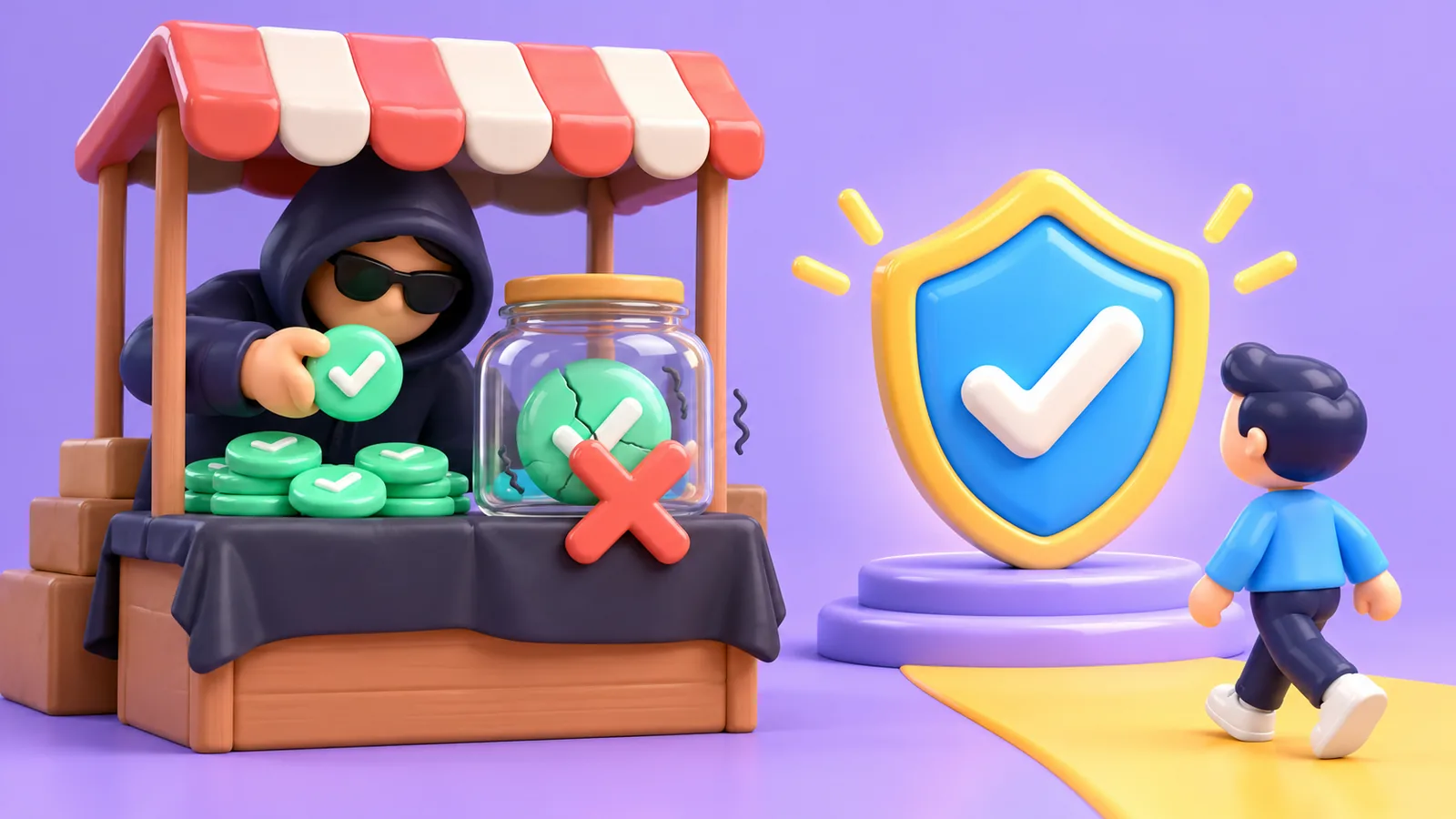
- Myth: “Pay ₹2,999 for instant green tick.” Reality: Meta controls verification; resellers selling badges are unreliable or fraudulent.
- Myth: Unofficial apps can force a tick. Reality: They more often get numbers restricted — see banned causes.
- Myth: A tick means free bulk messaging. Reality: You still need templates, opt-in, and category pricing.
- Myth: Blue tick on Instagram automatically verifies WhatsApp. Reality: Different products and surfaces.
When marketing claims get you restricted
Even verified-looking profiles get limited if users report spam, if you message non-opted contacts, or if you use prohibited categories. Verification is not a spam licence. Pair trust badges with quality sending practices from day one.
Indian categories that need extra care include loans, health claims, and get-rich offers. When in doubt, ask your BSP and Meta policy docs before you scale a template that overpromises.
Checklist before applying
- Legal name, brand name, and website match.
- Business Manager admins use work emails; 2FA on.
- Phone number ownership proven; no simultaneous grey tooling.
- Support / sales staff briefed not to promise customers a fake tick date.
- API/BSP path chosen so messaging can continue professionally during review.
Related reading
WhatsApp banned causes and solutions · Cloud API vs BSP India.
How customers experience trust beyond the badge
Indian consumers decide trust from reply speed, accurate order or booking facts, and whether your display name matches the brand they googled. A badge helps; a wrong invoice PDF destroys the benefit. Invest in knowledge bases and Utility templates that reduce “any update?” pings before you obsess over badge colour semantics.
Agencies selling “verification packages” sometimes bundle website tweaks and Business Manager cleanup — useful services — with a guaranteed tick date. Buy the cleanup if needed; ignore the guarantee. Meta’s decision remains Meta’s.
Display name tips that reduce rejection loops
- Match the name customers already search for; avoid stuffing keywords like “Best Cheap Loans India.”
- Keep legal entity vs brand relationship documented when they differ.
- Remove emojis and ALL-CAPS shouting from the display name request.
- Ensure the website header and WhatsApp about text tell one coherent story.
After approval, do not constantly rename the business for campaign gimmicks. Churning display names looks suspicious and can re-trigger reviews.
Where Mark360 helps — and where it stops
Mark360 can help Indian teams complete Embedded Signup, organise Business Manager hygiene, submit coherent display-name and verification materials, and operate official API messaging while Meta reviews the business. That is real operational help.
Mark360 cannot override Meta’s verification decisions, cannot sell Meta Verified subscriptions as a WhatsApp green tick, and will not participate in marketplace schemes that promise badges for a fixed fee with a guaranteed date. If that is what a competitor is selling, treat it as a red flag in your provider scorecard.
Next steps
If your goal is trust plus scalable messaging, start with official API onboarding and clean business verification — not a marketplace “tick seller.”
- Explore Mark360 WhatsApp API
- Talk to sales about verification guidance and API setup (honest help — not fake badges)
- See pricing when you are ready to estimate message volume
Mark360 can walk Indian teams through Partner onboarding and verification hygiene. We will not sell a counterfeit green or blue tick — and you should not buy one.